Polygon Wallet Introduction
A Polygon Wallet is a digital tool that connects users to the Polygon blockchain and lets them store, send, receive, and manage MATIC and other Polygon assets. Polygon was created to solve one of Ethereum's biggest limitations: speed and transaction costs. As Ethereum became more popular, network congestion pushed gas fees higher and made simple transactions more expensive than many users were comfortable with. Polygon was built for high throughput and fast confirmations.
The Polygon Network was developed as a Layer 2 scaling solution that works alongside parent blockchain Ethereum. Similar to Ethereum, the Polygon network utilizes its native token, MATIC, for gas fees. MATIC also powers transactions on the Polygon network and in a Polygon wallet.
The Polygon network uses a Proof-of-Stake consensus mechanism and can process 65,000 transactions per second while maintaining significantly lower fees, while Ethereum typically handles around 15 transactions per second.
What is a Polygon Wallet?
A Polygon blockchain wallet is a digital wallet designed to store, send, receive, and manage assets on the Polygon network. A Polygon wallet operates directly on the Polygon Network and helps you to use MATIC tokens along with other supported digital assets. The MATIC wallet itself does not store cryptocurrency. It takes care of the credentials needed to access and control coins on a blockchain.
As a type of crypto wallet, a Polygon wallet serves as the connection between users and blockchain networks. It shows your balances and transaction history, helps to connect to dApps and to interact with a blockchain.
Because Polygon functions as a scalable Ethereum Layer 2 network, many wallets also support connections to the Ethereum mainnet. This allows users to move assets between networks, benefit from Polygon's lower costs and faster transaction processing. For users who prefer self-custody, a non-custodial Polygon wallet makes it easy to manage assets across both networks without relying on a third party to hold their funds.
Securing Your Polygon Wallet and Assets
A Polygon wallet gives users direct access to their assets and authorizes operations on their behalf. In this scenario, protecting wallet credentials becomes one of the most important responsibilities.
Every wallet relies on private keys to approve transactions and confirm ownership. A digital wallet secures those private keys through encryption, authentication, and recovery mechanisms. If private keys are compromised, you can lose access to your crypto very quickly.
The most important security component is the seed phrase. It is a unique combination of 12 to 24 words generated during wallet creation. Then, the seed phrase generates your private key. A Polygon wallet requires a seed phrase backup because it serves as the only recovery method if something goes wrong.
A few security practices consistently reduce risk:
- Store your seed phrase offline.
- Never share private keys or recovery phrases.
- Use unique passwords.
- Enable all available security features.
- Verify websites before connecting wallets.
- Keep wallet software updated.
- Stay alert to phishing messages and fake support accounts.
A hardware wallet is a type of crypto wallet that can support Polygon. Hardware wallets provide additional protection by keeping private keys offline on a dedicated device that is encrypted, for example, with a PIN. Many users combine a non-custodial software wallet for daily activity with hardware storage for long-term holdings to prevent most online attacks.
Types of Polygon Wallets
Digital wallets generally fall into two categories: hot wallets and cold wallets. Starting with that, it is very hard to tell if there is the one best wallet for everybody. Someone interacting with decentralized applications every day will approach wallet selection differently than someone holding a MATIC for the long run. The best Polygon wallet depends on how frequently you use the network, how much security you need, and how you prefer to access your assets.
Hot wallets remain connected to the internet and prioritize the speed and ease of use. Cold wallets keep sensitive credentials offline and focus on long-term protection.
| Wallet Type |
Category |
Security Level |
Convenience |
Best For |
| Mobile Wallet |
Hot |
High |
Very High |
Everyday use |
| Desktop Wallet |
Hot |
High |
High |
Portfolio management |
| Browser Extension |
Hot |
High |
Very High |
dApp access |
| Web Wallet |
Hot |
Medium |
High |
Fast trading |
| Hardware Wallet |
Cold |
Very High |
Medium |
Long-term storage |
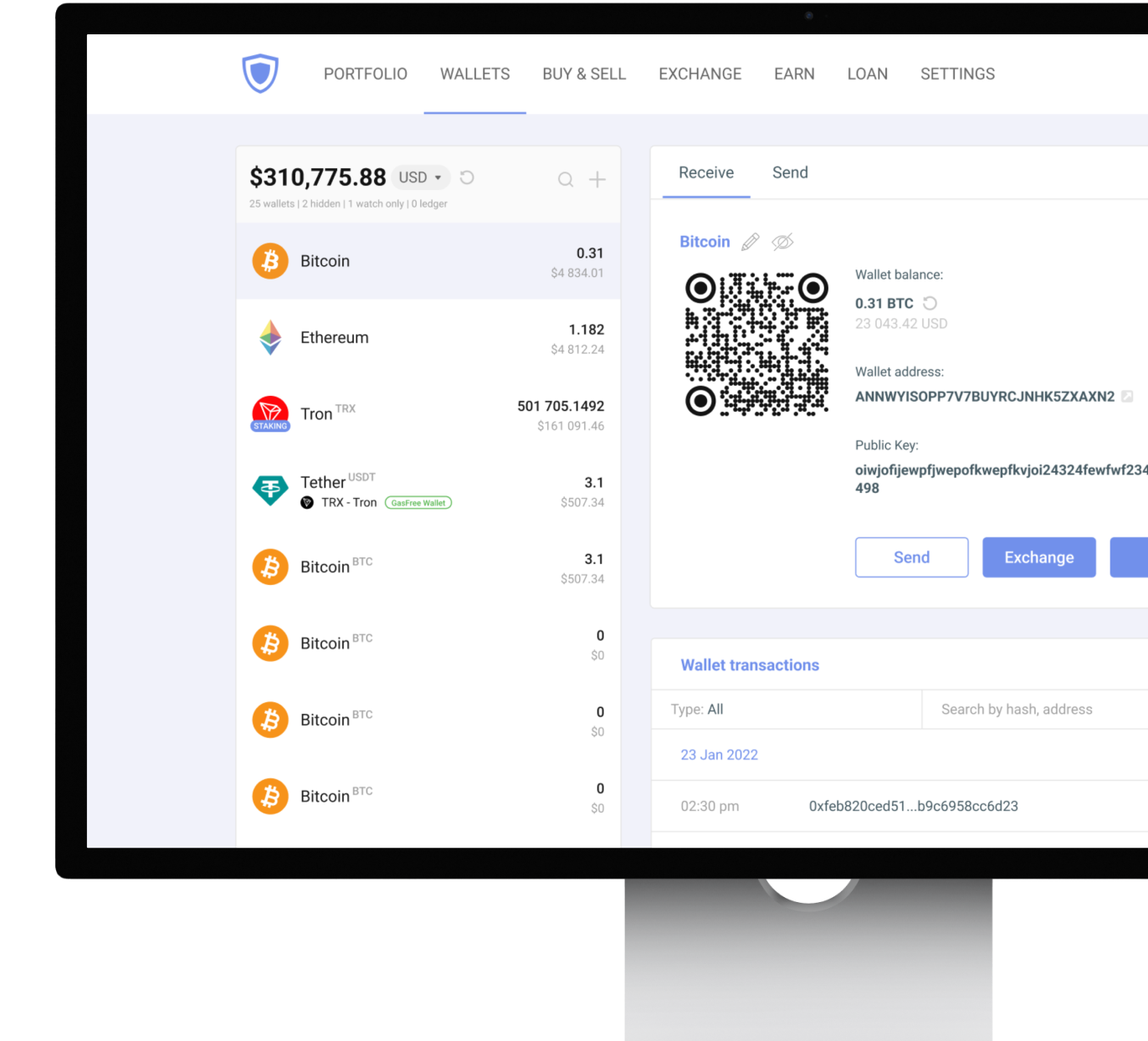
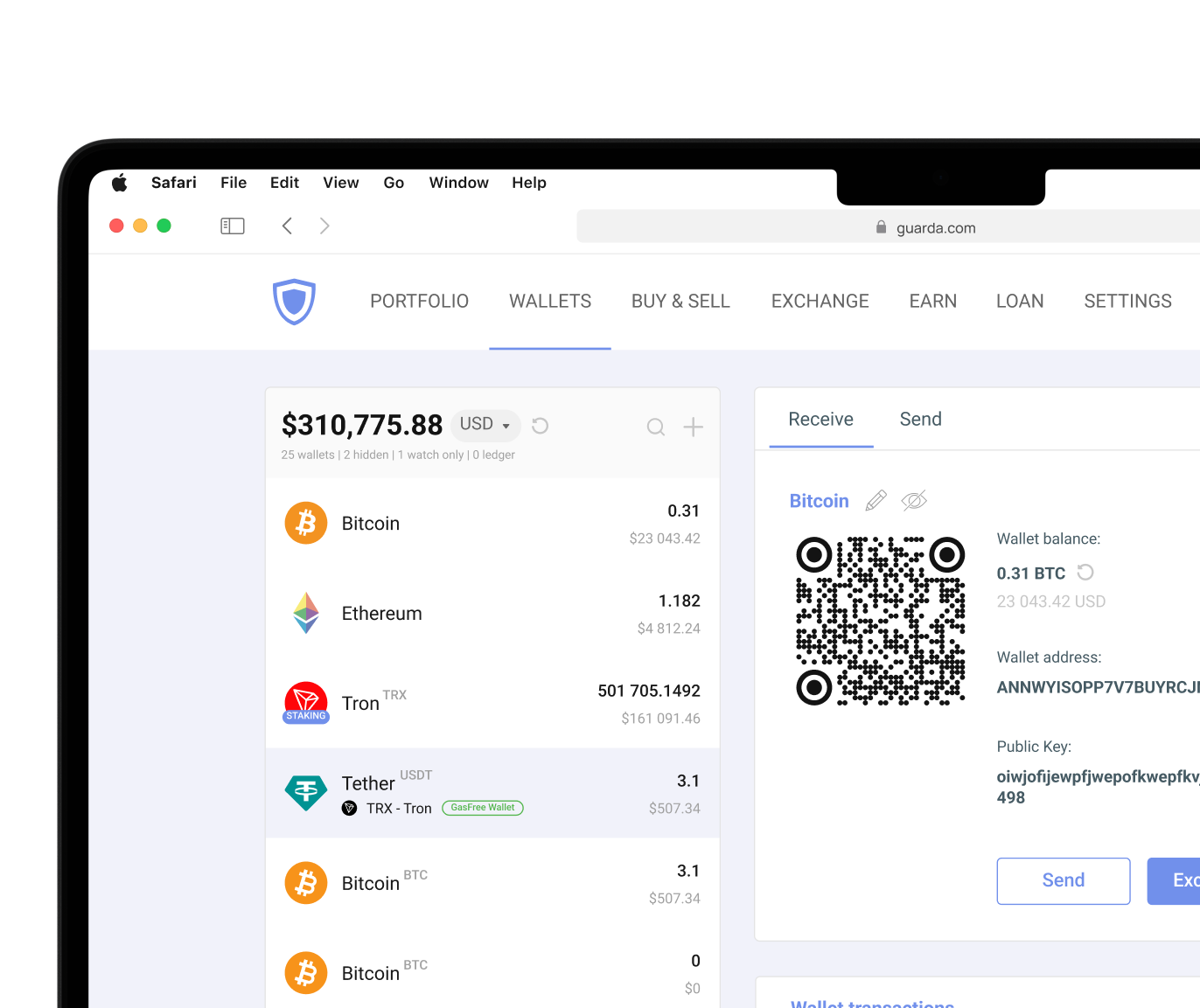
Guarda Wallet supports Polygon through desktop, mobile, web, and browser extension formats, allowing users to access the same wallet ecosystem across different devices while maintaining self-custody. Software wallets provide a smoother experience when interacting with blockchain applications. Hardware wallets are an option for crypto savings. Those wallets keep private keys offline, authorize transactions from an isolated device, and supply enhanced security for Polygon assets by minimizing exposure to online threats.
Self-Custodial vs. Custodial Polygon Wallets: Pros and Cons
One of the most important decisions when choosing a Polygon wallet is deciding who controls the private keys. A self-custodial digital wallet secures your private key and gives you complete ownership of your sensitive credentials. A custodial wallet places those credentials under the control of a third party, usually an exchange or service provider. For many cryptocurrency users, self-custody is one of the primary advantages of blockchain technology.
| Feature |
Self-Custodial Wallet |
Custodial Wallet |
| Private Key Control |
User |
Third Party |
| Asset Ownership |
Full |
Shared Access Model |
| Recovery Method |
Seed Phrase |
Provider Support |
| Security Responsibility |
User |
Provider |
| Convenience |
Medium-High |
High |
| Best For |
Long-Term Control |
Beginners |
Self-custodial Polygon wallets require a seed phrase backup because users are responsible for their own recovery process. It is both an advantage and a trade-off. On one hand, no one has the ability to freeze your balances. On the other hand, no one has the ability to help you when an emergency happens.
Custodial wallets are often easier for beginners because recovery assistance is available. However, users depend on the provider's policies, infrastructure, and security practices. Neither approach is universally good or bad. The right choice depends on your priorities, experience level, and comfort with managing private keys directly.
| User Type |
Wallet Format |
Why It Works |
Guarda Option |
| Beginners |
Web / Mobile wallet |
Simple interface |
Web or Mobile app |
| Daily DeFi users |
Browser extension |
Quick dApp access without switching apps |
Browser extension |
| Multi-chain managers |
Desktop wallet |
Full portfolio overview across networks |
Desktop app |
| Security-focused |
Hardware integration |
Private keys stay offline |
Ledger integration |
Guarda Wallet supports Polygon through mobile, desktop, web, and browser extension formats, so users can match their setup to their activity level. Beginners often start with the web or mobile version because of its simple interface. The browser extension is often preferred by users of decentralized applications. For long-term holdings, Guarda integrates with Ledger, allowing users to sign Polygon transactions from a hardware device and to manage assets through the Guarda interface.
Cryptocurrency involves risk. This article is for informational purposes only and does not constitute financial advice. Always conduct your own research before using any wallet or investing in digital assets.