TRON Wallet Introduction
A TRON wallet gives users access to TRX, TRC-20 tokens, and applications built on the TRON blockchain. Users store TRX cryptocurrency in a TRON wallet, but the wallet can do much more. The TRON network uses a resource system based on Energy and Bandwidth rather than relying exclusively on traditional gas fees. As a result, wallet functionality can directly affect how much users pay to move assets, interact with decentralized applications, or transfer stablecoins such as USDT.
Behind every TRON wallet sits a private key. This cryptographic credential provides access to the wallet, proves ownership of blockchain assets, and authorizes transactions. The wallet's primary job is to protect private keys while providing a convenient way to connect to the TRON network. The TRON wallet is the control center for managing the activity of the blockchain.
What is a TRON Wallet?
A TRON wallet is a software or hardware tool that manages the private keys connected to assets on the TRON blockchain. Despite the common expression "storing crypto in a wallet," wallets do not actually hold coins. The blockchain records ownership and transaction history. The wallet simply manages the credentials that prove you own specific assets. A useful comparison is a safety deposit box. The valuables stay inside the vault, but the key gives access to them. In the same way, the private key gives access to TRX, TRC-20 tokens, and other assets associated with a wallet address.
Every TRON wallet generates a public address that can receive funds and a private key that authorizes transactions. The wallet connects to the TRON blockchain, signs requests using the private key, and allows users to send, receive, stake, and manage digital assets securely. Because the private key controls access to the wallet, protecting it remains the most important responsibility of any wallet solution.
The TRON Blockchain: Purpose and Technology
TRON launched with the goal of creating a decentralized infrastructure for digital content, applications, and value transfer. Over time, the network expanded into one of the largest ecosystems for stablecoin activity, decentralized finance, and blockchain-based applications. Developers use TRON to build decentralized applications (dApps) that run through smart contracts. The network processes these applications using the Tron Virtual Machine (TVM), an execution environment designed to support scalable blockchain activity.
One of TRON's biggest advantages is efficiency. The network can process transactions quickly and still maintain relatively low costs compared to many competing blockchains. This advantage helped TRON become one of the most widely used networks for transferring, for example, USDT.
The resource model also contributes to lower costs. Instead of relying solely on transaction fees, TRON uses Energy and Bandwidth to process activity. Users can obtain these resources through staking or specialized services, reducing the amount of TRX required for network operations. These features directly affect wallet users. A TRON wallet helps users monitor resources, interact with dApps, stake TRX, and optimize transaction costs across the network.
TRON Wallet Security Best Practices
All security advice eventually points back to protecting the private key. A TRON wallet protects the credentials required to authorize transactions and control blockchain assets. If someone gets ahold of the private key or the recovery phrase, they control the wallet itself. But strong passwords, device protection, secure backups, and cautious online behavior all contribute to reducing risk.
Security best practices checklist:
- Save your recovery phrase offline.
- Never give away private keys to anyone.
- Use passwords that are strong and unique.
- Activate available security features.
- Only download wallet software from official sources.
- Before sending funds, verify the recipient's address.
- Keep wallet and device software updated.
- Avoid links and attachments that look suspicious.
- Keep multiple secure backups.
Experienced users combine software wallets with hardware wallets for additional protection. Hardware wallets keep private keys offline and isolate them from internet-connected devices, reducing exposure to malware, phishing attempts, and compromised systems. But no wallet can compensate for poor security habits. Users who protect their private keys and recovery phrases dramatically reduce the likelihood of unauthorized access.
Types of TRON Wallets
The right choice of TRON wallet depends on your lifestyle and trading strategies. How often you use TRX, whether or not you interact with dApps, and how much responsibility you want to accept. The three main categories are software wallets, hardware wallets, and web wallets.
Software wallets balance accessibility and self-custody. Hardware wallets maximize security through offline storage. Web wallets emphasize ease of use but often introduce additional trust requirements. It is a common thing to combine multiple wallet types rather than relying on a single solution.
Hardware Wallets
The highest level of security available via very obvious techniques are hardware wallets. These devices store the private keys offline. They will also require you to physically confirm a transaction before signing it. Because the keys are kept separate from the internet-connected devices, attackers have many fewer chances to get hold of them. One of the most established hardware wallet providers is Ledger. It also works with software wallets like Guarda to manage assets more easily.
Advantages of hardware wallets:
- Private keys remain offline
- Strong protection against online attacks
- Physical confirmation required for transactions
- Support for multiple cryptocurrencies
- Suitable for long-term storage
Considerations:
- Additional purchase cost
- Less convenient for daily use
- Requires access to the physical device
Software Wallets: Desktop & Mobile Solutions
Software wallets give users the fastest way to interact with the TRON ecosystem. They run on smartphones, desktop computers, and browser extensions, allowing users to manage TRX, transfer TRC-20 tokens, stake assets, and connect to decentralized applications from a single interface.
Software wallets keep private keys in an encrypted environment on the device itself. This approach makes transactions quicker and more convenient, but it also means users must actively protect their devices from malware, phishing, and unwanted access. Non-custodial software wallets offer one important feature: users retain control of their private keys. Instead of trusting a third party to hold assets, you manage ownership yourself.
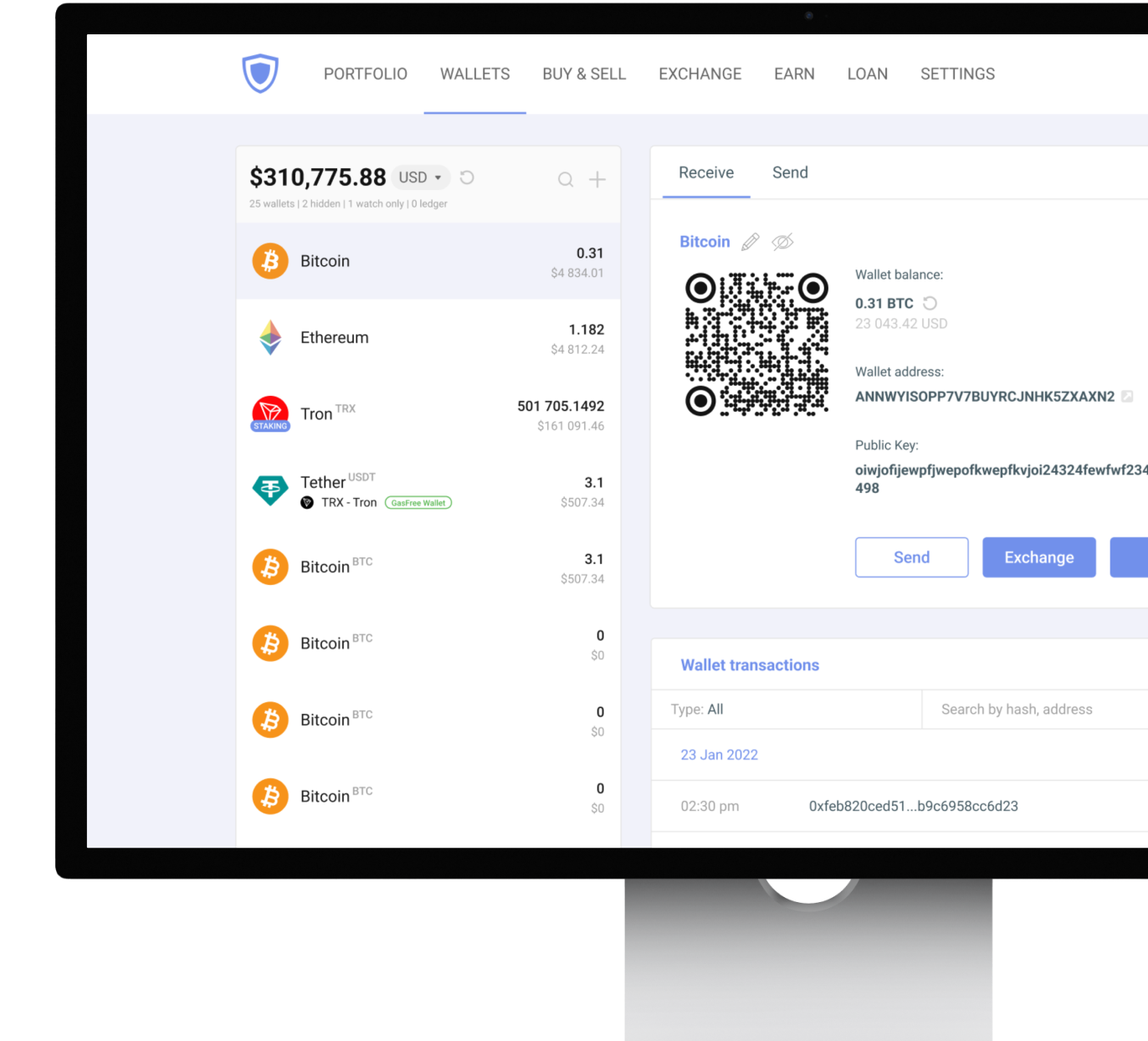
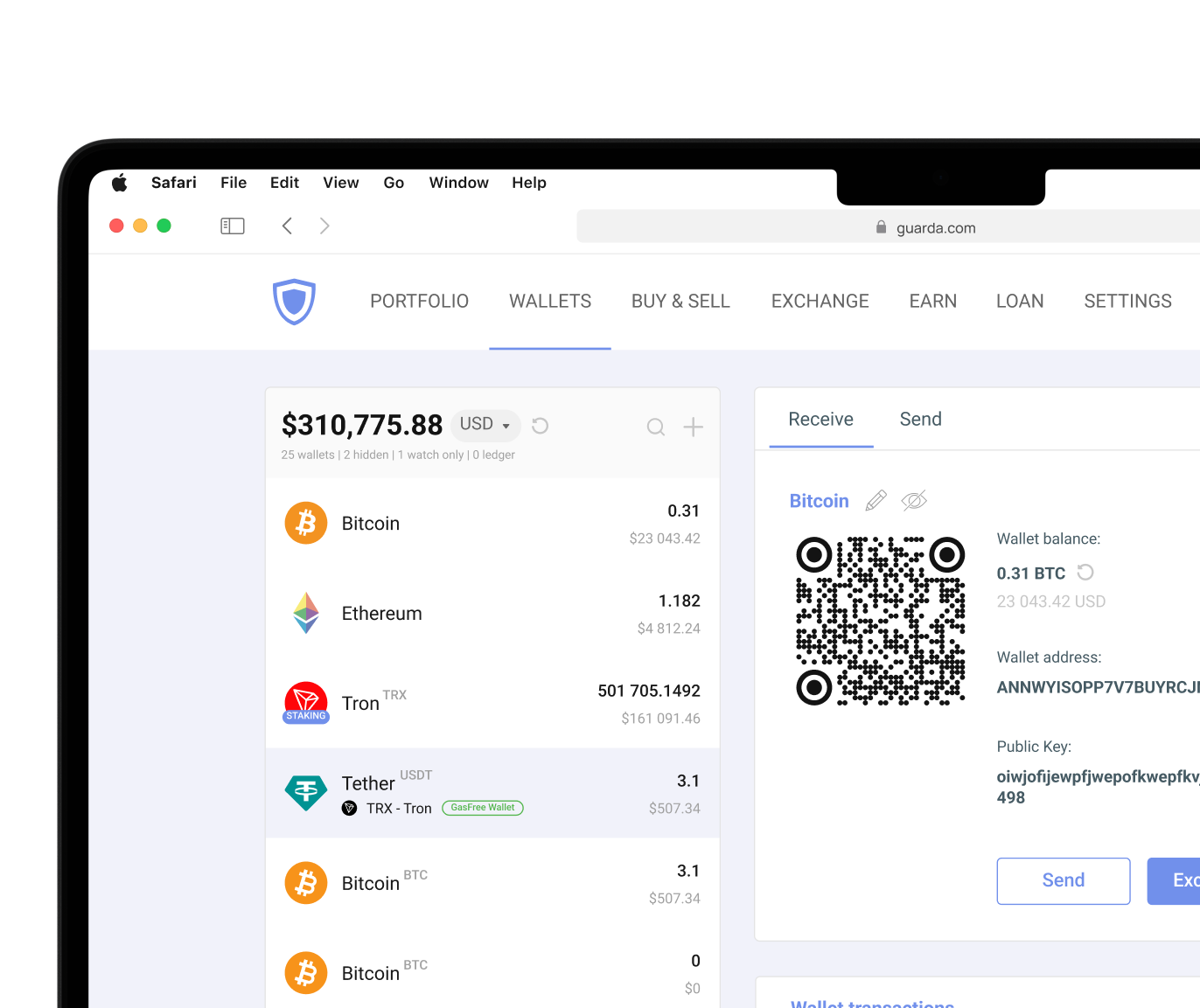
Guarda Wallet supports TRON across desktop, mobile, web, and browser extension platforms. Users can manage TRX and TRC-20 tokens from a single ecosystem without giving up control of their assets. The wallet also supports Ledger integration.
TRON users often face the challenge of transaction costs. Many operations on the network require Energy or TRX to process transactions. Which is quite a puzzle if you use Tron for any token but TRX. Guarda addresses this issue and helps users optimize fees. You can rent Energy directly through the wallet instead of acquiring it through traditional staking methods. For TRC-20 USDT transfers, Guarda also offers a Gas Free Wallet feature that takes away the necessity to hold TRX only for fees and instead charges a fixed 1.5 USDT fee.
Advantages of non-custodial software wallets:
- Fast access to assets
- Desktop, mobile, and browser support
- Easy interaction with dApps
- Convenient portfolio management
- Non-custodial ownership of private keys
- Access to Energy rental services
- Support for Gas Free USDT transfers
Considerations:
- Depend on device security
- Greater exposure to phishing attacks
- Require careful backup management
- Remain connected to the internet
Web Wallets: Convenience vs. Security
Web wallets prioritize accessibility. Users can make use of funds from a browser without installing dedicated software, making them popular among traders and users who need quick account access. Most web wallets provided by exchanges follow a custodial model. The service provider controls the private keys while users interact with an account interface. This arrangement simplifies account recovery but reduces direct ownership and control.
The cryptocurrency industry has seen numerous examples of exchange outages, account freezes, and security incidents over the years. For that reason, many experienced users avoid storing large balances in custodial web wallets for extended time frames.
Advantages of web wallets:
- Accessible from almost any device
- No installation required
- Convenient for trading activity
- Simple account management
Considerations:
- Often custodial
- Users do not control private keys
- Greater dependence on third parties
- Less suitable for long-term storage
For users who want browser-based access but still being in charge of their assets, a non-custodial browser extension wallet provides a stronger alternative. Guarda's browser extension allows users to interact with TRON dApps directly while maintaining ownership of their private keys.
Cryptocurrency involves risk. This article is for informational purposes only and does not constitute financial advice. Always conduct your own research before using any wallet or investing in digital assets.




 Google
Chrome
Google
Chrome Brave
Brave