Verge Wallet Introduction
The Verge wallet is a crypto wallet that supports XVG, a privacy-focused cryptocurrency that uses technologies such as the Tor Network and the Wraith Protocol to help protect user information. Privacy is the reason most people discover Verge in the first place. Because confidentiality is an important aspect of the project, the ideal Verge wallet is a tool that best represents the XVG.
A Verge wallet allows you to store, send, receive, and manage XVG while maintaining control over your funds. More importantly, it gives you control over the private keys connected to those funds. The wallet supports XVG transactions, integrates with Verge's privacy-focused infrastructure, and helps users interact with the network securely.
Verge Privacy Technology powers many of the privacy features available to users, while Tor Network integration helps mask network activity and improve transaction privacy. Whether you're holding XVG long-term or using it regularly, understanding how Verge wallets work is the first step toward protecting your assets.
What is Verge Wallet?
Verge Core Wallet is the official Verge Wallet implementation of the vergecurrency project and operates as a full blockchain node.
Over the years, the Verge ecosystem has seen several wallet implementations, with Verge Core Wallet serving as the official reference wallet developed by the project itself. Earlier wallet versions focused primarily on basic transaction functionality, while later releases improved synchronization, privacy integration, stability, and overall user experience. One of the reasons Verge Core Wallet remains important is that it operates as a full blockchain node. It downloads and verifies blockchain data directly, giving users the highest level of independence and privacy available within the Verge ecosystem.
Today, users are no longer limited to running a full node. Many of the same core functions are available through non-custodial wallets such as Guarda. Users can send, receive, and store XVG while benefiting from a simpler interface and cross-platform access without sacrificing control of their private keys.
Security Practices for Verge Wallet Users
A non-custodial Verge wallet keeps private keys under your control, and protecting those keys remains your responsibility. These keys are the credentials that Verge wallet uses to approve transactions. Even the strongest privacy technology cannot protect funds if recovery phrases are exposed or devices become compromised during phishing attacks. Verge Privacy Technology includes tools designed to improve transaction privacy, while integrations with networks such as Tor and I2P help reduce exposure of sensitive network information.
Security Priorities for Verge Holders
- Store your recovery phrase offline.
- Never share your private keys.
- Download wallets only from official sources.
- Verify addresses before sending XVG.
- Enable all available security features.
- Use unique passwords.
- Keep wallet software updated.
- Use Tor whenever privacy is a priority.
- Consider I2P as an additional privacy-routing option.
- Separate long-term holdings from active spending balances.
The Tor Network helps mask IP addresses by routing traffic through multiple network nodes. Verge wallets can integrate with Tor to improve privacy and reduce the amount of identifiable information exposed during network activity. I2P serves a similar purpose by providing an alternative privacy-routing layer. Together, these technologies contribute to the more privacy-focused design that distinguishes Verge.
Types of Verge (XVG) Wallets: Comparing Your Options
There isn't just one best Verge wallet that works for every user. When you are actively sending XVG every day, you have different needs than someone storing funds for years. When it comes to cryptocurrency wallets, convenience, privacy, device preference, and security are all important considerations. The main wallet categories include desktop wallets, mobile wallets, web wallets, hardware wallets, and paper wallets.
| Wallet Type |
Security Level |
Ease of Use |
Platform Availability |
Special Features |
| Desktop Wallet |
High |
Medium |
Windows, macOS, Linux |
Advanced control |
| Mobile Wallet |
High |
Very High |
Android, iOS |
Fast access |
| Web Wallet |
Medium |
Very High |
Browser |
Quick access |
| Hardware Wallet |
Very High |
Medium |
Offline, on dedicated device |
Cold storage |
| Paper Wallet |
High |
Low |
Offline |
Cold storage |
Desktop and mobile wallets generally provide a great balance between utility and security. Hardware wallets are physical devices that focus on long-term protection by keeping private keys to your XVG offline.
Paper wallets work the same way as hardware ones. They eliminate online exposure entirely but require careful physical storage.
Web Verge wallets (online wallets) prioritize accessibility but often introduce additional security considerations. For most users, the right choice comes down to how frequently XVG is used and how much responsibility they are comfortable managing themselves.
Desktop Solutions for Serious XVG Holders
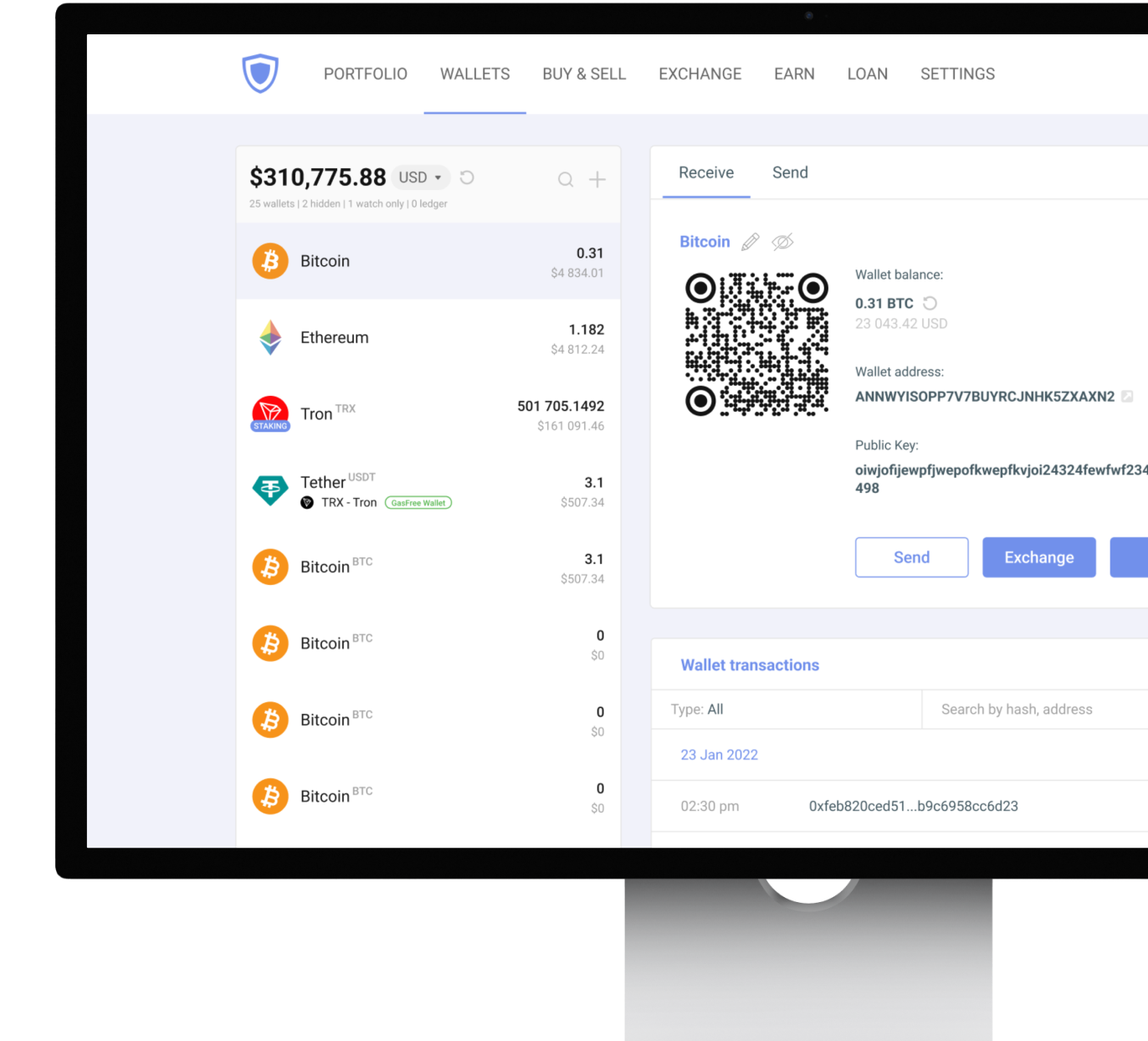
Desktop wallets remain a popular choice among Verge users who want more control over their cryptocurrency without sacrificing convenience. A desktop Verge wallet runs directly on your computer and gives you access to your crypto, transaction history, and private keys from a larger, more advanced interface. Users prefer desktop applications for portfolio management because reviewing balances, addresses, and transactions is often easier on a full-sized screen.
Guarda desktop wallet supports XVG on Windows, macOS, and Linux, allowing you to manage Verge regardless of your operating system. For users who regularly trade and manage multiple assets, desktop wallets often are a practical solution. Keep in mind that a desktop wallet is only as secure as the computer it runs on. This is why software updates, secure passwords, and phishing awareness are important parts of wallet protection.
Mobile Wallets for On-the-Go XVG Management
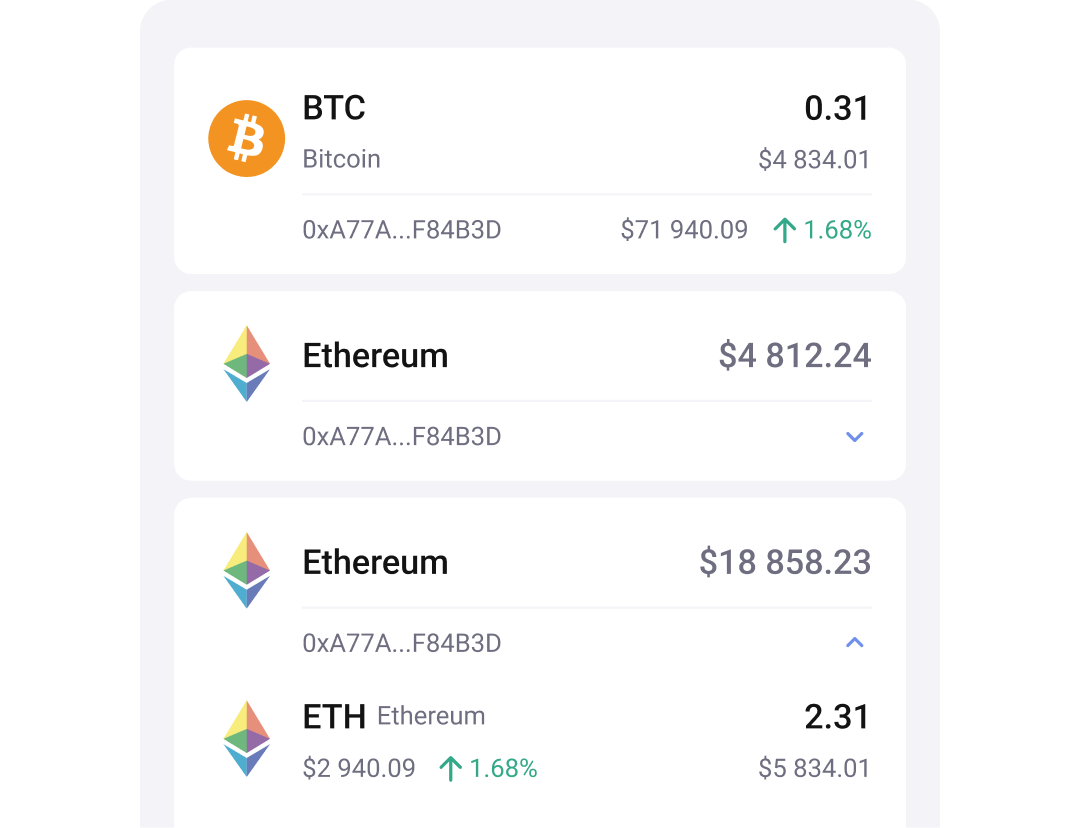
Mobile Verge wallets allow you to send, receive and manage XVG from literally anywhere. This is often the easiest way to stay in touch with your cryptocurrency. Guarda provides mobile support for both Android and iOS for users to manage Verge directly from their smartphones. The overall Guarda experience remains consistent across the desktop version, mobile app, and browser extension, making it easy to switch between devices if needed.
Mobile wallets are especially useful for everyday transactions: quick access, QR code scanning, and immediate balance monitoring. Smartphones have their own security risks so users need to be more careful when it comes to protecting their devices.
Mobile Wallet Security Checklist
- Use biometric authentication whenever possible.
- Lock your device with a strong PIN or password.
- Install updates regularly.
- Avoid downloading unknown applications.
- Never store recovery phrases in screenshots.
- Be cautious when using public Wi-Fi networks.
- Verify wallet applications before installation.
For many XVG holders, a mobile wallet works best as a daily-use solution, while larger balances remain in more secure long-term storage.
Web and Online Wallets for Verge
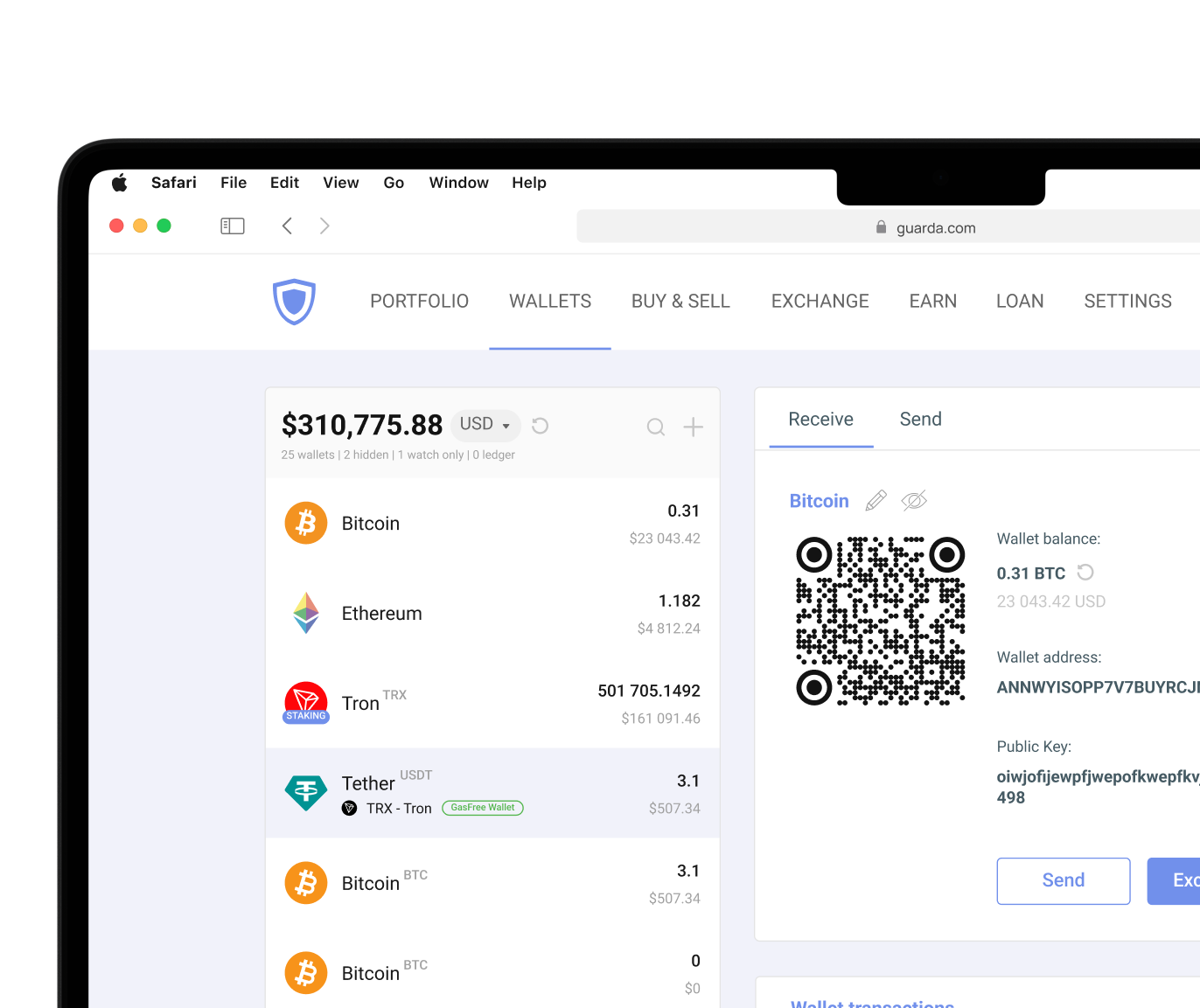
Web wallets are online Verge wallets that focus on accessibility. Instead of installing software, users manage their digital assets through a browser interface. Browser-based access can be particularly convenient when switching devices or managing assets while traveling. Many online wallets also simplify cryptocurrency purchases, exchanges, and portfolio management. Guarda web wallet allows users to manage XVG directly from a browser without installation while also keeping private keys under their control.
When trying out a web wallet, pay attention to:
- Whether private keys remain under your control (typically, exchange wallets are custodial and store your private keys themselves)
- Recovery and backup options
- Security features available
- Reputation of the provider
- Authentication methods
- Transparency regarding custody
Web wallets are sometimes very convenient to use if you trade frequently on the exchanges. But for long-term holdings, many users prefer solutions that offer additional levels of protection.
Hardware and Cold Storage Solutions
"Non-custodial" does not naturally correspond to cold storage. A non-custodial wallet gives you control over your private keys. Cold storage refers specifically to keeping those keys offline. They solve different security problems and often work best together.
Hardware wallets keep private keys offline and sign transactions without exposing them to internet-connected environments. This approach protects against malware, phishing attacks, and a variety of other common online threats. Because the private keys never leave the device, exposure is significantly reduced compared to many internet-connected solutions. To sign the transaction, you can scan the QR code from your hardware device, for example. For users who prefer this type of Verge wallet, Guarda has integration with Ledger.
Paper wallets represent another form of cold storage. Instead of storing credentials on a device, the information is generated offline and recorded on paper. Since no internet connection is required, paper wallets eliminate many online security risks entirely.
The downside is usability. Paper wallets require careful physical storage and can be easily lost or damaged by water or even time. Hardware wallets are more practical but still less convenient for frequent transactions than a non-custodial software wallet. Many experienced users combine both approaches.
Cryptocurrency involves risk. This article is for informational purposes only and does not constitute financial advice. Always conduct your own research before using any wallet or investing in digital assets.




 Google
Chrome
Google
Chrome Brave
Brave