Ethereum Wallet Introduction
An Ethereum wallet is the main tool for interacting with the Ethereum blockchain—a decentralized network that records, verifies, and processes transactions without relying on a central authority. Using it, you can manage digital assets, seamlessly connect to decentralized apps (dApps), send ETH, a native Ethereum cryptocurrency, and stay fully in control through self-custody.
Unlike traditional finance apps, a non-custodial Ethereum wallet gives users direct ownership over their cryptocurrency without relying on banks or centralized platforms. Whether you're holding ETH or exploring DeFi or NFTs, the right Ethereum (ETH) wallet makes blockchain access simple, secure, and easy to manage.
What is an Ethereum Wallet?
An Ethereum wallet is a cryptocurrency wallet that acts as an interface between users and the blockchain. The wallet itself doesn't store actual ETH tokens. Your assets always remain online, on the blockchain. Instead, the wallet stores private keys and public keys—your public key generates your wallet address, while your private key authorizes transactions. In most non-custodial wallets, private keys are derived from a seed phrase—a unique recovery phrase generated during wallet setup. This seed phrase is a backup, which can restore access to the wallet and regenerate its private keys if needed.
All crypto management is done with these keys: buying, receiving, and authorizing transactions connected to your cryptocurrency wallet address. In simple terms, the non-custodial wallet is the tool that lets you interact with Ethereum safely and securely.
How Ethereum Wallets Function
An Ethereum wallet connects directly to the Ethereum blockchain and signs every outgoing transaction using your private key, which enables transaction signing. It allows the wallet to prove ownership of funds and authorize actions on the network.
The Ethereum blockchain runs on smart contracts. They are self-executing programs that power decentralized applications and automatically perform actions when predefined conditions are met. When you interact with Ethereum smart contracts (buy, send, or stake ETH) or connect to dApps, the wallet creates a digital signature—a unique piece of cryptographic code. A digital signature proves ownership and authorizes the transaction without exposing your private key itself.
To complete any transaction on the network, users must also pay gas fees. Gas fees enable transaction processing on the Ethereum blockchain. Those fees compensate validators for the resources required to execute and verify transactions. Gas fees are needed for the transaction to be processed and recorded on the blockchain, whether you're sending ETH, interacting with a smart contract, or using a decentralized application.
This process allows wallets to securely interact with blockchain networks while giving users full control over their funds and payment approvals.
How an Ethereum Transaction Works
- Enter the recipient's address and choose how much ETH or tokens you want to send.
- Review the transaction details, including the gas fee required to process the transaction.
- Approve the transaction. The wallet uses your private key to create a digital signature.
- The signed transaction is broadcast to the Ethereum blockchain, where validators check that everything is valid.
- When verified, the transaction is added to the blockchain and is now a permanent part of Ethereum's transaction history.
- Your wallet refreshes your balance and shows the finalized transfer.
Types of Ethereum Wallets
Every Ethereum wallet falls into categories such as hardware wallet or software wallet, commonly referred to as "cold storage" or "hot wallet" options. Hardware wallets prioritize maximum security via cold storage (offline protection), while hot software wallets focus on flexibility and easy everyday use.
Securing Crypto: Hardware vs. Software Wallets
Hardware wallets keep private keys offline using cold storage. This technology is one of the safest options for long-term crypto protection. Because cold wallets stay disconnected from the internet, they are highly resistant to any online attacks and even malware. If your device gets compromised, the malware won't be able to acquire keys for your crypto.
Pros:
- Strong offline protection against many online threats
- Well suited for long-term storage and larger holdings
Cons:
- Requires buying and safely storing a separate device
- Less convenient for quick or frequent transactions
Software wallets are connected to the internet and designed for quick access and transactions. They include mobile apps, desktop wallets, and browser extensions. A non-custodial software wallet gives users full control over their keys and a smooth experience across devices. Still, software wallets are considered hot wallets—secure enough for active use, but not true cold storage.
Pros:
- Easy to set up and use
- Convenient for sending, receiving, buying, and managing crypto
Cons:
- Device security: online attacks can put funds at risk.
- Not ideal as the only storage option for very large long-term holdings
Many users combine both approaches: cold wallets for long-term storage and software wallets for daily transactions and Web3 access.
How to securely use a non-custodial hot wallet:
- Create a strong password and never reuse it across multiple services.
- Enable two-factor authentication (2FA) whenever available.
- Download wallet applications only from official websites and trusted app stores.
- Stay alert to phishing websites, fake browser extensions, and fraudulent support messages requesting wallet credentials or recovery phrases.
- Keep your device, browser, and wallet software updated to reduce security vulnerabilities.
- Double-check wallet addresses and transaction details before approving transfers.
When used with proper security practices, a non-custodial software wallet provides a practical balance between accessibility, control, and protection for everyday cryptocurrency management.
Mobile, Desktop and Browser Extension Wallets
Mobile Ethereum wallets are ideal software wallets for fast access, QR payments, and managing crypto on the go.
Desktop wallets offer more advanced controls for experienced traders. They are popular with users who handle larger portfolios and interact with multiple blockchain networks.
A browser extension makes it easy to connect to decentralized apps, swaps, NFTs, and Web3 platforms directly from your browser whenever you need to.
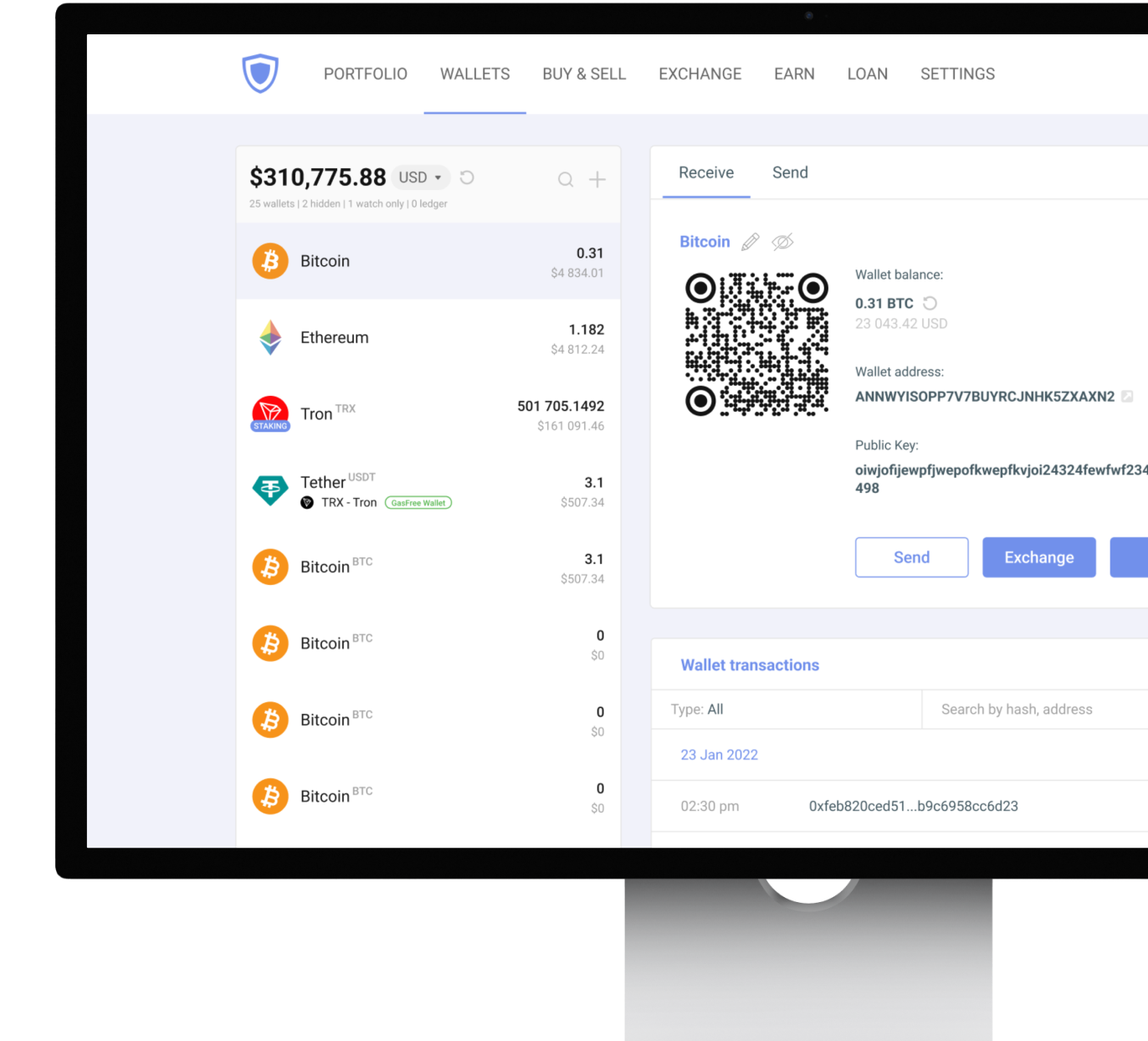
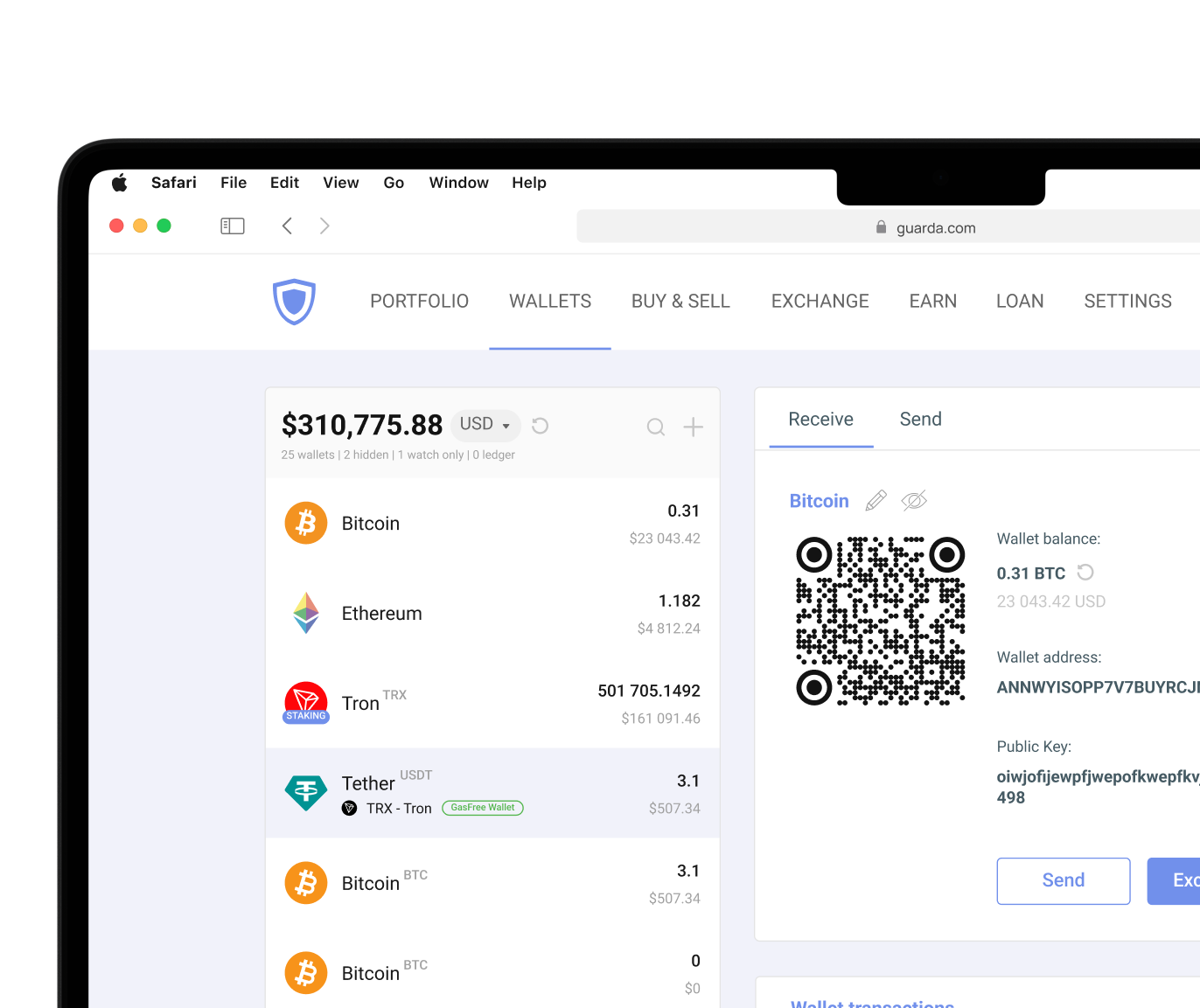
The Guarda wallet supports all three formats, so users can easily manage Ethereum across devices with a single wallet while staying fully non-custodial.
Cryptocurrency involves risk. This article is for informational purposes only and does not constitute financial advice. Always conduct your own research before using any wallet or investing in digital assets.