Dogecoin Wallet Introduction
A Dogecoin wallet is what allows you to access, manage, send, and receive DOGE. Dogecoin (DOGE) is stored and managed through a Dogecoin wallet, which enables transactions on the network and gives users access to their funds. More importantly, it gives you control over the private keys connected to your funds. The cryptocurrency wallet itself is only the interface. The private keys are what secure your DOGE and prove ownership on the network, while the actual coins remain on a blockchain.
Over the years, the four types of Dogecoin wallets were established. Some people prefer easy mobile apps. Others keep good amounts of digital assets in hardware wallets as their savings. You can want quick access for everyday transactions or care more about long-term security. There isn't one solution that works for everyone, which is why every crypto enthusiast should understand the differences before choosing a wallet.
What is a Dogecoin Wallet?
One of the regularly witnessed misunderstandings in crypto is the idea that DOGE is stored inside a wallet. A Dogecoin cryptocurrency wallet stores private keys and manages access to the Dogecoin blockchain. The DOGE itself never leaves the blockchain. What the wallet stores are the credentials needed to interact with it.
The private key gives access to your funds and authorizes transactions. The private key enables access to the wallet, gives access to your funds, and authorizes transactions. From that private key, the wallet generates a public key, and from the public key comes the wallet address that other people use when sending you DOGE.
When you open your wallet and see a balance, you're not looking at coins stored inside an app. You're looking at information retrieved from the blockchain and linked to the keys your wallet controls. This distinction becomes especially important when comparing custodial and self-custodial wallets. In a self-custodial Dogecoin wallet, you control the private keys yourself. In a custodial setup, someone else controls them on your behalf.
The Anatomy of a Dogecoin Wallet
Behind every Dogecoin wallet is a chain of information. Everything starts with the seed phrase. When you create a wallet, you're given a list of words known as a seed phrase. That seed or recovery phrase generates your private keys. In case of a lost or broken device, the seed phrase enables you to recover the wallet and reach your funds again.
Because of that, the seed phrase deserves the same level of protection as the funds themselves. The private key generated from the seed phrase must remain secret. It is the credential that proves you are the one who owns this wallet and authorizes outgoing transactions. The wallet then derives a public key from the private key. Unlike the private key, the public key can be shared safely. And then, from the public key, the wallet produces a wallet address.
Most users interact with this address every day without thinking about the process behind it. It appears as a long string of characters or, more commonly, as a QR code that can be scanned in seconds.
The relationship looks like this: Seed Phrase — Private Key — Public Key — Wallet Address
Each step exists to make cryptocurrency both secure and usable. The closer you move to the "Seed Phrase," the more carefully the information should be protected.
Types of Dogecoin Wallets: Choosing the Best Solution for Your Needs
The best Dogecoin wallet usually depends less on the wallet itself and more on how you plan to use DOGE.
Someone who sends transactions every day has different needs than someone holding coins for years. When buying Dogecoin for the first time, you will probably prioritize simplicity, while long-term holders often focus on security and backup options.
There are several wallet types to choose from. Hardware wallets, software wallets, and paper wallets are all types of Dogecoin wallets. Each serves a different purpose, which is why there is no single solution that works best for every user. A paper wallet, for example, is an offline storage method where private keys or recovery information are written down or printed on paper. While paper wallets are completely disconnected from the internet, they require careful physical protection against loss, theft, or damage.
| Wallet Type |
Security |
Convenience |
Best For |
| Hardware Wallet |
Very High |
Medium |
Long-term storage |
| Software Wallet |
High |
High |
Everyday DOGE management |
| Mobile Wallet |
Medium-High |
Very High |
Daily transactions |
| Paper Wallet |
High |
Low |
Offline backup storage |
| Exchange Wallet |
Medium |
Very High |
Trading and short-term use |
A helpful way to think about wallets is through the idea of hot and cold storage. Hot wallets stay connected to the internet. They are always ready for action and prioritize accessibility. Cold storage keeps sensitive credentials offline and prioritizes protection.
Software Wallets: Balancing Convenience and Security
Most DOGE users at some point use a software wallet. They're easy to install, quick to set up, and available across desktop and mobile devices. Whether you're using a Dogecoin wallet app on Android, iOS, or a desktop computer, the overall experience is designed around accessibility.
A software wallet runs on a device you already own and gives you direct access to your funds without requiring additional hardware. For everyday DOGE usage, that's hard to beat.
Mobile wallets are a subtype of software wallet built specifically as an app for smartphones. They're useful when you need quick access, want to scan QR codes, or regularly send and receive Dogecoin.
Desktop wallets are another subtype of software wallet. They typically offer larger interfaces, more detailed transaction management, and a more precise experience for users who spend a lot of time managing crypto from a computer.
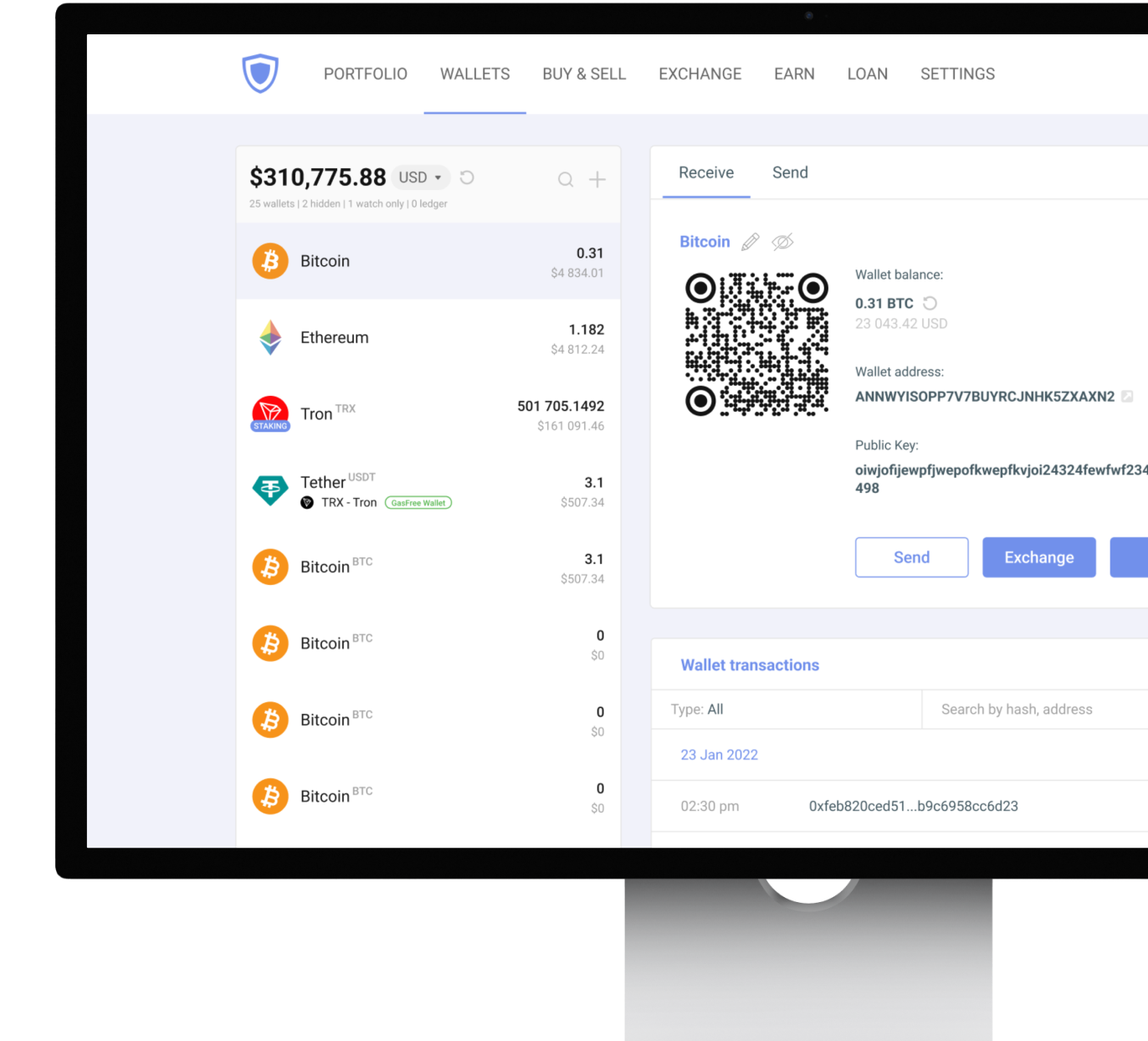
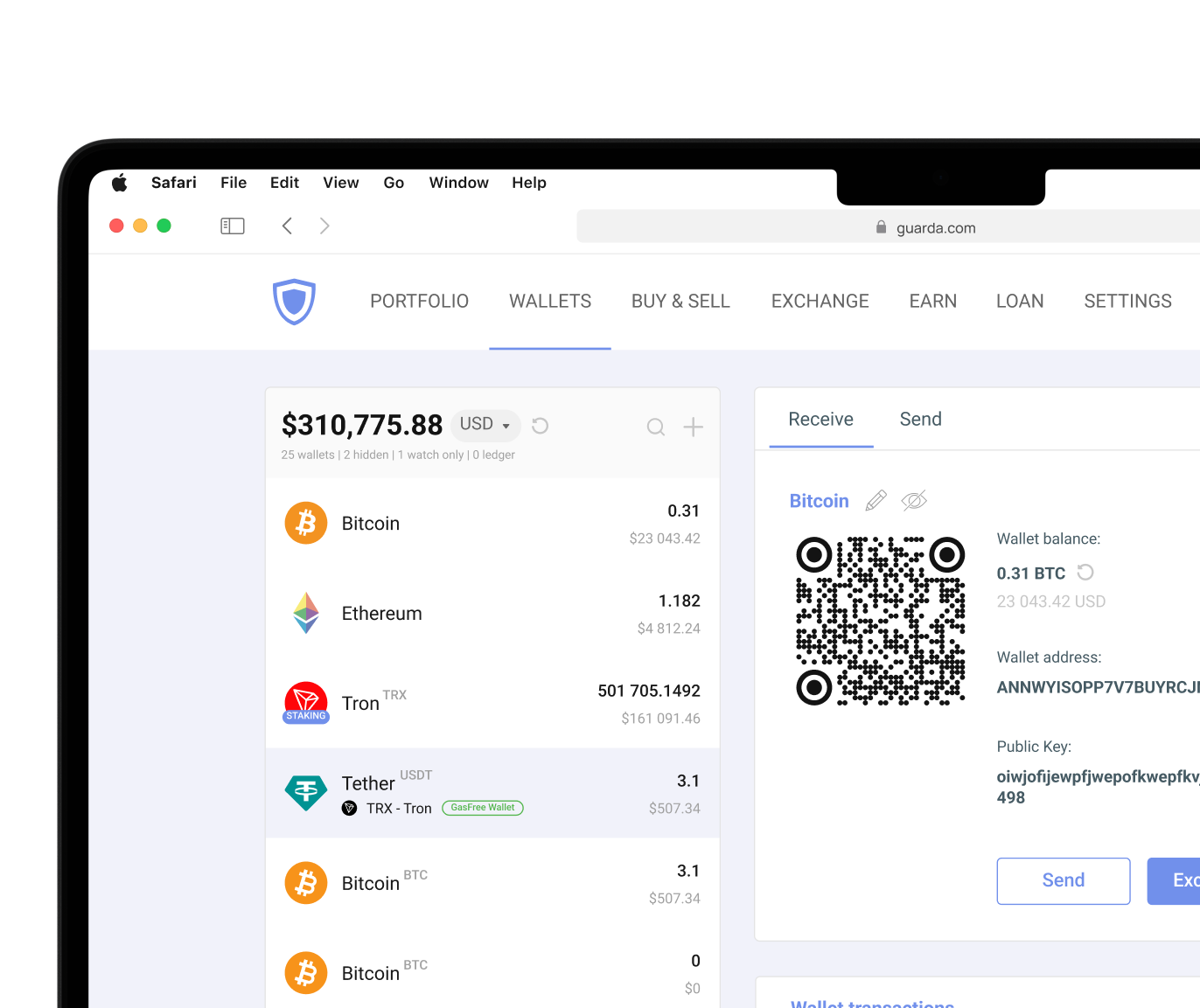
Many non-custodial wallets now combine desktop, mobile, browser, and web access within the same ecosystem. Guarda, for example, allows users to manage DOGE across multiple devices while keeping control over their private keys.
How to Secure a Software Wallet
- Write down your recovery phrase and store it offline.
- Use a strong password that is not reused elsewhere.
- Enable biometric authentication if available.
- Keep wallet software updated.
- Verify addresses before confirming transactions.
- Download applications only from official sources.
- Be cautious of phishing emails, fake support accounts, and suspicious links.
Software wallets provide convenience, but good security habits are what actually protect assets.
Hardware Wallets
A hardware wallet stores private keys offline inside a dedicated device. Because those keys never live permanently on an internet-connected computer or smartphone, hardware wallets provide cold storage protection against many common online threats.
For users holding DOGE long-term, that extra layer of separation can be valuable. Malware, phishing attempts, and compromised devices become much less dangerous when private keys remain offline. That doesn't mean a hardware wallet solves every problem.
Hardware wallets still require physical security. If the device is lost, harmed, or stolen, recovery depends entirely on the backup phrase. They are also less convenient for people who move DOGE regularly or check balances throughout the day.
Many experienced users end up combining both strategies: a non-custodial software wallet like Guarda for safe everyday activity and a hardware wallet like Ledger for long-term storage. Guarda also supports integration with Ledger devices. Ultimately, as said earlier, security comes from habits, not hardware alone. A perfectly secure device cannot protect a recovery phrase that's been shared online.
Online Dogecoin Wallets: Quick Access Solutions
Web wallets are popular because they're fast. You create an account, log in from almost any device, and start using DOGE immediately. That's why exchange wallets, a type of Dogecoin wallet, remain one of the most common entry points for new cryptocurrency users.
But most exchange wallets are custodial wallets, which means a third party manages the private keys on your name. You still see a balance and can send transactions, but you don't have direct control over the credentials securing your funds. That convenience comes at the cost of reduced user control. Most platforms operate responsibly, but the risk is always there by default.
Treat exchange wallets as temporary storage rather than permanent cryptocurrency storage. They are excellent for trading, quick purchases, and moving funds around. A reasonable rule is to keep only the amount you actively need online. It is safer to keep no more than 10% to 20% of your DOGE online and move the rest to a non-custodial wallet where you control the private keys.
Warning Signs of an Unsafe Online Wallet
- Promises of guaranteed profits
- Requests for private keys or seed phrases
- No public company information
- Poor security documentation
- Suspiciously positive reviews only
- No two-factor authentication options
- Unsolicited support messages
- Pressure to deposit funds immediately
Cryptocurrency involves risk. This article is for informational purposes only and does not constitute financial advice. Always conduct your own research before using any wallet or investing in digital assets.




 Google
Chrome
Google
Chrome Brave
Brave