Kaspa Wallet Introduction
With direct access to their money, users can store, send, receive, and manage KAS using a Kaspa wallet. More importantly, it secures the private keys associated with those funds and it allows for self-custody.
As Kaspa continues to attract attention for its transaction speed and unique blockchain architecture, secure wallet management becomes increasingly important. The right Kaspa wallet should help users protect their assets, manage transactions confidently, and maintain self-custody—control over their keys.
Understanding how Kaspa wallets function is a must for responsible Kaspa cryptocurrency ownership. You can purchase KAS for the first time or look for a long-term storage solution, but you need the basics for secure and informed decisions.
What is Kaspa (KAS)?
Kaspa (KAS) is a cryptocurrency built around a Bitcoin approach. But if Bitcoin adds one block after another in a single chain, Kaspa uses BlockDAG technology, which allows multiple blocks to be processed and confirmed simultaneously. The goal is to speed up transactions without sacrificing the security and decentralization that Proof-of-Work is known for.
The Kaspa blockchain uses the GHOSTDAG protocol to organize and validate blocks. The architecture helps the network build 1 block per second, while Bitcoin creates 1 block in 10 minutes.
For users, it means that transactions on Kaspa are faster. As the ecosystem grows, KAS tokens continue to function as the native cryptocurrency powering network activity and transaction fees. Through a secure interface, users can send KAS, check balances, and manage assets using any Kaspa wallet.
Securing Your KAS Wallet
Private keys grant access to KAS funds and serve as proof of ownership on the blockchain. They are what the Kaspa wallet actually stores, not the assets themselves. Whoever controls the private keys controls the KAS tokens, so protecting them should always be your top priority.
Most wallets generate a seed phrase during setup. Non-custodial wallets generate it locally on your device and don't have any authority over it or your private keys. Your private keys are derived from that seed phrase, which means the recovery phrase acts as the default backup for your wallet. If a device is lost, damaged, or replaced, the seed phrase has power to restore access to both the wallet and the funds connected to it. A few security habits can significantly reduce the risk of losing control over your Kaspa wallet.
Security Practices for Kaspa Wallet Users
- Keep your seed phrase safe away from the internet.
- Never give anyone access to your private keys.
- Make secure backups in several safe locations.
- Make secure and distinctive passwords.
- Update your wallet's software regularly.
- Prior to sending KAS, double-check the addresses.
- Avoid downloading suspicious files or following unknown links.
- Watch out for phishing messages and phony support accounts.
A wallet can only protect private keys if users practice good security habits.
Types of Kaspa Wallets Compared
The best Kaspa wallet is a question that has no universal answer. Building a long-term position has different requirements than someone who actively moves KAS every day. The right choice is influenced by security preferences, device usage, and convenience.
| Wallet Type |
Security Level |
Convenience |
Cost |
Best For |
| Hardware Wallet |
Very High |
Medium |
Paid |
Long-term storage |
| Mobile Wallet |
High |
Very High |
Free |
Everyday use |
| Desktop Wallet |
High |
High |
Free |
Portfolio management |
| Web Wallet |
Medium |
Very High |
Free |
Quick access |
Wallets also exist on a security-convenience spectrum. Hardware wallets that support KAS tokens prioritize protection and keeping credentials offline. Non-custodial mobile and desktop wallets focus on accessibility while still maintaining self-custody. Web wallets value flexibility and ease of access, though they introduce additional custodial limitations.
For most users, the right balance is determined by how frequently they are transferring funds and how much responsibility they are comfortable handling on their own.
Mobile Kaspa Wallet App Options
Mobile wallets are often the easiest way to access KAS on a daily basis. They put balances, transactions, and KAS management directly on your smartphone. For many people, a Kaspa wallet app becomes the main way they interact with cryptocurrency because it combines ease of use with self-custody.
Guarda supports KAS on both Android and iOS. The interface keeps everyday tasks straightforward, no matter if you're checking balances, reviewing transaction history, or sending funds while away from your computer.
Mobile Wallet Security Checklist
- Lock your device with a PIN or biometric authentication.
- Keep wallet software updated.
- Don't install unknown apps.
- Never use screenshots to store recovery phrases.
- Before downloading wallet applications, make sure they are legitimate.
- Whenever possible, use secure internet connections and not public Wi-Fi.
Desktop and Kaspa Web Wallet Solutions
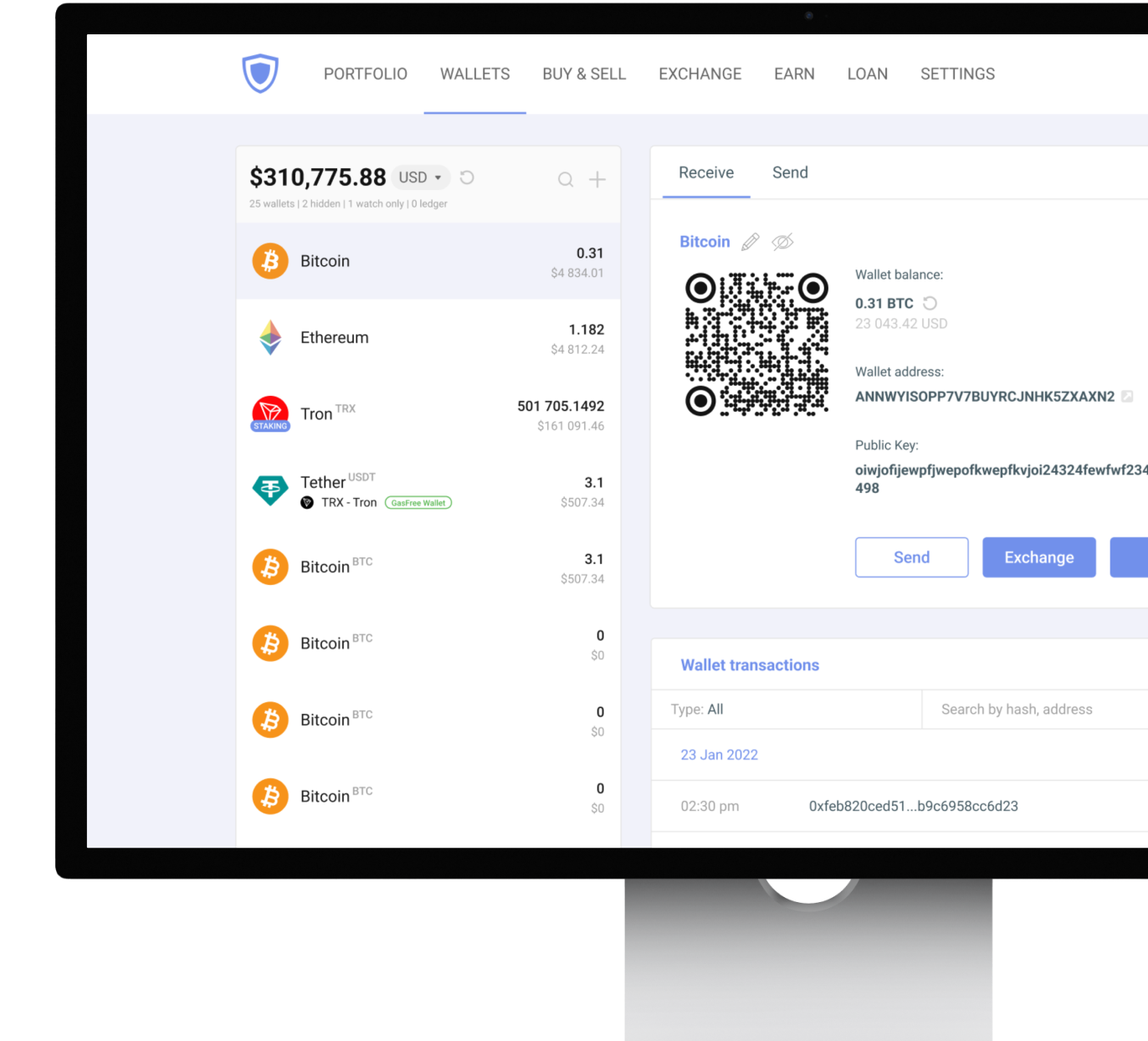
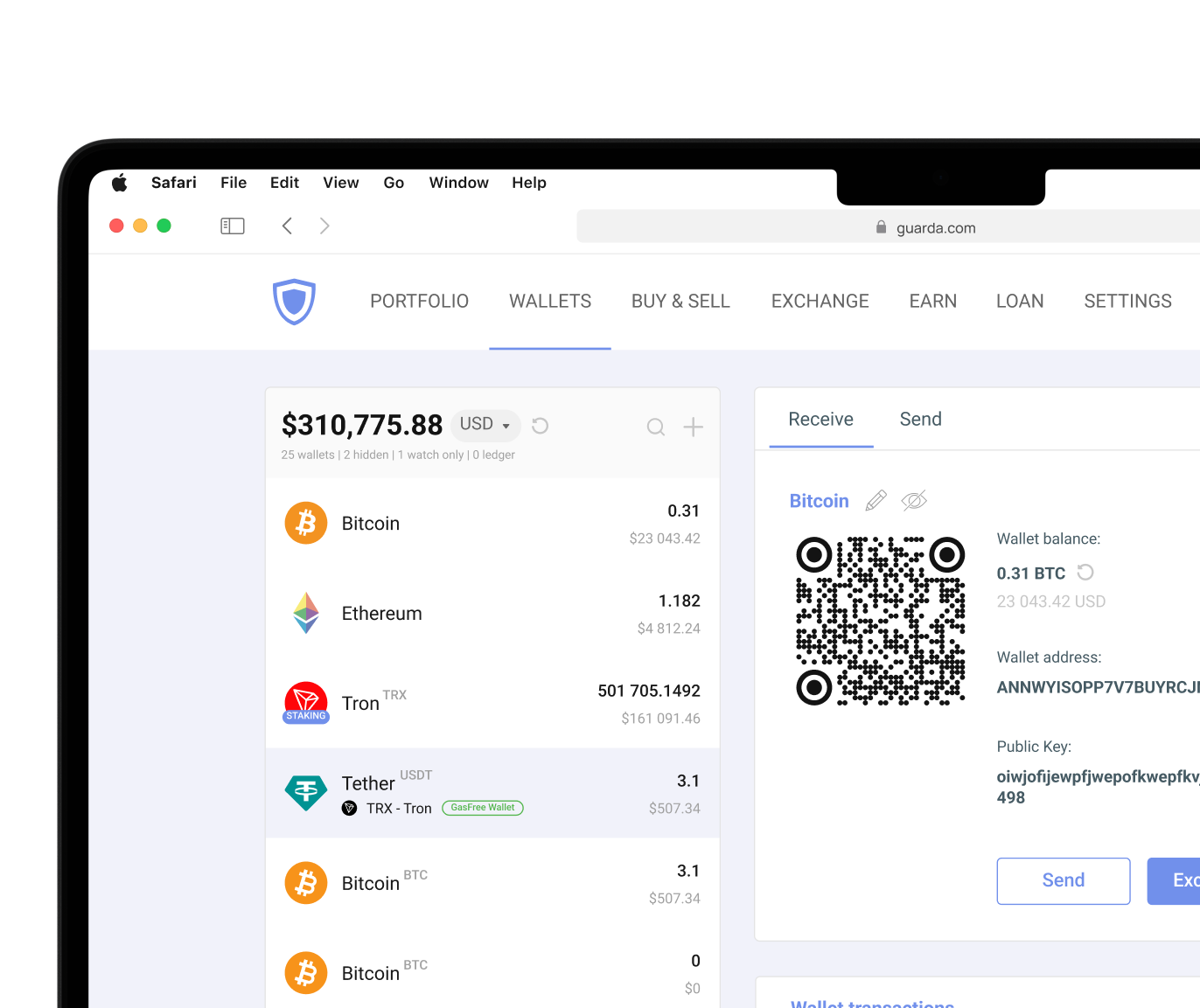
Desktop and web wallets approach convenience differently. A desktop Kaspa wallet runs locally on your computer and provides direct access to your assets through installed software. Many users prefer desktop wallets for portfolio management because larger screens make it easier to review balances, transaction history, and wallet activity. Plus, desktop wallets are usually the ones that have the most advanced trading settings. Guarda supports KAS through desktop applications while also offering web-based access for users who prefer flexibility—the Guarda browser extension wallet.
Web wallets prioritize accessibility. They require internet connection to function and run through a browser instead of being installed locally on a device. They can often be accessed from multiple devices without installing software applications. The trade-off is that web wallets often exist as an exchange account, where the exchange holds private keys of its users itself.
For active users who are comfortable with rapid decision-making, web wallets can be practical. For users focused on minimizing exposure, desktop wallets often provide a stronger balance between accessibility and control.
Hardware Wallets
Private keys require secure storage, which is why hardware wallets are a strong option for long-term protection. Hardware wallets focus exactly on this. Instead of storing sensitive credentials on internet-connected devices, hardware wallets keep private keys offline and authorize transactions through a separate physical device. This significantly reduces exposure to malware, phishing attempts, and many common online threats. Private keys remain isolated, and transaction signing happens without exposing credentials to connected devices.
Ledger remains one of the most widely used hardware wallet options for cryptocurrency storage and can be paired with Guarda. But hardware wallets require purchasing and managing a separate device, making them less convenient for frequent transactions than software wallets. For many users, the combination works well: a non-custodial software wallet for everyday activity and a hardware wallet for larger long-term holdings.
Cryptocurrency involves risk. This article is for informational purposes only and does not constitute financial advice. Always conduct your own research before using any wallet or investing in digital assets.




 Google
Chrome
Google
Chrome Brave
Brave