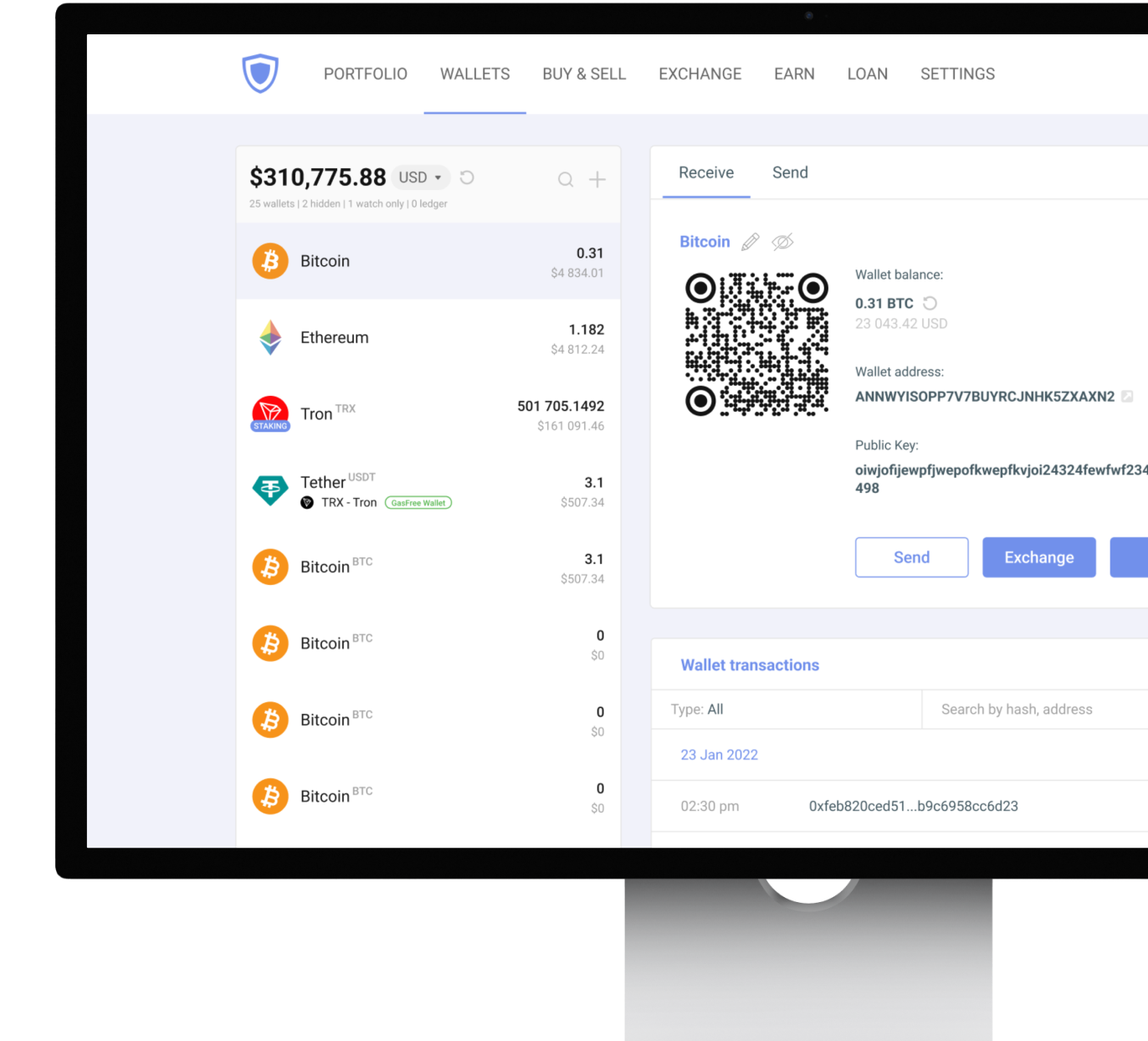
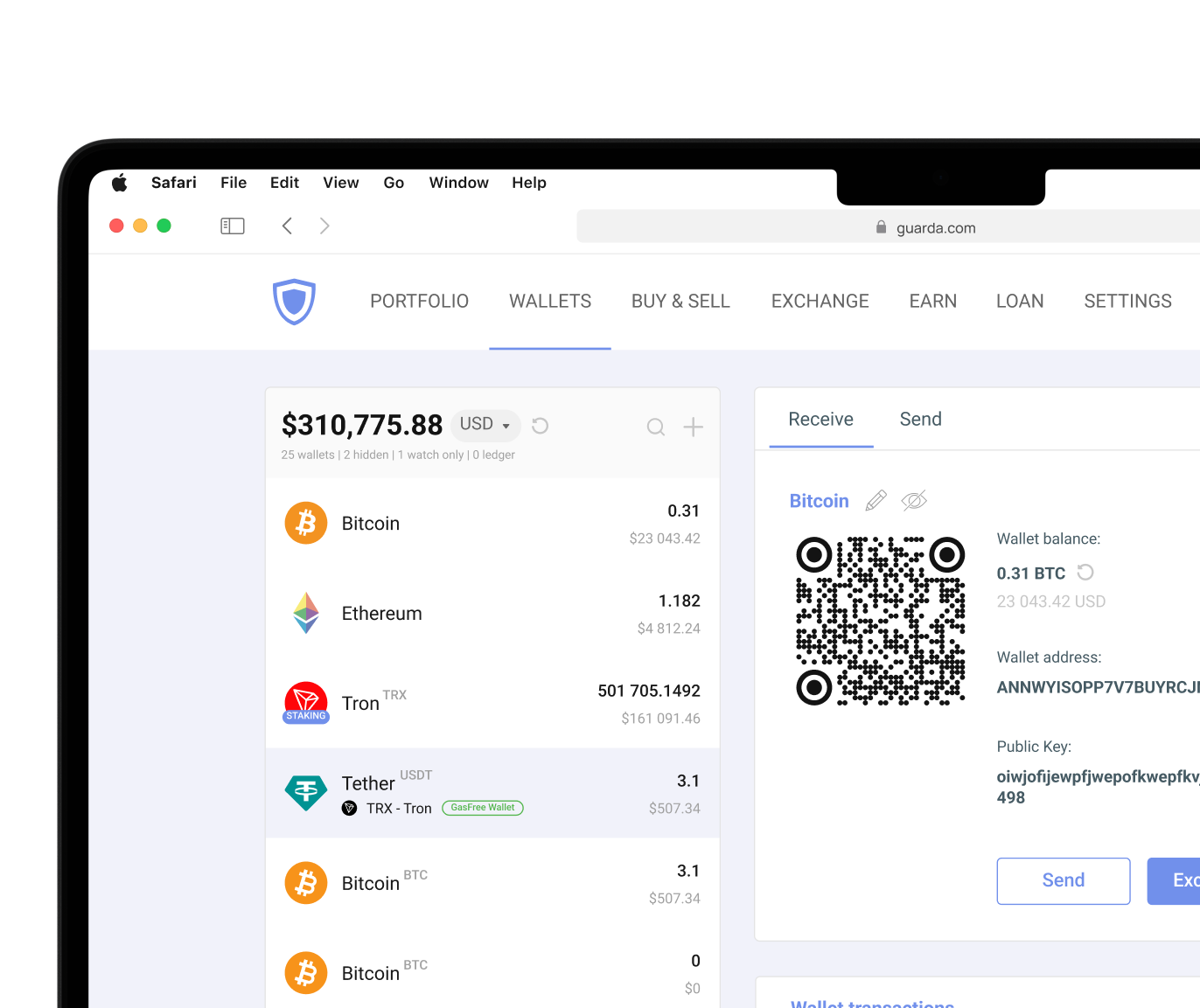
Waves Wallet Introduction
A Waves wallet is the primary tool for accessing and managing assets on the Waves Platform. It is where you manage WAVES, approve transactions, monitor assets, and make decisions about security. When people talk about owning cryptocurrency, what they usually mean is controlling the wallet that gives them access to it.
Like any cryptocurrency wallet, a Waves Wallet plays two roles at once: it provides access to digital assets while helping protect them. Security, asset management, and ease of use all depend on the wallet users choose and how they configure it.
The Waves Platform powers the wallet's functionality behind the scenes, processing WAVES transactions and supporting the broader ecosystem of tokens, staking, and blockchain applications. Understanding the basics makes it much easier to find a wallet that fits the way you use crypto.
What is Waves?
Waves is a blockchain platform launched in 2016 by entrepreneur Alexander Ivanov. From the beginning, the project focused on making blockchain technology easier to use for businesses, developers, and everyday cryptocurrency users, particularly in areas like token creation and asset management.
At the center is the WAVES token, the native currency of the network. Users pay transaction fees with WAVES, participate in staking activities, and interact with various services built on the platform. Waves was built as a convenient way to create tokens, transfer assets, deploy smart contracts, and build dApps without unnecessary tech barriers.
A Waves wallet connects users to the Waves blockchain. Waves relies on decentralized operations rather than centralized intermediaries. The blockchain records transactions, verifies activity, and maintains network integrity without requiring a single controlling authority. Through the wallet, users can manage WAVES, send transactions, access platform features, and interact with the network securely.
Securing Your New Waves Wallet
Every Waves wallet bases itself on two security components: the private key and the seed phrase. The private key proves ownership of cryptocurrency assets, and the seed phrase allows users to recover wallet access if a device becomes unavailable. Also, a private key secures wallet access and generates the associated public key used for receiving funds. Even the most advanced wallet in the world can't protect assets if recovery credentials are exposed to the wrong people. A private key should never be shared. Anyone who gains access to it gains control over the associated WAVES. Good wallet security comes from combining secure storage, responsible backup habits, and careful verification practices.
Security best practices for WAVES wallet users:
- Store seed phrases offline.
- Create multiple physical backups.
- Keep private keys away from internet-connected storage.
- Use strong and unique passwords.
- Enable available authentication features.
- Verify wallet downloads before installation.
- Keep devices updated.
- Double-check recipient addresses before sending funds.
- Avoid suspicious links and messages.
- Consider hardware wallets for long-term savings.
Critical Security Warning
Never store a seed phrase in cloud storage, screenshots, email drafts, messaging applications, or unsecured documents. The seed phrase is the master backup for the wallet. Anyone who obtains it can restore access and control the associated assets.
Waves Blockchain Technology
The Waves Platform uses a consensus mechanism known as Leased Proof-of-Stake (LPoS). It does not rely on energy-intensive mining. The network allows users to lease staking power and participate in securing the blockchain. WAVES tokens play an important role in this process because all the staking and transaction fees are paid with it.
The platform also supports smart contract execution, allowing developers to build applications and automated blockchain services. The result is a blockchain designed to balance usability, transaction speed, and accessibility without losing any decentralization.
| Feature |
Waves |
Bitcoin |
Ethereum |
| Consensus |
Leased PoS |
Proof-of-Work |
Proof-of-Stake |
| Transaction Speed |
Fast (typically around 1 minute) |
Slower |
Moderate |
| Smart Contracts |
Yes |
Limited |
Yes |
| Token Creation |
Built-in |
No |
Yes |
| Energy Efficiency |
High |
Low |
High |
Choosing the Right Waves Wallet
The question isn't "Which Waves wallet is best?" but rather "Best for what and who?" The same setup that feels perfect for an active trader may be frustrating for a long-term holder. The answer depends on how you use WAVES, how often you move funds, and how much responsibility you want to take for security.
| Wallet Type |
Security |
Convenience |
Cost |
Best For |
| Hardware Wallet |
Excellent |
Moderate |
Paid |
Long-term storage |
| Desktop Wallet |
High |
High |
Free |
Active portfolio management |
| Mobile Wallet |
High |
Very High |
Free |
Everyday access |
| Exchange Wallet |
Moderate |
Very High |
Free |
Frequent trading |
Desktop, mobile, and browser extension wallets are software wallets. It means that the device is connected to the internet, and you have to download a certain app. The quality standard of wallets in crypto is the non-custodial model like Guarda has. In this model, users are in full control of their private keys and therefore funds. Yes, it takes a certain level of responsibility and understanding basics, but for most traders it's not even seen as a con.
Mobile vs. Desktop vs. Hardware Wallets for Waves
Hardware wallets, software wallets, and exchange wallets all fall under the broader category of Waves wallets. Each one offers a different balance between security and accessibility and approaches the same task differently.
Mobile wallets are designed for users who want access to their assets wherever they are. Within one reach you can check balances, send funds, or monitor the market. Mobile wallets work best if you value versatility and interact with crypto regularly.
Advantages:
- Access your WAVES from virtually anywhere.
- Approve transactions in seconds.
- Use QR codes for faster payments and transfers.
- Manage assets without carrying additional devices.
Concerns:
- Security depends heavily on the smartphone itself.
- Lost or stolen devices can create additional risks if protective measures are weak.
- Smaller screens make it harder to review portfolio activity and transaction details.
Desktop wallets provide a more structured environment for managing digital assets. The larger screen and additional functionality often make them a preferred choice for users who spend more time tracking portfolios or interacting with blockchain applications.
Advantages:
- Larger interface for monitoring balances and transactions.
- Better visibility when managing multiple assets.
- Convenient access to blockchain tools and wallet features.
- Comfortable experience for frequent users.
Concerns:
- Access is tied to a specific computer.
- Device security remains critical.
- Less portable than mobile alternatives.
Hardware wallets take a different approach. Instead of prioritizing convenience, they focus on protecting private keys from online threats by keeping them offline. Hardware wallets are often the preferred choice for users who treat cryptocurrency as long-term savings rather than an asset they move every day.
Advantages:
- Private keys remain isolated from internet-connected devices.
- Strong protection against malware and phishing attacks.
- Well suited for long-term storage.
- Transactions require physical confirmation on the device.
Concerns:
- Require a separate hardware purchase.
- Less convenient for frequent transfers.
- Access depends on having the device available.
In practice, many experienced holders combine wallet types. Hardware wallets are often the preferred choice for users who treat cryptocurrency as long-term savings rather than an asset they move every day. But it's common to still use non-custodial mobile or desktop wallets (Guarda supports both) for daily activity. Plus, you can integrate the Ledger hardware wallet and control your balance with offline protection. This approach balances accessibility with stronger long-term security.
Waves Wallet Security Features to Look For
The strongest Waves wallets give users control over their private keys and reliable recovery mechanisms.
Essential security features include:
- Private Key Ownership – Users control wallet access directly (self-custody).
- Seed Phrase Recovery – Enables wallet restoration if a device is lost.
- Encrypted Local Storage – Protects credentials from unauthorized access.
- Authentication Features – Passwords, biometrics, or two-factor authentication.
- Backup Options – Multiple methods for secure recovery.
- Transaction Verification Tools – Prevent mistakes before assets leave the wallet.
- Hardware Wallet Compatibility – Additional protection for larger holdings.
Together, these components form the foundation of wallet security.




 Google
Chrome
Google
Chrome Brave
Brave