Why use a Watch-Only wallet?
🔍 Track any wallet address without private keys
🔒 No risk of funds being moved or stolen
📊 Monitor transactions and balances directly inside Guarda
🌐 Perfect for accounting, auditing, and portfolio tracking
Stay turned with the latest news and updates by joining us on Twitter.
— @GuardaWallet
Step-by-Step Guide: How to Set Up a Watch-Only Wallet on Guarda
1️⃣ Select the Watch Only Tab when adding a new wallet
From your Guarda Wallet interface, choose Watch Only at the top of the wallet creation options.
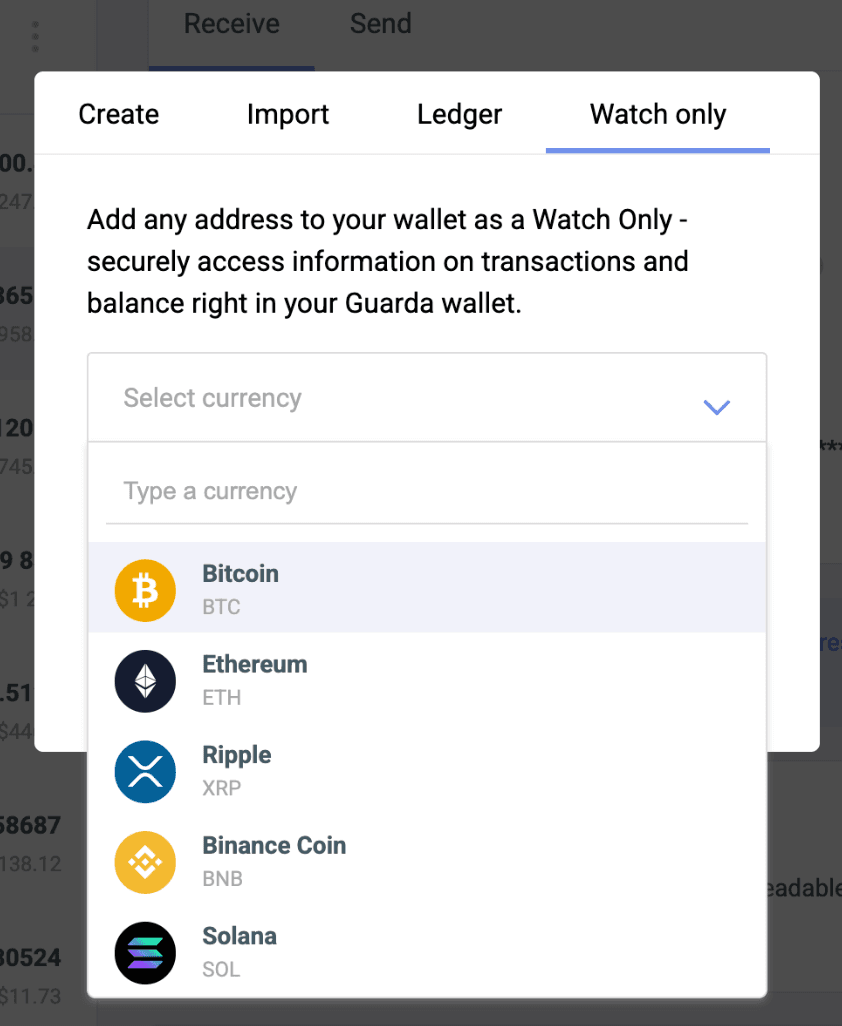
2️⃣ Choose Your Currency
Select the cryptocurrency you want to monitor (e.g., Bitcoin, Ethereum, Ripple, Binance Coin, Solana).
3️⃣ Enter the Public Address
Paste the wallet address you want to track into the input field.
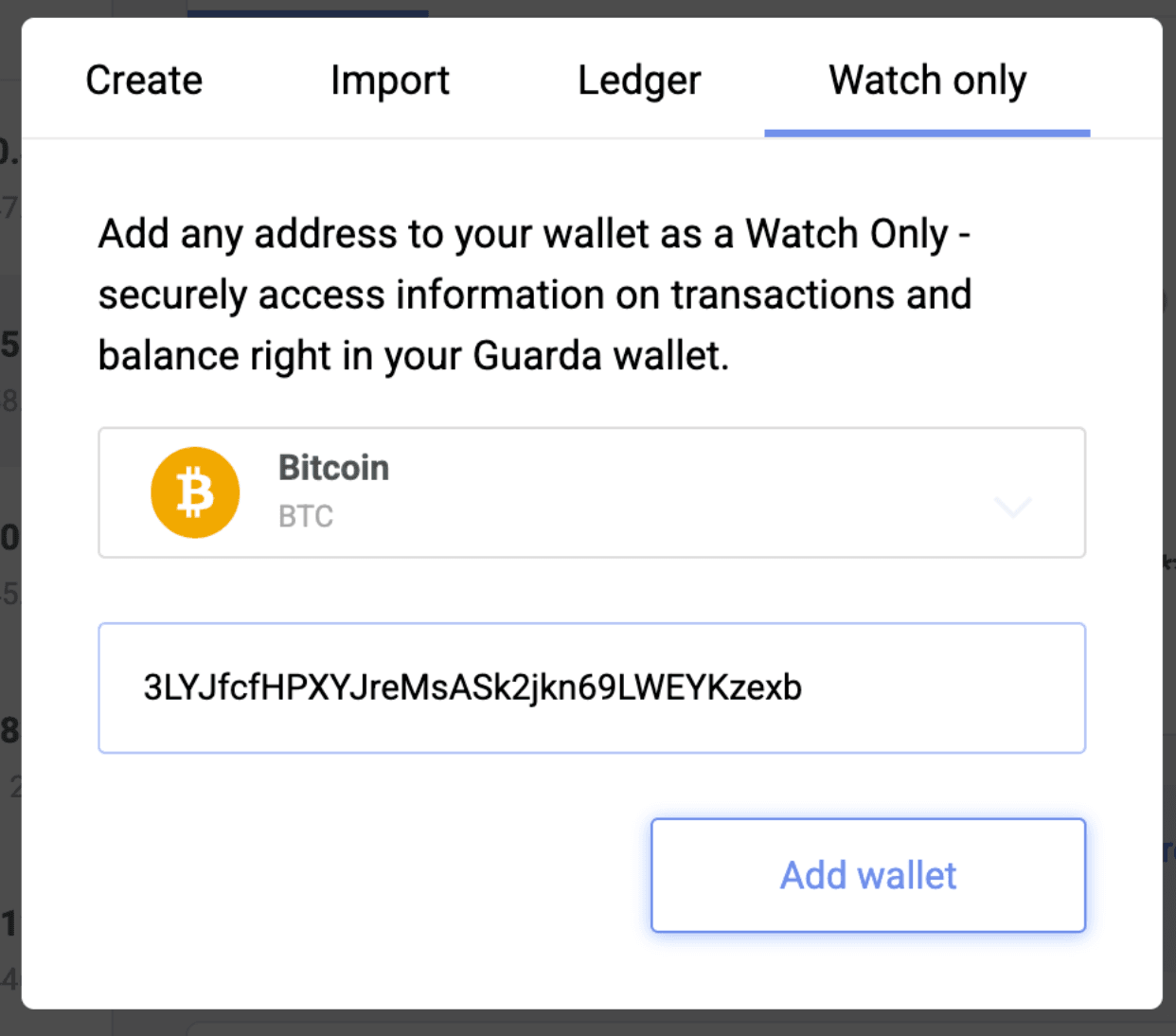
4️⃣ Click Add Wallet
After entering the address, click Add wallet. Guarda will search for the wallet associated with the address and display its balance.
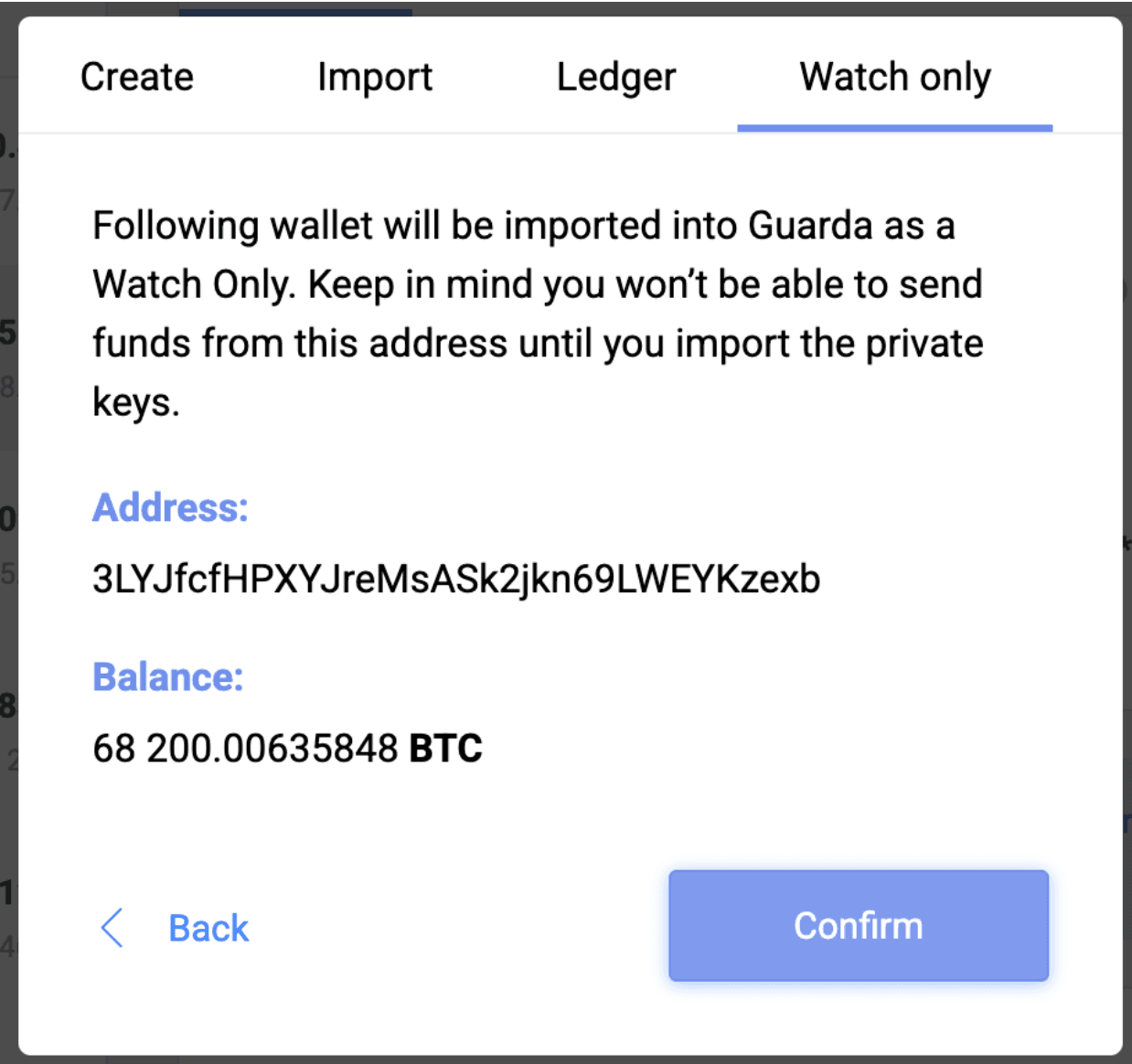
5️⃣ Review and Confirm
Once the wallet is found, you’ll see its balance and basic info. Click Confirm to finalize adding the Watch-Only wallet to your Guarda interface.
6️⃣ View the Wallet in Your Dashboard
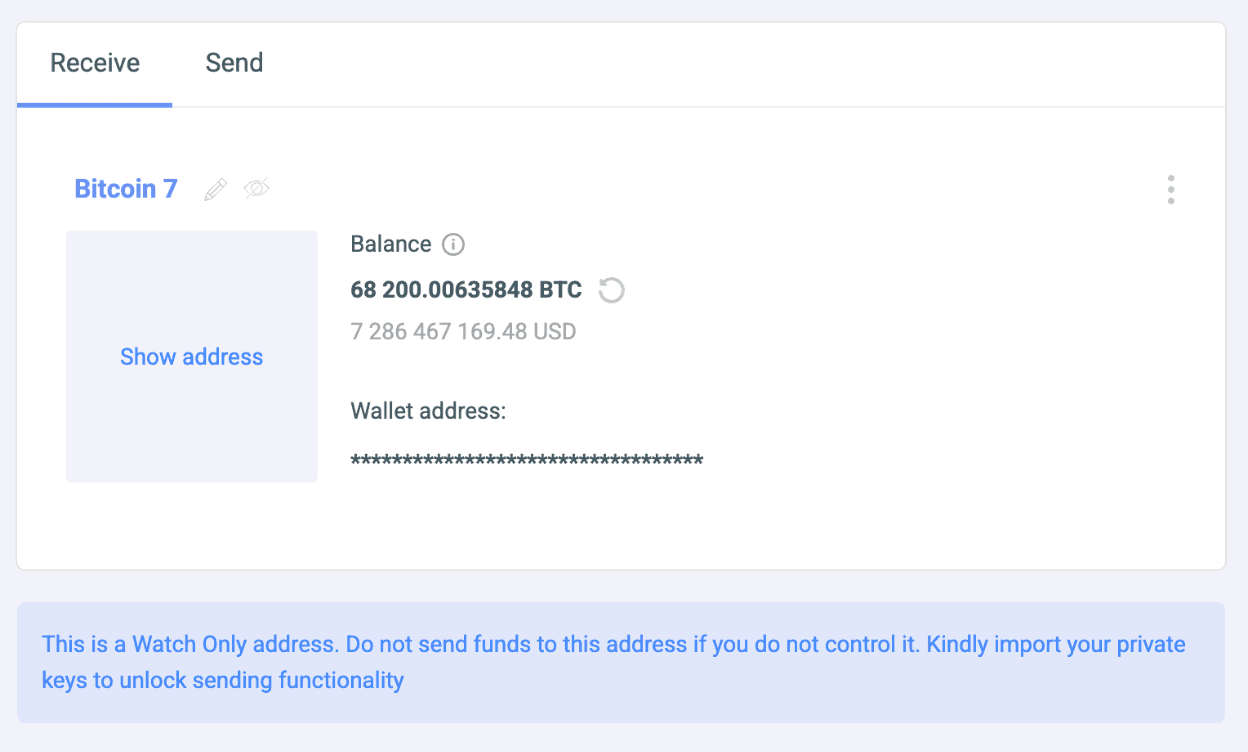
Your Watch-Only wallet will now appear in your dashboard as a wallet card, where you can view its balance and transaction history at any time.



⚠️ Important Notes
✅ Watch-Only wallets are read-only — they cannot be used to send funds.
✅ All information about your wallets, including watch-only wallets, is stored in the backup file. Therefore, it is important to regularly save an up-to-date backup file.
✅ Ideal for monitoring cold wallets or third-party wallets.
If you’re curious to observe large wallets or well-known addresses in different networks, you can find them on blockchain explorers or tracking sites:
Bitcoin https://bitinfocharts.com/top-100-richest-bitcoin-addresses.html Ethereum https://etherscan.io/accounts