Ontology (ONT) Wallet

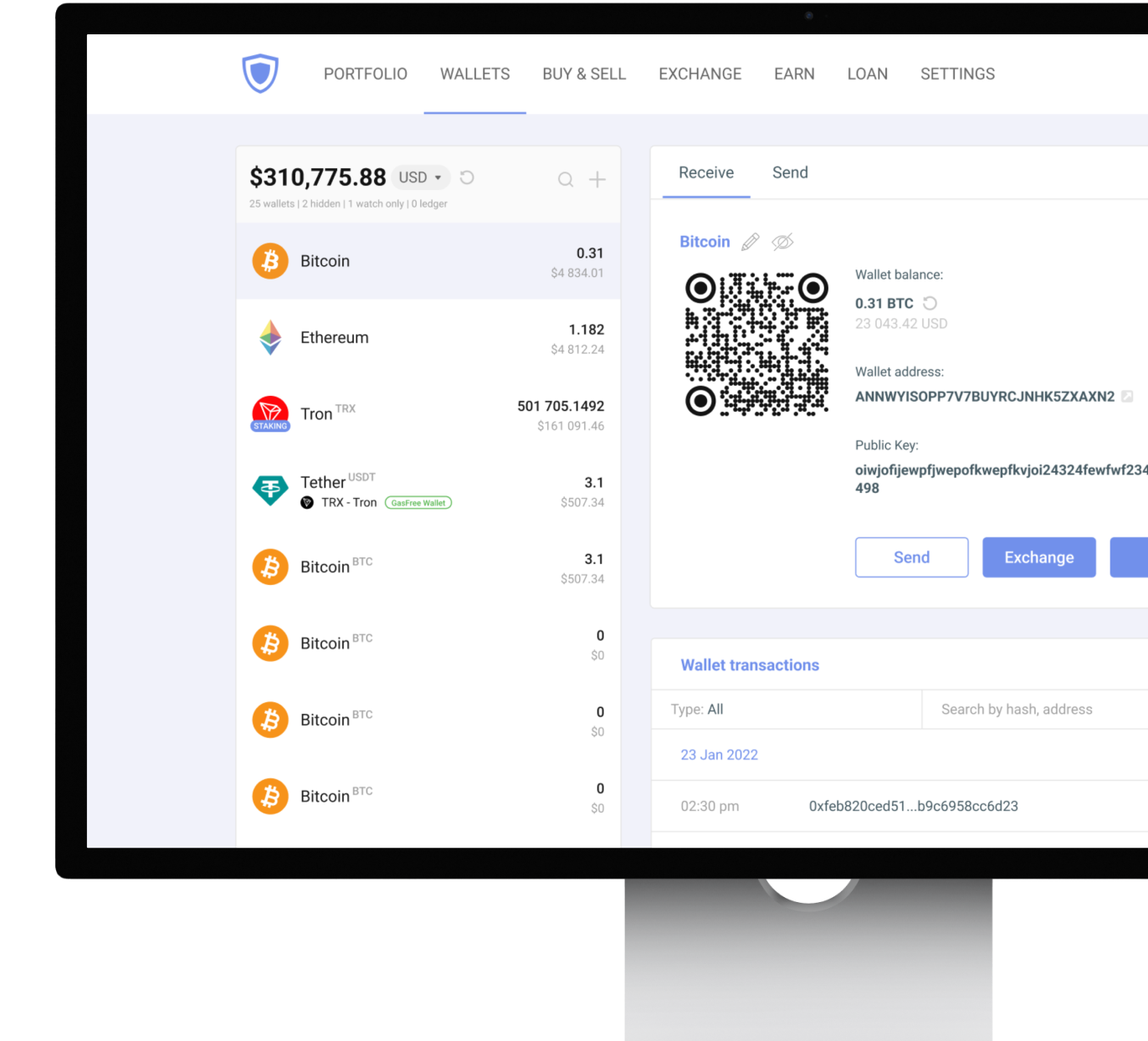
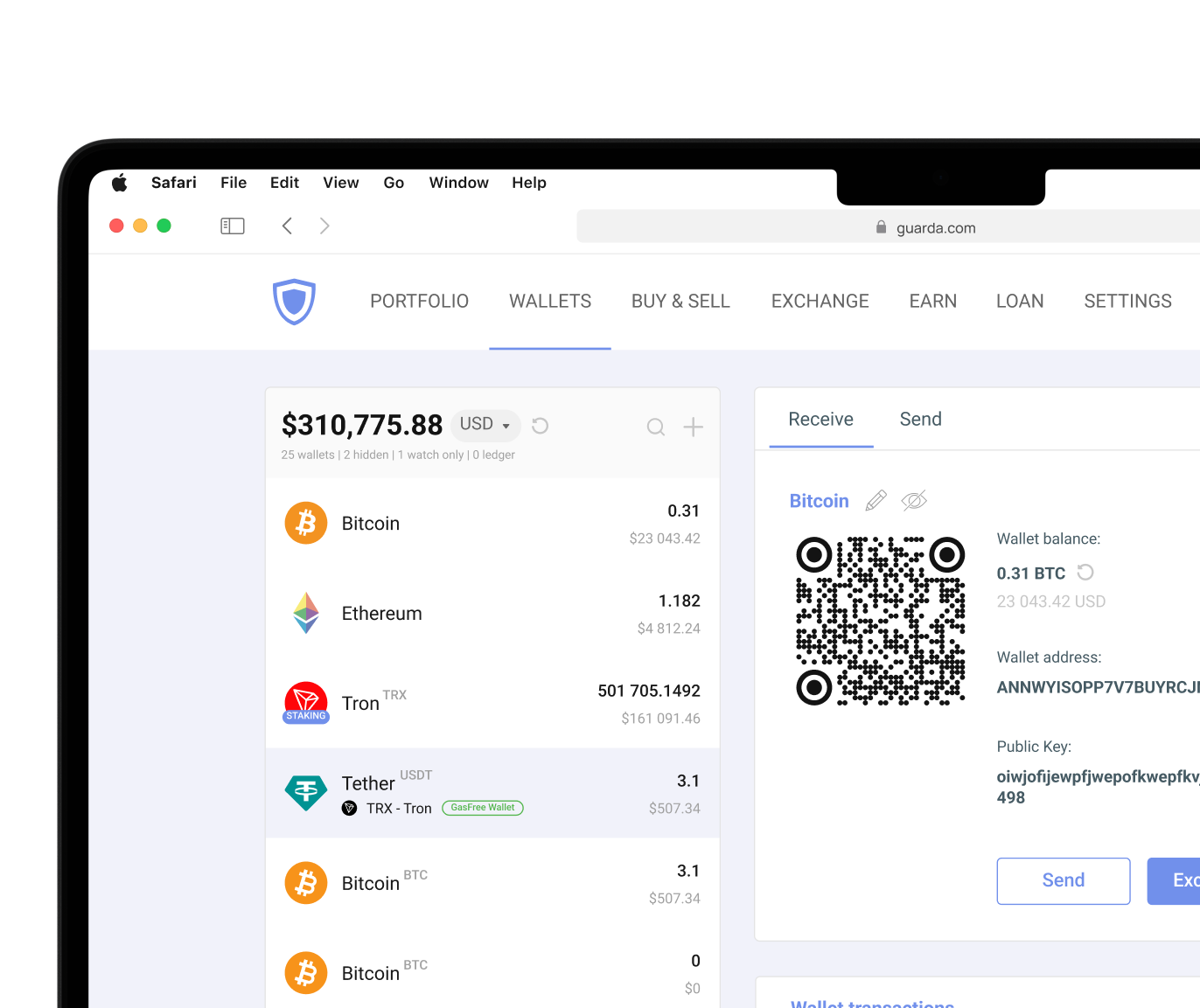
Guarda Wallet offers a secure and user-friendly platform for managing cryptocurrencies, tokens in a non-custodial manner.

Download on the App Store
Download Guarda Wallet
trust pilot rating
Download Guarda Wallet

Why Choose Guarda for Your Ontology Wallet?

Cross-platform

1M+ Assets

Multi-currency support

Non-custodial

Non-custodial

Your Keys, Your Crypto

Multi-currency support

Built-in Buy & Exchange

Buy and swap without leaving the app

Cross-platform

Cross-platform

Desktop Mobile Web Extension

Dynamic fees

Excellent Rating

on Trustpilot

24/7 human support

24/7 human support

Always here to help

Ontology Price (ONT/USD)

ONT
ONT Price
Rank
Market Cap
24H Volume
The current price of Ontology (ONT) is . Charts provide insight into its market performance and investor interest.
Download Ontology Wallet

Ontology Wallet — Available on Every Platform

Web

Online Wallet

Sign Up

Mobile

iOS Android

Guarda Wallet

Online Wallet

Sign Up
Web Wallet

iOS Android

Download on the App Store
Mobile Wallet

Store Ontology

Guarda is a powerful and user-friendly multi-currency wallet that allows you to securely store and manage your crypto. With Guarda, you can easily create an online Ontology wallet app for PC, Mac, iOS and Android.

Create Wallet
Store Ontology Store Ontology

Buy Ontology (ONT)

Our user-friendly platform makes it easy to buy and sell 1M+ tokens, all with lightning-fast transaction speeds and top-notch security measures.

Payment methods
Visa MasterCard SEPA
Buy Ontology
Buy Ontology Buy Ontology

Exchange Ontology

Swap Ontology instantly with 1M+ supported assets. No registration required — fast, secure, and non-custodial exchanges directly in your wallet.

Exchange Now
Exchange Ontology Exchange Ontology

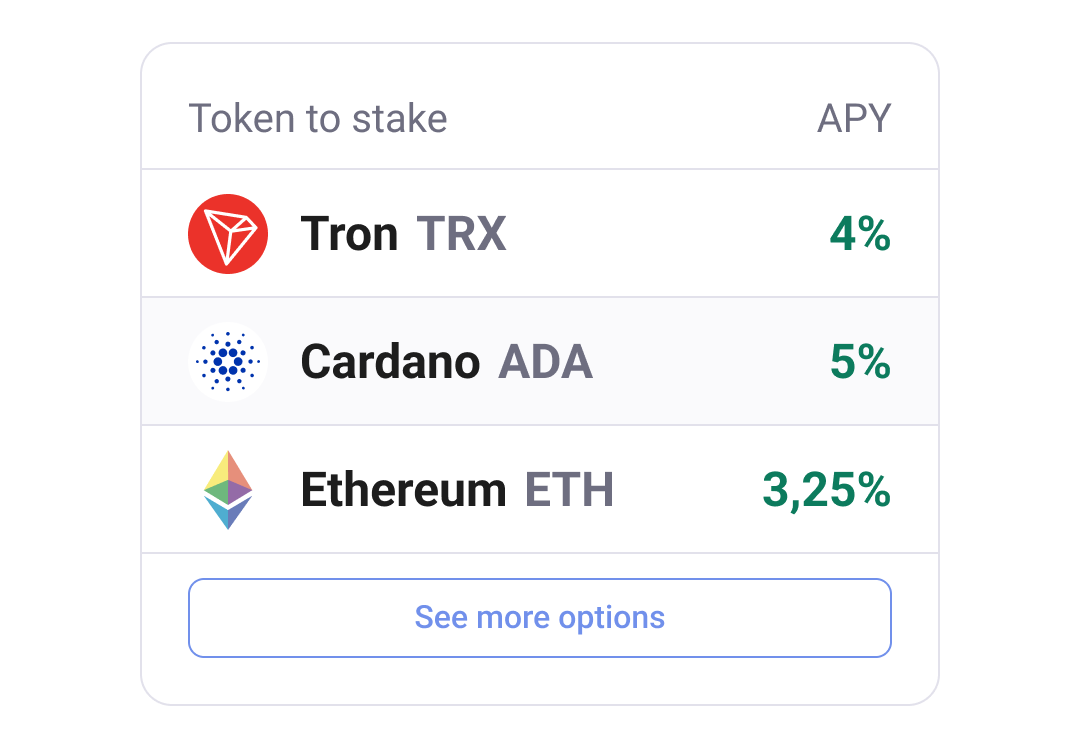
Earn with Ontology Staking

Stake your ONT and earn passive income directly in Guarda. Our cutting-edge wallet platform lets you support the network and get rewarded.

Stake ONT Now
Earn with Ontology Staking

How to Create a Ontology Wallet in Guarda

1

Download Guarda Wallet

Install on Desktop, Mobile, or use Web Wallet — your choice of platform.

2

Create or Import a Wallet

Click "Create new wallet" to generate a new Ontology address, or import an existing wallet via seed phrase or private key.

3

Back Up Your Seed Phrase

Write down your 12-word seed phrase and store it securely. This is your only recovery option — Guarda does not store your keys.

4

Send, Receive or Buy ONT

Your Ontology wallet is ready. Send, receive, buy, exchange or stake ONT directly within Guarda.

Download on the App Store

What Can You Do with Ontology?

Exchange, buy, stake, and track your Ontology portfolio — everything in one secure non-custodial wallet.

Built-in Exchange

Built-in Exchange

Swap ONT for 1M+ assets instantly, without leaving the wallet

Buy with Fiat

Buy with Fiat

Purchase ONT directly with Visa, Mastercard, Apple Pay

Staking

Staking

Earn passive rewards on supported assets

Portfolio Management

Portfolio Management

Keep all your coins in one place with real-time portfolio overview

Frequently Asked Questions About Ontology Wallet

What is Ontology?
Ontology is a blockchain platform launched in 2017 that focuses on digital identity, data management, and decentralized applications. It uses two native tokens: ONT for governance and staking, and ONG for transaction fees. The network aims to make blockchain technology more practical for businesses and developers.
How to get an Ontology wallet?
Choose a non-custodial wallet that supports ONT and ONG, download it from an official source, and complete the setup process. During creation, the wallet generates a seed phrase that serves as your backup. Once setup is complete, you can receive, store, and manage Ontology assets.
How to secure your Ontology?
Protect your private keys and seed phrase, use strong passwords, and keep wallet software updated. Many users also store backups offline and enable available security features. A hardware wallet can add another layer of protection by keeping sensitive credentials offline.
What is the difference between Ontology (ONT) and Ontology Gas (ONG)?
ONT is the main token of the Ontology ecosystem and supports governance, staking, and network participation. ONG functions as the network's gas token and pays transaction fees. Holding ONT can generate ONG over time, similar to how other dual-token blockchain systems operate.
Why do I need to store my seed phrase?
The seed phrase is the master backup for your wallet. If your device is lost, damaged, or replaced, the seed phrase is the only thing that can restore access to your ONT, ONG, and other supported assets. Without it, recovering a non-custodial wallet is not possible.
How to store my seed phrase?
Write the seed phrase down and store it in a secure offline location. Many users create multiple backups and keep them in separate places. Avoid storing the phrase in screenshots, cloud storage, emails, or any location connected to the internet whenever possible. Remember that no one has a use of your seed phrase other than acquiring your assets. Never share it with anybody.
What is a private key?
A private key is a cryptographic credential (often a string of 64 characters) that proves ownership of blockchain assets and authorizes transactions. Every wallet contains one or more private keys. Anyone who gains access to a private key can control the associated funds, which is why private key security is highly important.

Everything You Need to Know About Ontology Wallets

Ontology Wallet Introduction

An Ontology wallet gives users a secure way to store, manage, and use ONT and ONG tokens on the Ontology blockchain. Wallet selection plays an equally important role because the wallet protects the credentials that control access to digital assets.

The Ontology ecosystem uses a dual-token model. ONT is the network's native governance token, while ONG functions as the utility token. It pays transaction fees and powers activity on the blockchain. An Ontology Wallet stores both ONT and ONG, connects directly to the Ontology blockchain, and protects the private keys that control those assets.

Beyond simple cryptocurrency storage, Ontology wallets can support staking, token transfers, decentralized applications, and asset management. Understanding how wallets work helps you secure your holdings while taking full advantage of the Ontology ecosystem.

What is Ontology (ONT)?

Ontology is a high-performance blockchain platform that launched in 2017 with a focus on decentralized identity, data exchange, and enterprise adoption. Ontology was not planning to concentrate primarily on payments. It seeks to build infrastructure for people and organizations to manage, verify and share data in a secure way.

The platform has a governance and utility model centered around two tokens. ONT functions as the governance token, while Ontology Gas (ONG) covers transaction fees and network operations. Users often compare this structure to other dual-token ecosystems because it separates ownership from network usage. Ontology's modular architecture and focus on cross-chain collaboration still distinguish it from many competing blockchain platforms. The network emphasizes interoperability, allowing data and assets to move between different blockchain environments.

Ontology relies on its VBFT consensus mechanism, which combines elements of Proof of Stake, Byzantine Fault Tolerance, and verifiable randomness. This design helps the network process transactions efficiently while maintaining security. The platform also supports smart contracts and decentralized applications. It also uses a self-sovereign ID (SSI). Developers can build services focused on identity verification, data ownership, decentralized finance, and digital asset management.

Securing Your Private Keys

Security starts with protecting private keys. Every ONT wallet relies on them to authorize transactions, access balances, and manage assets on the blockchain. Anyone who gains access to those credentials gains control over the associated funds. So every wallet has its own protective approach.

The most important information is the seed phrase. A seed phrase is generated first, so it's the starting point of your wallet. A seed phrase generates the wallet's private keys and allows users to restore access if a device is lost, harmed, or stolen. Because the seed phrase secures the entire wallet, users should treat it as highly sensitive information. Private keys prove ownership of blockchain assets and authorize transactions. When you approve a transaction, the wallet uses the private key to create a cryptographic signature that the blockchain can verify. After private keys authorize a transaction, it cannot be reversed. But good security practices prevent unauthorized access far more effectively than any single wallet feature.

Security best practices:

  • Store seed phrases offline
  • Never share recovery phrases or private keys
  • Create strong and unique passwords
  • Enable available security features
  • Download wallets only from official sources
  • Keep software updated
  • Verify addresses before sending funds
  • Maintain multiple secure backups
  • Protect devices from malware
  • Consider hardware wallets for larger holdings

Many experienced cryptocurrency users add hardware wallets as an extra layer of protection for the amounts that should remain untouched. Hardware wallets keep private keys offline and reduce exposure to malware, phishing attempts, and other online threats.

Types of Ontology Wallets Available

Most Ontology users start with a software wallet because it offers the easiest way to manage ONT and ONG on a daily basis. Software wallets run on desktop computers, smartphones, and browser extensions. An internet-connected environment gives users quick access to balances, transactions, and blockchain applications. Non-custodial options are secure because they allow users to keep control of their private keys while still benefiting from a convenient interface.

For users who want the highest level of protection, hardware wallets work as follows. Instead of storing private keys on an internet-connected device, they keep them inside a dedicated physical device designed specifically for cryptocurrency security. Transactions require physical confirmation, adding another barrier against unauthorized access.

Comparing Hardware vs. Software Wallet Options

Hardware wallets and software wallets serve different needs. Hardware wallets provide the security for an Ontology wallet because they store private keys on a dedicated device that remains offline most of the time. This method significantly reduces exposure to online threats.

This offline design makes hardware wallets one of the most secure ways to protect ONT and ONG holdings. However, the added security comes with trade-offs. Hardware wallets require an upfront purchase (around $50-$150), are less convenient for frequent transactions, and depend on having the device available whenever funds need to be moved.

Software wallets have a combination of accessibility and self-custody. That makes non-custodial software wallets like Guarda a popular choice for both newcomers and experienced users. They are usually free to use, simple to install, and available across multiple operating systems. Plus, Guarda is available for smartphones (both iOS and Android), desktops, and browsers. At the same time, they rely heavily on the security of the device they run on. Malware, phishing attacks, compromised websites, and weak passwords can all create risks if proper security practices are ignored.

Many users ultimately combine both wallet types. They use a software wallet for everyday transactions and portfolio management, while a hardware wallet serves as an additional layer of protection for long-term holdings that rarely move. Ledger remains one of the most established options and integrates with Guarda for users who want the convenience of software management combined with offline security.

Desktop Wallets for Ontology

Desktop wallets are the type of software wallets. They appeal to users who actively manage assets, participate in staking, or interact with multiple blockchain networks. Compared with mobile apps, desktop applications often provide larger interfaces, advanced portfolio tools, and greater visibility into account activity.

As a software wallet, a desktop wallet offers a practical balance between security and convenience. Users maintain control over their private keys while benefiting from a full-featured management environment. Guarda provides desktop applications for Windows, macOS, and Linux, allowing users to manage ONT, ONG, and other supported assets from a single interface. For traders and active cryptocurrency users, desktop wallets often provide the most flexible experience without sacrificing self-custody.

2 100+ reviews with average 4.3 score on TrustPilot

SH

ShayaN

Sep 13, 2025

Guarda Wallet Best Crypto Wallet

I have been using Guarda Wallet since 2021. To date, I have made more than thousands of transactions on various blockchains on Guarda Wallet without any problems, and I am very, very satisfied with other services such as exchanges and staking Coins on Guarda Wallet. thank you Guarda Wallet your Awesome <3

BA

Brian A

Feb 3, 2026

System is fast and without issues

System is fast and without issues. Listens to feedback and actually contacted me to talk about an issue that I reported.

AN

Any

Mar 18, 2026

you're doing an awesome job, keep it up!

exchanges are super smooth, and I really love this wallet
it has everything I need in one place& i'll definitely recommend you to my friends
you're doing an awesome job, keep it up!