XDC Wallet Introduction
An XDC wallet keeps access to your funds under your control. It stores the private keys connected to your XDC tokens, connects to the XDC Network, and gives you a secure way to manage tokens without handing control to a third party. For users working with XDC, the wallet is the main point of contact with the network.
The XDC tokens themselves stay on the blockchain. The XDC wallet manages private keys—the credentials needed to move them, receive funds, check balances, and approve transactions. That is why wallet choice matters from the beginning. A weak setup can put funds at risk. A secure wallet helps protect private keys and keeps daily asset management straightforward.
What is XDC Network?
XDC Network is an enterprise blockchain built for fast, low-cost transactions and business-grade use cases such as trade finance, asset tokenization, staking XDC, and decentralized applications. Its architecture is based on XDPoS, a delegated proof-of-stake consensus mechanism. As a result, the network has speed and scalability; plus, it is energy efficient. This defines what makes XDC different from older networks. They can become expensive or slow during heavy usage, while XDC stays comparatively stable.
The network is often described as a hybrid blockchain because it can support both public blockchain activity and enterprise-grade protocol. That matters mostly for businesses since they often need that transparency, interoperability, and reliable settlement without giving up operational control.
Decentralized applications (dApps) are also available on the XDC Network. To operate, dApps use blockchain infrastructure for transactions, smart contracts, and asset movement. XDC Network also enables staking. Token holders can participate in network activity depending on the wallet or platform they use.
Securing Your XDC Wallet
XDC wallet security comes down to two pieces of information to protect the most: private keys and the seed phrase.
A seed phrase is the recovery backup generated at the same time as a wallet. It is a unique combination of 12-24 words that can restore access to the wallet if a device is lost or damaged. Since the recovery phrase has that much power over the wallet, it should never be shared. Keep it offline as a secure backup. Remember that if you wrote your seed phrase down on paper, it needs physical protection.
A private key is what gives access to your XDC tokens and authorizes transactions. This is a second step in your wallet creation. Private keys are generated from the seed phrase. If someone gets them, they can move the funds. That is why private keys require secure storage and should never be copied into chats, emails, screenshots, or cloud notes.
Critical XDC wallet security practices:
- Store your seed phrase offline.
- Keep backup copies in secure physical locations.
- Never share private keys or recovery phrases.
- Use strong, unique passwords.
- Turn on all available security settings.
- Check wallet URLs before logging in.
- Download wallet apps only from official sources.
- Double-check recipient addresses before sending XDC.
- Watch for phishing emails, fake support accounts, and unknown links.
- Update wallet software regularly.
Types of XDC Wallets: Finding Your Perfect Match
XDC wallets come in several forms, including hardware wallets, software wallets, mobile wallets, desktop wallets, and web wallets. If you are looking for the best wallet for XDC, it is one of these options.
Different XDC wallets are built for different goals and habits. A mobile wallet on the smartphone works best for quick access. A desktop wallet gives more room and control for managing balances and reviewing transactions. A hardware wallet keeps private keys offline so your long-term holdings are safe. A web wallet makes the experience flexible but depends heavily on internet safety measures.
| Wallet Type |
Security Level |
Convenience |
Cost |
Best For |
| Hardware Wallet |
Very High |
Medium |
Paid |
Long-term XDC storage |
| Mobile Wallet |
High |
Very High |
Free |
Daily transactions |
| Desktop Wallet |
High |
High |
Free |
Portfolio management |
| Web Wallet |
Medium |
High |
Free |
Quick access |
| Browser Extension |
Medium-High |
High |
Free |
DApp interaction |
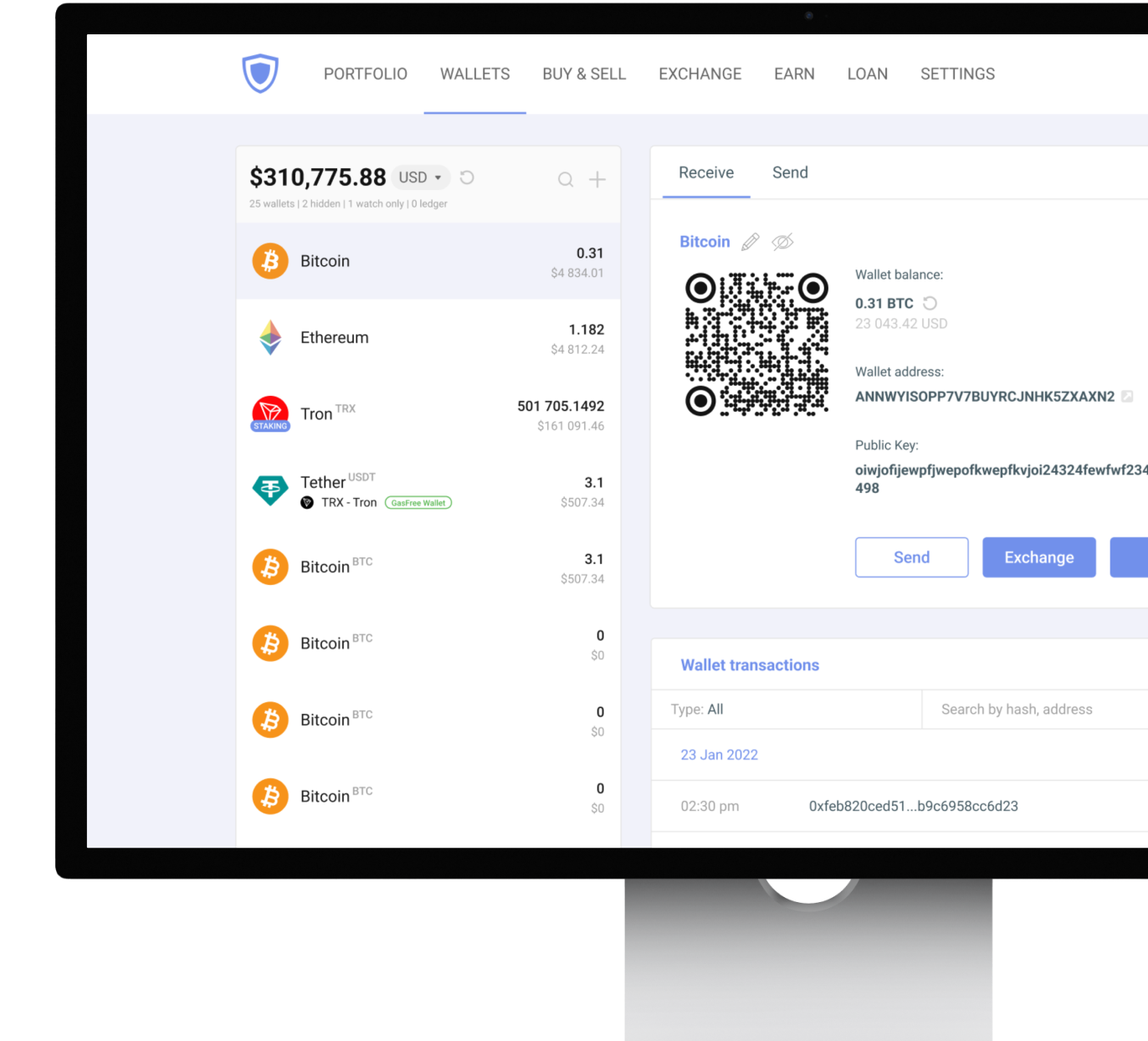
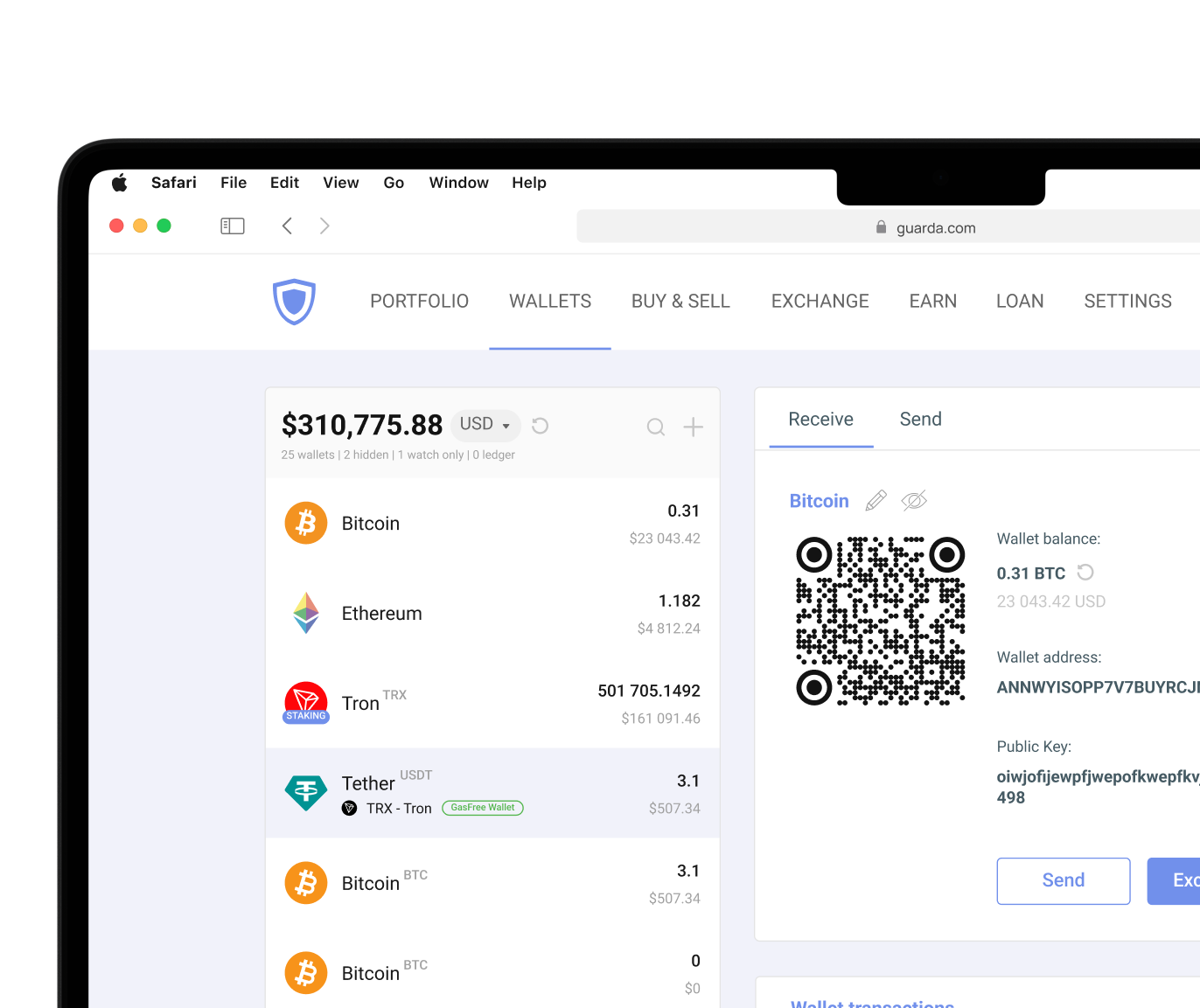
Hardware wallets, software wallets, and mobile wallets are all types of XDC wallets. Each format handles private keys, access, and convenience differently. Guarda covers several formats in one place: desktop, mobile, web, and browser-based access. This gives users freedom across devices and keeps XDC management inside a non-custodial environment.
Mobile XDC Wallets for Convenience
A mobile XDC wallet puts token management directly on your phone. For many users, that is the most familiar setup that works similarly to banking apps already installed on their phone. In a mobile wallet, you can check balances, receive XDC, send funds, and monitor transactions without opening a desktop application.
Guarda supports XDC on Android and iOS. Regardless of your phone's OS, keep it updated and be mindful of what you download. A mobile wallet prioritizes convenience and on-the-go access, but it should still be treated as serious financial software. Phone security is your responsibility. If the device is compromised, the wallet becomes more exposed too.
How to set up a mobile XDC wallet:
- Download a trusted XDC wallet app from the official website or app store.
- Create a new wallet.
- Write down the seed phrase offline.
- Set a strong password and biometric lock.
- Receive XDC using your wallet address.
- Test with a small amount first.
- Review every transaction before approval.
Desktop and Web XDC Wallets
Desktop wallets are a type of software wallet installed on your computer. They are better suited for users who prefer managing XDC from a bigger screen. A desktop XDC wallet gives more space for working with multiple assets. It can feel more solid for users who do not want to manage everything from a phone.
XDC web wallets need an internet connection to work correctly. They run through a browser and are useful when you have to act as fast as possible from any device you can find. Browser extensions sit between desktop and web access. Guarda XDC wallet extension or XDC wallet Chrome setup can make DApp interaction easier because the wallet is already connected to the browser.
The trade-off for both is internet exposure. Web wallets and extensions require strong passwords, trusted URLs, updated browsers, and careful phishing awareness. If you use an exchange account, keep in mind that exchanges use a custodial model and control your private keys for you. For enhanced security, non-custodial wallets are a better option.
Protecting Your Funds Long-Term: Hardware Wallets
Hardware wallets are built for users who want stronger private key protection. A hardware wallet stores private keys offline and signs transactions from a separate physical device. This helps protect private keys from malware, phishing, and many online attacks.
If you're planning to securely hold XDC tokens for a long time, hardware wallets serve as a safe in addition to your non-custodial but internet-connected wallet. Ledger devices, for example, are often used for offline storage and can integrate with Guarda. Hardware wallets are not the fastest option for frequent transactions, though. They work best for savings and long-term storage, while non-custodial wallets provide fast execution and proper key security.




 Google
Chrome
Google
Chrome Brave
Brave