Gnosis (GNO) Wallet

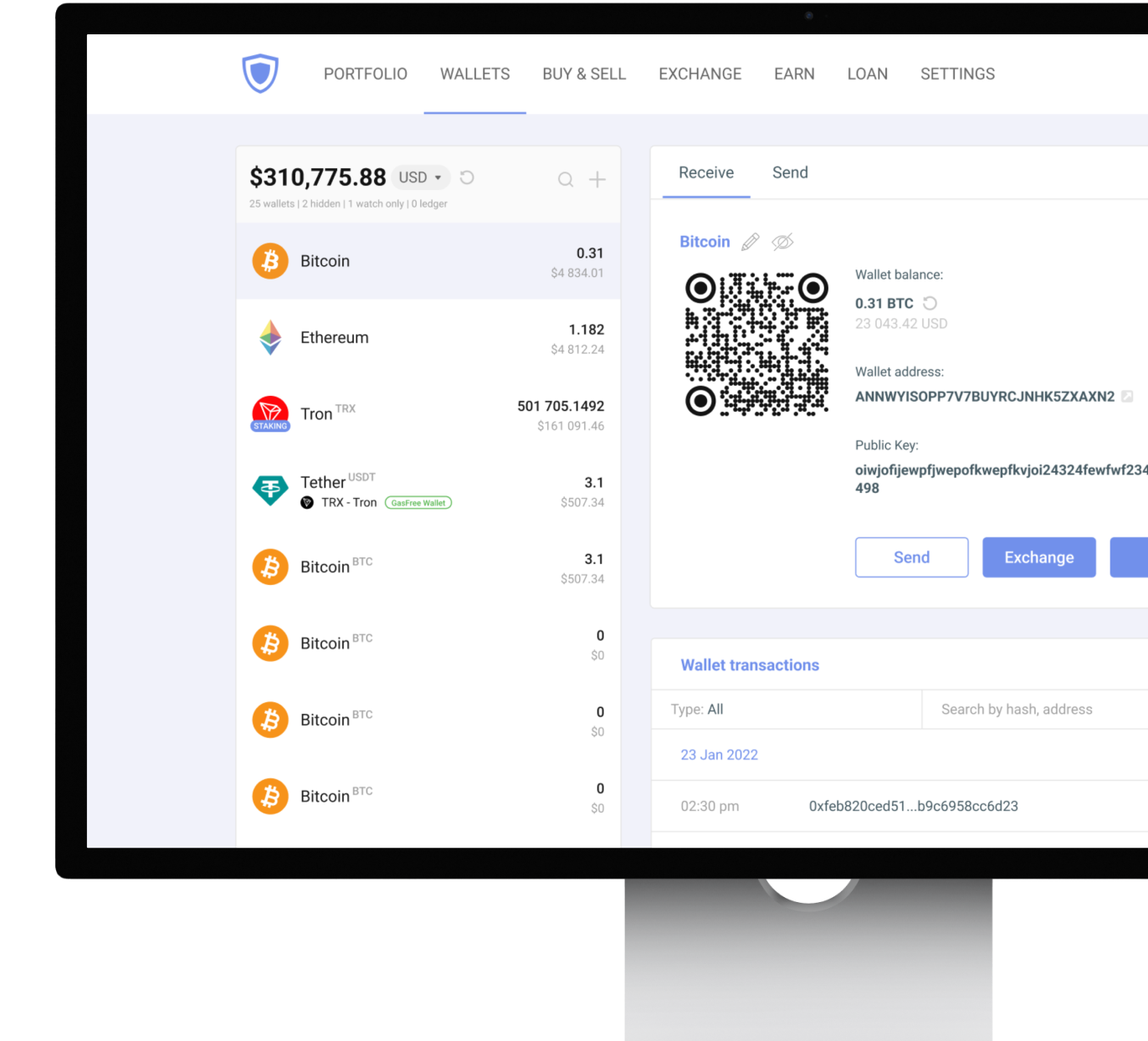
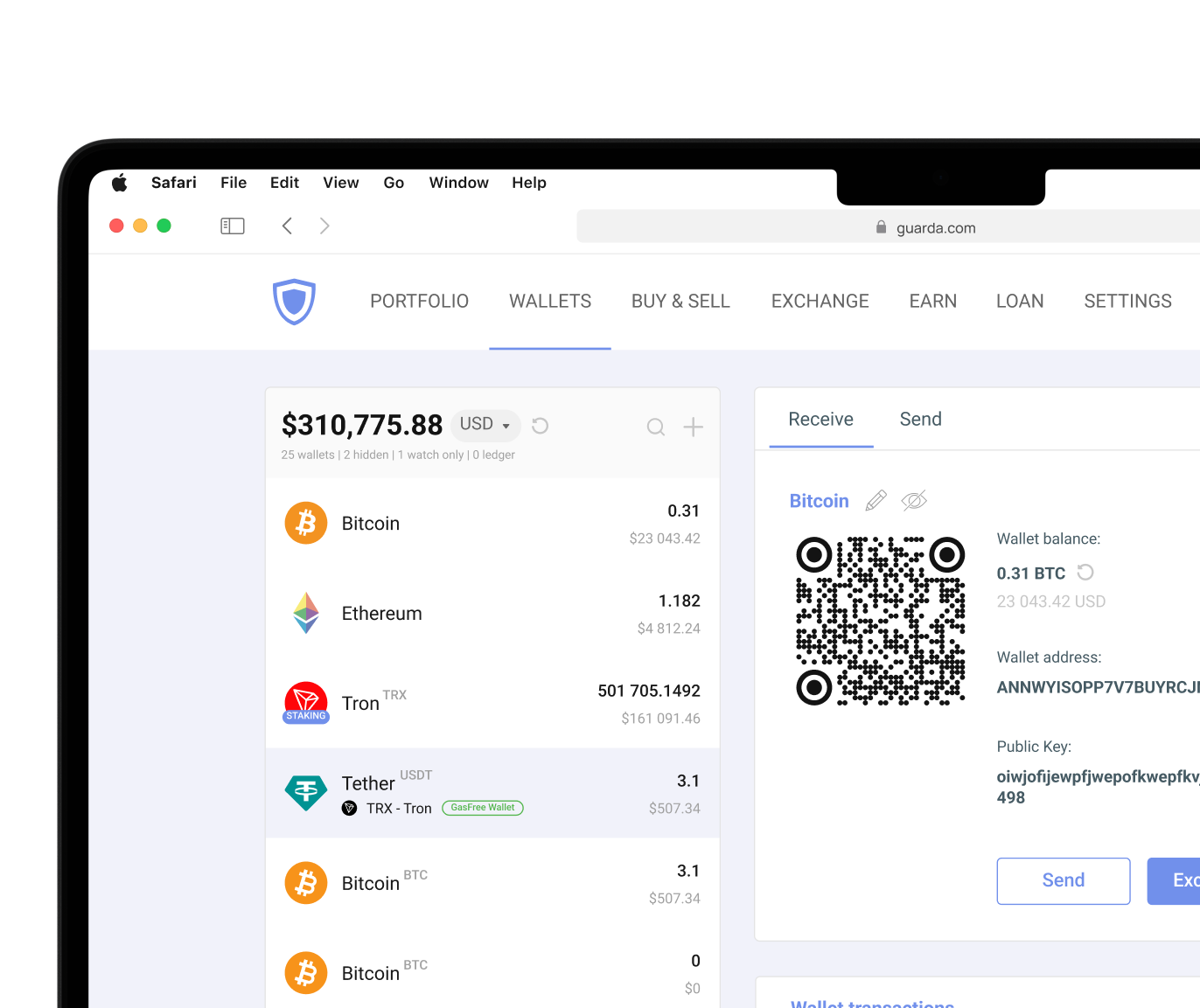
Guarda Wallet offers a secure and user-friendly platform for managing cryptocurrencies, tokens in a non-custodial manner.

Download on the App Store
Download Guarda Wallet
trust pilot rating
Download Guarda Wallet

Why Choose Guarda for Your Gnosis Wallet?

Cross-platform

1M+ Assets

Multi-currency support

Non-custodial

Non-custodial

Your Keys, Your Crypto

Multi-currency support

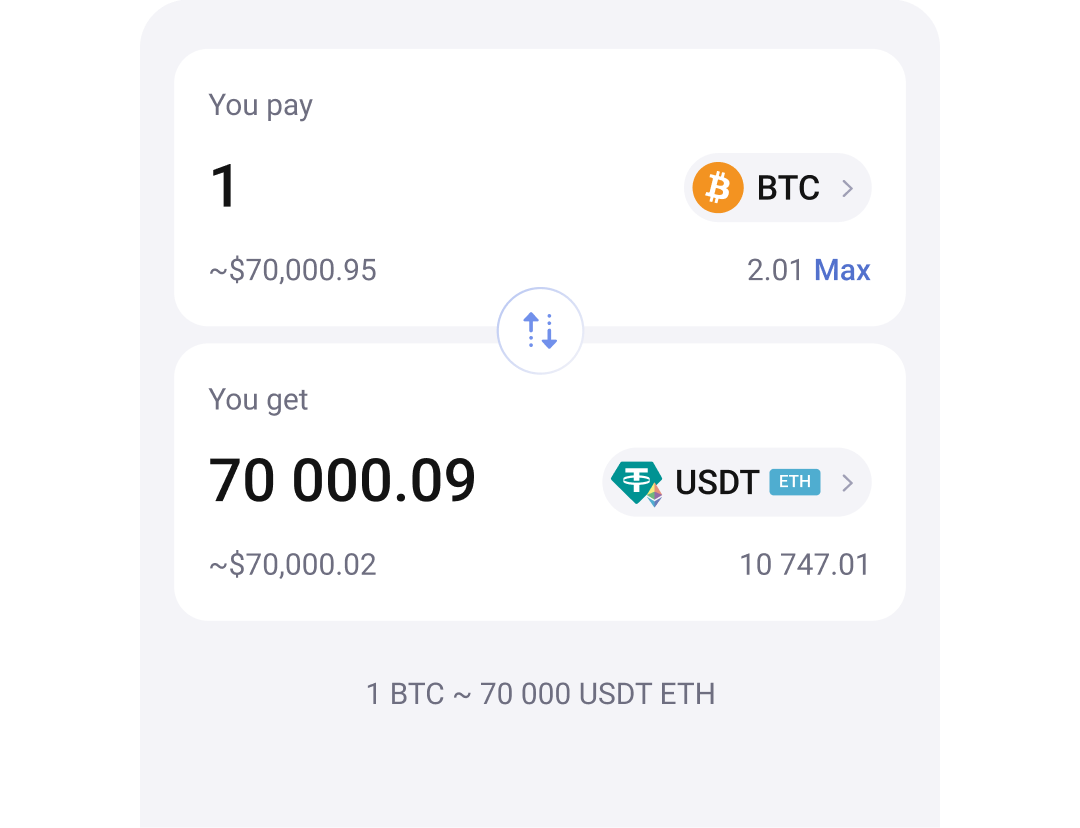
Built-in Buy & Exchange

Buy and swap without leaving the app

Cross-platform

Cross-platform

Desktop Mobile Web Extension

Dynamic fees

Excellent Rating

on Trustpilot

24/7 human support

24/7 human support

Always here to help

Gnosis Price (GNO/USD)

GNO
GNO Price
Rank
Market Cap
24H Volume
The current price of Gnosis (GNO) is . Charts provide insight into its market performance and investor interest.
Download Gnosis Wallet

Gnosis Wallet — Available on Every Platform

Web

Online Wallet

Sign Up

Mobile

iOS Android

Guarda Wallet

Online Wallet

Sign Up
Web Wallet

iOS Android

Download on the App Store
Mobile Wallet

Store Gnosis

Guarda is a powerful and user-friendly multi-currency wallet that allows you to securely store and manage your crypto. With Guarda, you can easily create an online Gnosis wallet app for PC, Mac, iOS and Android.

Create Wallet
Store Gnosis Store Gnosis

Buy Gnosis (GNO)

Our user-friendly platform makes it easy to buy and sell 1M+ tokens, all with lightning-fast transaction speeds and top-notch security measures.

Payment methods
Visa MasterCard SEPA
Buy Gnosis
Buy Gnosis Buy Gnosis

Exchange Gnosis

Swap Gnosis instantly with 1M+ supported assets. No registration required — fast, secure, and non-custodial exchanges directly in your wallet.

Exchange Now
Exchange Gnosis Exchange Gnosis

How to Create a Gnosis Wallet in Guarda

1

Download Guarda Wallet

Install on Desktop, Mobile, or use Web Wallet — your choice of platform.

2

Create or Import a Wallet

Click "Create new wallet" to generate a new Gnosis address, or import an existing wallet via seed phrase or private key.

3

Back Up Your Seed Phrase

Write down your 12-word seed phrase and store it securely. This is your only recovery option — Guarda does not store your keys.

4

Send, Receive or Buy GNO

Your Gnosis wallet is ready. Send, receive, buy, exchange or stake GNO directly within Guarda.

Download on the App Store

What Can You Do with Gnosis?

Exchange, buy, stake, and track your Gnosis portfolio — everything in one secure non-custodial wallet.

Built-in Exchange

Built-in Exchange

Swap GNO for 1M+ assets instantly, without leaving the wallet

Buy with Fiat

Buy with Fiat

Purchase GNO directly with Visa, Mastercard, Apple Pay

Portfolio Management

Portfolio Management

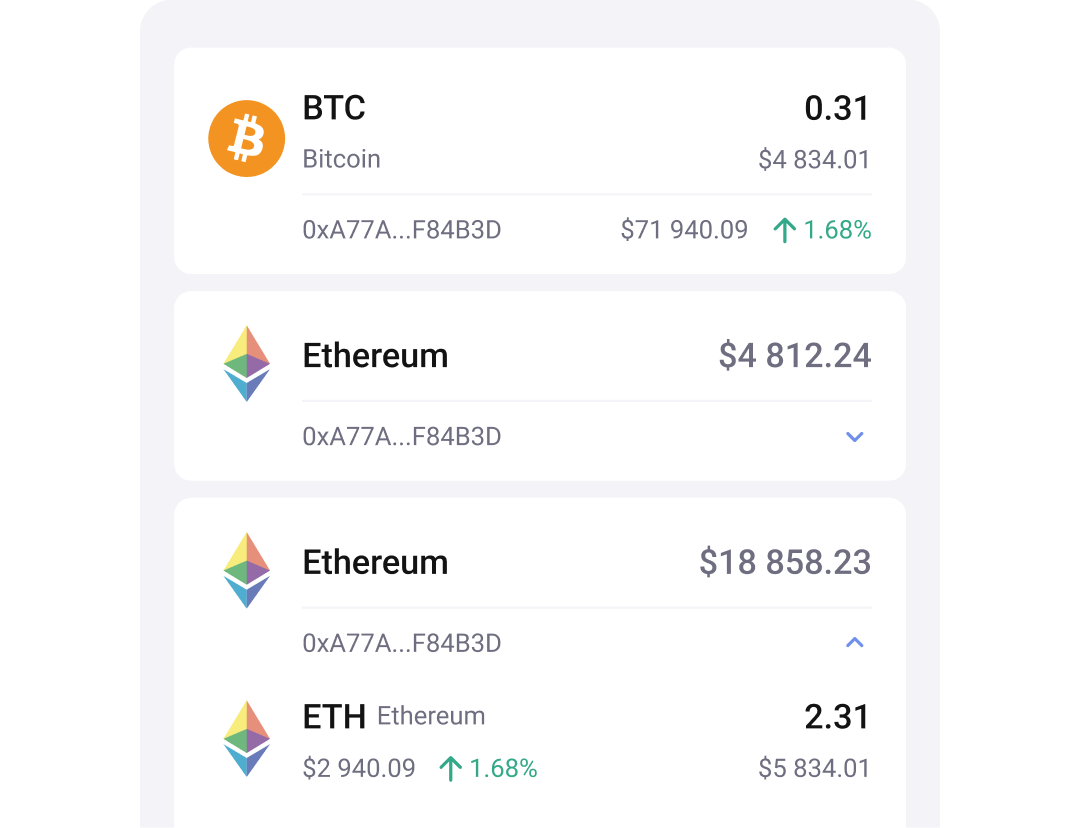
Keep all your coins in one place with real-time portfolio overview

Frequently Asked Questions About Gnosis Wallet

What is the difference between Gnosis Wallet and Gnosis Safe?
The term "Gnosis Wallet" is used to describe wallets that support the Gnosis ecosystem, while Gnosis Safe (now Safe{Wallet}) is a smart contract account designed primarily for DAOs, organizations, and multi-signature treasury management. Individual users looking to store and manage GNO often choose a multicurrency non-custodial wallet, and teams typically benefit from Safe's multi-signature architecture more noticeably.
Can I store GNO in a non-custodial wallet?
Yes. Many non-custodial cryptocurrency wallets support GNO while giving users complete control over their private keys and recovery phrase. Guarda Wallet allows users to buy, store, send, receive, swap, and manage GNO and 1M+ other assets. It runs across desktop, mobile, web, and browser extension platforms without relying on a third party to safeguard their assets.
Do I need a hardware wallet for Gnosis?
A hardware wallet is not required for any crypto, but it gives additional protection. It works well for saving balances because it stores private keys offline. Plus, some software wallets have integration with hardware ones. Many users manage their day-to-day assets with Guarda while pairing it with Ledger for long-term storage.
Can I stake GNO after buying it?
Yes. GNO can be used for staking through supported services within the Gnosis ecosystem, although the available methods depend on the wallet or platform you choose. Before staking, review any validator requirements, lock-up conditions, fees, and potential risks associated with the service you're using.
Is Gnosis Chain the same as Ethereum?
No. Gnosis Chain is an independent EVM-compatible blockchain rather than the Ethereum network itself. Because it supports Ethereum-compatible applications and wallets, many tools work across both ecosystems.
What happens if I lose access to my wallet?
Recovery depends on the wallet type. With a non-custodial wallet, access is usually restored using the recovery phrase. It won't be a problem if it has been backed up securely. If both the device and recovery phrase are lost, recovering the wallet may be impossible. For Safe{Wallet}, recovery depends on the configured owners and signature threshold.

Everything You Need to Know About Gnosis Wallets

Gnosis Wallet Introduction

Choosing the right Gnosis wallet depends on how exactly you plan to use the Gnosis ecosystem. Users who want to store GNO, interact with decentralized applications, or manage digital assets have different requirements from DAOs and organizations that need multi-signature treasury management. A cryptocurrency wallet manages the private keys that give access to assets recorded on the blockchain. In the Gnosis ecosystem, wallets range from simple non-custodial applications for everyday use to programmable smart contract accounts designed for shared ownership and multi-signature approvals.

Guarda Wallet provides a practical way to buy, store, send, receive, and manage GNO while keeping full control of private keys across desktop, mobile, web, and browser extension platforms. Meanwhile, Safe{Wallet} (formerly Gnosis Safe) remains one of the industry's leading solutions for DAOs, treasury management, and organizations that require multiple approvals before moving funds.

How to Create and Set Up a Gnosis Wallet

Gnosis Chain is often the most economical network for initial testing because deployment and transaction gas fees are significantly lower than on Ethereum. Setting up a Gnosis wallet takes only a few minutes, but choosing the right wallet before getting started will save plenty of time later. If you simply want to manage GNO generally, you often don't need to deploy a multi-signature smart contract. But bigger organizations may benefit from Safe{Wallet}'s additional security model.

Creating a Guarda Wallet

For most cases, creating a non-custodial wallet is the simplest way to begin using Gnosis assets.

  1. Download Guarda Wallet for desktop, mobile, web, or browser extension from the official website.
  2. Create a new wallet.
  3. Securely back up the recovery phrase offline.
  4. Set a strong password and enable available security features.
  5. Receive GNO or transfer assets from an exchange.
  6. Start sending, receiving, swapping, and managing assets while retaining full control over your private keys.

Unlike smart contract deployment, this setup requires no signer configuration or threshold selection, making it well suited to individual investors and everyday cryptocurrency management.

Creating a Safe{Wallet}

Organizations, DAOs, and treasury managers often require multiple approvals before transactions can be executed. In that case, Safe{Wallet} provides a smart contract account rather than a conventional wallet.

Creating a Safe involves:

  1. Visiting app.safe.global.
  2. Connecting MetaMask, WalletConnect, Ledger, or another supported wallet.
  3. Naming the Safe.
  4. Adding signer addresses.
  5. Choosing the approval threshold (for example, 2-of-3 signers).
  6. Deploying the smart contract on Ethereum or Gnosis Chain.
  7. Paying the network gas fee.
  8. Beginning treasury management after deployment.

Because changing signer addresses or thresholds later requires another blockchain transaction, plan the signer structure before deployment.

Types of Gnosis Wallets: Choosing the Right Option

Cryptocurrency wallets don't store coins. GNO remains on the blockchain, while the wallet stores the private keys that authorize transactions and prove ownership. There isn't a single wallet that's right for every Gnosis user. Someone simply holding GNO has different priorities than a DAO managing a treasury. The best choice depends on how assets are used, how often transactions are planned to be done, and whether one person controls the funds or multiple signers.

For individual users, a non-custodial wallet of choice is enough to work with. Guarda Wallet combines self-custody with everyday usability. It supports buying, storing, sending, receiving, swapping, and managing GNO across multiple formats. It has desktop, mobile, web, and browser extension solutions with very similar interfaces. More than 70 blockchain networks are available within the same wallet.

Safe{Wallet} is built rather for organizations, DAOs, and shared treasuries that require multi-signature approvals regularly. MetaMask and Rabby Wallet are widely used by individuals interacting mostly with DeFi applications on Gnosis Chain.

Hot Wallets vs. Cold Storage

The main difference between hot and cold wallet types is prioritized convenience versus security. Both types store private keys, sign the transactions, and can provide self-custody for their users.

Hot wallets stay connected to the internet all the time when the device itself is connected to it. They are suitable for everyday transactions, portfolio management, and dApps. You can find very beginner-friendly options as well as highly advanced and customizable ones. A non-custodial software wallet like Guarda Wallet keeps private keys under the owner's control and interacts with the blockchain across desktop, mobile, web, and browser extensions.

Cold storage is a different strategy that keeps private keys offline. Ledger and Trezor hardware wallets reduce exposure to phishing attacks, malware, and other online threats. The more you value the amount you hold, the more common the choice to store private keys on the separate offline device. Guarda also integrates with Ledger, so users can manage GNO as they used to.

Mobile, Desktop, Browser, and Hardware Wallets

Each wallet type fits a different use case in your crypto journey.

Guarda Wallet supports GNO on desktop, mobile, web, and browser extension platforms for buying, storing, sending, receiving, swapping, and managing assets under self-custody.

Safe{Wallet} is primarily managed through its web application, while the mobile app focuses on reviewing and signing multi-signature transactions.

MetaMask and Rabby Wallet are browser wallets commonly used for connecting to decentralized applications on the Gnosis Chain. They suit individual DeFi activity but aren't designed for multi-signature treasury management.

Many users combine several wallet types. A software wallet handles everyday transactions, while Ledger or Trezor stores larger balances offline for long-term security.

2 100+ reviews with average 4.3 score on TrustPilot

SH

ShayaN

Sep 13, 2025

Guarda Wallet Best Crypto Wallet

I have been using Guarda Wallet since 2021. To date, I have made more than thousands of transactions on various blockchains on Guarda Wallet without any problems, and I am very, very satisfied with other services such as exchanges and staking Coins on Guarda Wallet. thank you Guarda Wallet your Awesome <3

BA

Brian A

Feb 3, 2026

System is fast and without issues

System is fast and without issues. Listens to feedback and actually contacted me to talk about an issue that I reported.

AN

Any

Mar 18, 2026

you're doing an awesome job, keep it up!

exchanges are super smooth, and I really love this wallet
it has everything I need in one place& i'll definitely recommend you to my friends
you're doing an awesome job, keep it up!