Chainlink Wallet Introduction
Different Chainlink wallets serve different purposes. Some prioritize maximum security for long-term LINK storage. Others focus on convenience, mobile access, and daily transactions. Before choosing a wallet, it helps to understand what you are protecting. LINK is the native token of the Chainlink network, a blockchain oracle system that helps smart contracts interact with real-world data. Whether you hold a small amount of LINK or maintain a larger portfolio, the wallet you choose determines how secure your experience will be.
Private keys are at the center of every wallet. They authorize transactions and prove ownership of LINK tokens on the blockchain. Strong crypto wallets secure those keys with layered encryption. Plus, the wallet acts as an interface to interact with blockchain across desktop, mobile, hardware, or web environments.
What is Chainlink?
Chainlink is a decentralized oracle network. It connects blockchains with real-world information. Smart contracts cannot access external data on their own. They need trustworthy information about prices, weather conditions, payments, sports results, and countless other events that happen outside the blockchain.
Chainlink supplies verified external data through a network of independent oracle operators. LINK functions as the utility token that powers the network. Node operators receive LINK as compensation for giving out data services, while you can use LINK to support various oracle-related operations. Chainlink is primarily based on Ethereum and has become a critical component of blockchain infrastructure. Many decentralized finance apps rely on Chainlink price feeds and oracle services to function.
Securing Your Chainlink Assets
The most secure wallet in the world cannot protect assets if basic security practices fail. Every Chainlink wallet relies on two entities: private keys and a seed phrase. Private keys control access to LINK holdings and authorize transactions. A seed phrase generates and recovers those private keys. Together, they form the foundation of wallet security. Whoever owns the keys owns the assets. Whoever owns the seed phrase owns the wallet and all chances to recover it.
Many cryptocurrency losses take place because users accidentally expose seed phrases or approve malicious transactions. In most cases, attackers do not break wallet encryption. They just convince users to give away access voluntarily. Everyone can get manipulated through phishing pages, fake support messages, or fraudulent applications.
Essential Security Steps for Every LINK Holder
- Write down your seed phrase offline immediately after wallet creation.
- Store backup copies in separate secure locations.
- Never share your seed phrase with anyone.
- Never enter recovery phrases into websites or online forms.
- Use strong and unique passwords for wallet access.
- Enable two-factor authentication whenever available.
- Verify wallet software before downloading.
- Double-check recipient addresses before every transaction.
- Keep operating systems and wallet software updated.
- Consider hardware wallet storage for significant holdings.
Security works best when every layer supports the others. Strong passwords, secure backups, software updates, and careful transaction verification all reduce risk. The goal is making unauthorized access as difficult as possible.
Choosing and Configuring Your Wallet for Maximum Security
The strongest wallet setup combines secure private key storage, reliable backups, strong authentication, and disciplined user habits. Technology provides the tools, but consistent security practices provide the protection.
Start with the recovery process. Your seed phrase should exist only in secure offline storage. Avoid screenshots, cloud backups, email drafts, password managers without encryption, or any storage method connected directly to the internet.
Next, review wallet authentication settings. Most wallets include security features, but they often remain disabled by default.
Security Settings Worth Enabling
- Biometric authentication on supported devices
- Two-factor authentication when available
- Automatic session lock
- Transaction confirmation prompts
- Device-level encryption
- Secure backup verification
You should also review wallet permissions regularly, especially when connecting to decentralized applications. Over time, unused permissions can accumulate and create unnecessary exposure.
Another important step involves separating long-term holdings from everyday activity. Try to maintain one wallet for active transactions and another for long-term storage. This approach limits risk without reducing accessibility.
Types of Chainlink Wallets: Finding Your Perfect Match
Hardware wallets concentrate primarily on achieving the highest level of protection. Software wallets balance accessibility and security. Mobile wallets prioritize comfort, while exchange wallets integrate directly with trading platforms. No wallet category is universally better than the others. The right choice depends on how often you use LINK, how much you hold, and how much responsibility you want to take for managing private keys.
| Wallet Type |
Security Level |
Convenience |
Cost |
Best For |
| Hardware Wallet |
Very High |
Moderate |
Paid |
Long-term storage |
| Software Wallet |
High |
High |
Usually Free |
Everyday use |
| Mobile Wallet |
Medium to High |
Very High |
Usually Free |
Frequent access |
| Exchange Wallet |
Medium |
Very High |
Free |
Active trading |
Mobile and Desktop App Options for Managing LINK
For most users, software wallets offer the most practical balance between security and usability. A desktop wallet shows a larger interface for portfolio management, transaction reviews, and interaction with decentralized applications. They often appeal to users who prefer bigger screens and more detailed transaction control. Mobile wallets are portable and let users manage LINK from virtually anywhere. Mobile wallets work particularly well if you regularly send transactions, monitor portfolios, or interact with decentralized applications.
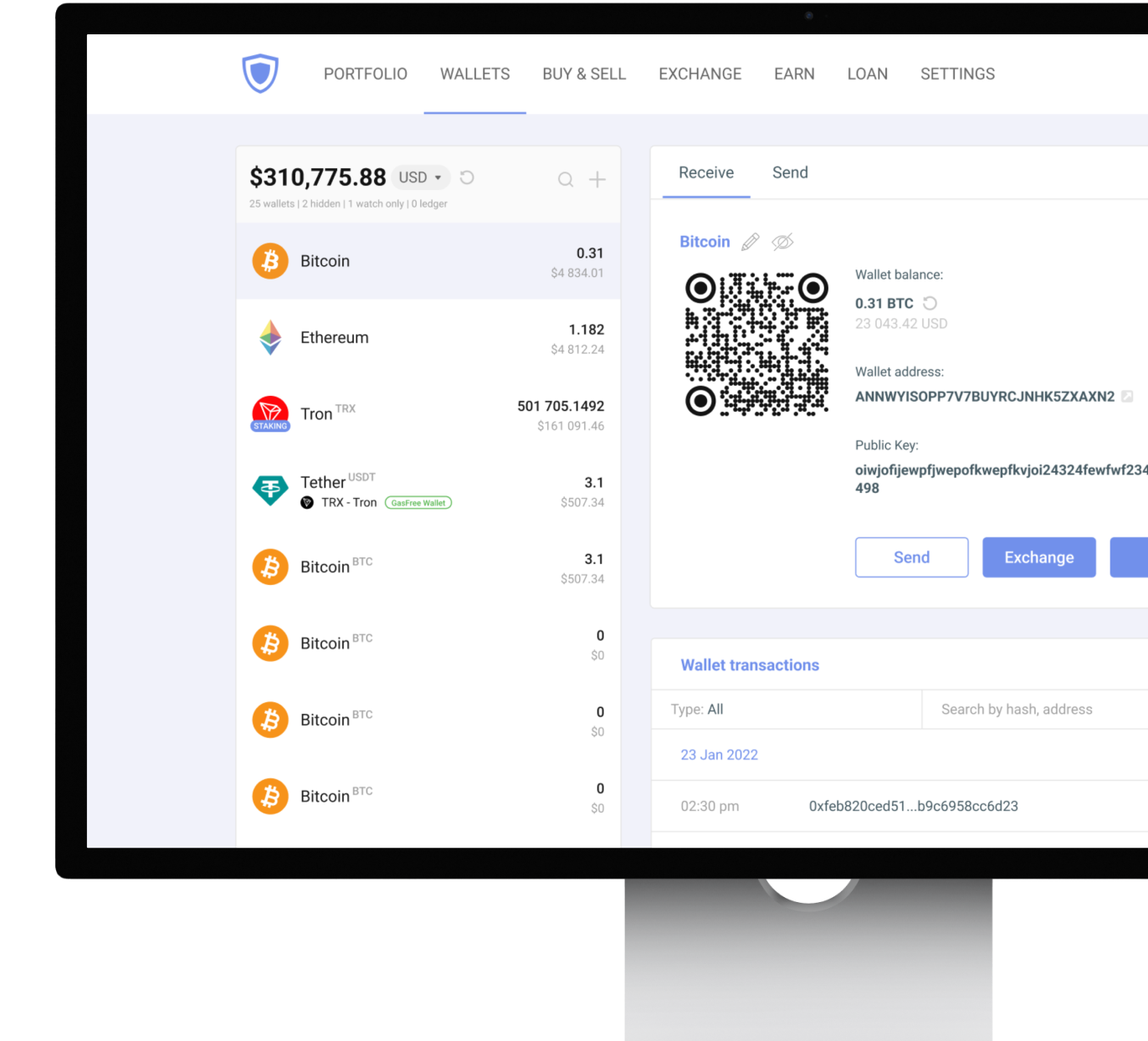
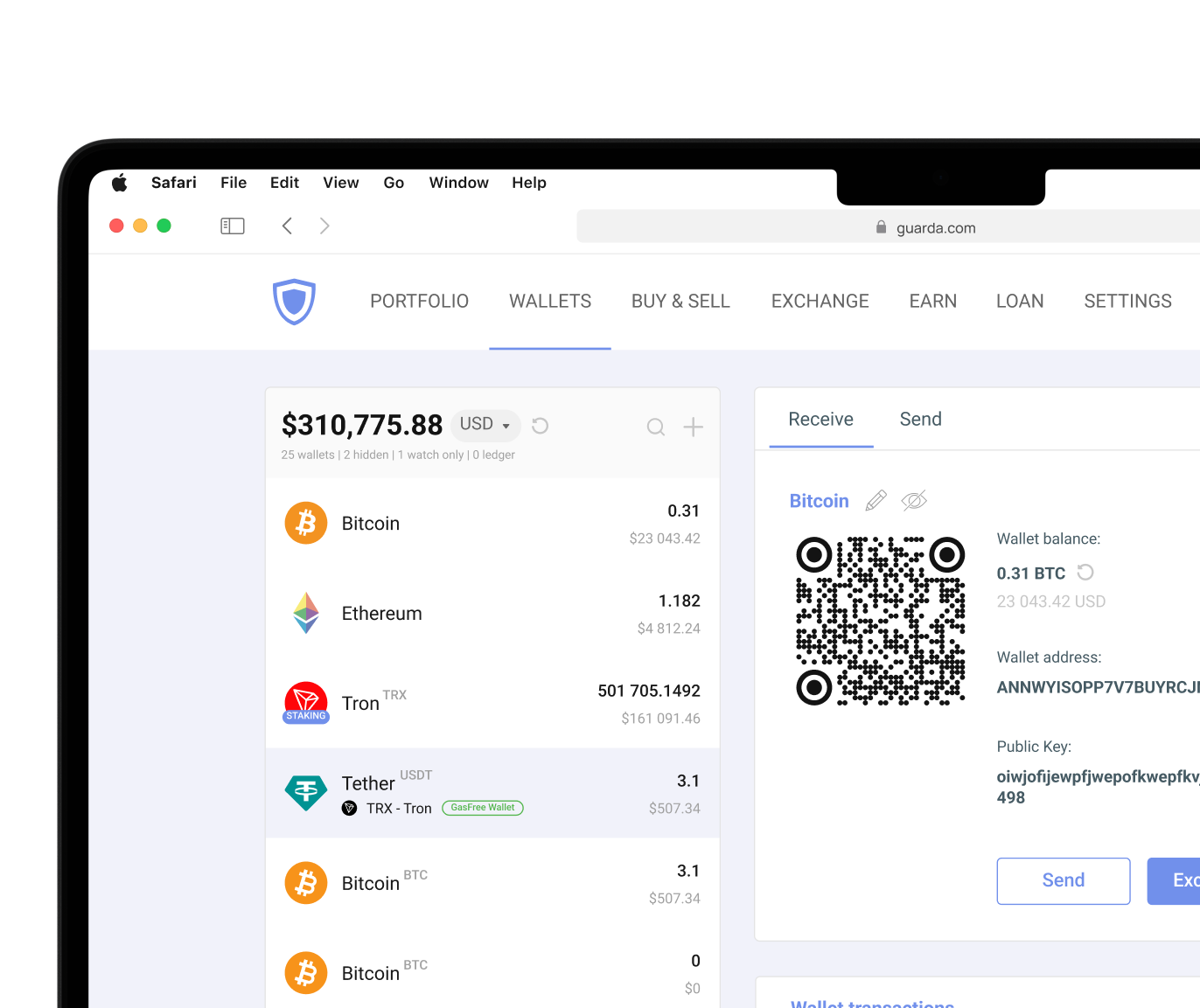
Guarda supports both approaches through desktop applications, mobile apps, browser extensions, and web access. This flexibility allows users to manage the same assets and maintain control over their private keys.
When evaluating software wallets, pay attention to:
- Private key ownership
- Security audits and reputation
- Backup and recovery options
- Cross-platform support
- Ease of use
- Multi-currency compatibility
A software wallet remains connected to the internet, so users should pair convenience with strong security habits. Device security, software updates, and phishing awareness are essential to protect LINK.
Hardware Wallets
Unlike software wallets, hardware devices store private keys offline and sign transactions without exposing sensitive credentials to internet-connected environments. This process, often called cold storage, significantly reduces the risk of malware, phishing attacks, and compromised devices. Many investors treat hardware wallets like a safe for long-term cryptocurrency savings. Funds are accessible, but you can move them only while holding the device in your hands. But even with a hardware wallet, the seed phrase remains the ultimate backup. If the device becomes damaged or lost, the seed phrase restores wallet access and associated assets.
Ledger is one of the most widely used hardware wallet providers that supports LINK storage. Users who prefer both approaches can connect Ledger devices to Guarda, and pair software wallet functionality with offline private key protection.
Cryptocurrency involves risk. This article is for informational purposes only and does not constitute financial advice. Always conduct your own research before using any wallet or investing in digital assets.




 Google
Chrome
Google
Chrome Brave
Brave