Stellar Wallet Introduction
You can use XLM and Stellar Network with a Stellar wallet. It gives users access to XLM Stellar Lumens (XLM). The XLM wallet protects the private keys that control your funds. The interface connects directly with the blockchain structure that itself processes transactions and asset transfers.
Key management is the most important part of any Stellar wallet. The public key determines the address of a wallet where people send funds. The address is not sensitive information and is safe to share with anyone. A private key gives full access to those funds and must stay close to you. If someone gains access to the private key, they can control both the wallet and the XLM associated with it.
A good Stellar wallet protects private keys via encryption or offline storage and connects to the Stellar Network smoothly. The wallet is the main access point to Stellar for everyday users, traders, and businesses, so it should help them to manage XLM without unnecessary complexity.
What is Stellar?
Stellar is a blockchain network for fast, low-cost financial transfers. It is mainly aimed at borderless payments, tokenization, and improving access to financial services. Stellar doesn't just think of itself as a cryptocurrency network. Rather, it is more like infrastructure that moves value between people, businesses, and financial services. It's practical if you need quick transfers rather than extended settlement times.
XLM or Stellar Lumens is the native asset of the Stellar Network. It contributes to the power of transactions, supports account activity, and helps to keep network operations running smoothly. As XLM runs directly on Stellar, a user needs a wallet that can connect to the network and properly manage assets on Stellar. As the network continues to expand, Stellar remains focused on efficient payments, financial inclusion, and accessible blockchain-based solutions for moving and managing digital value.
How Stellar Wallets Work with the XLM Network
A Stellar wallet works through cryptographic keys. The public key and the wallet address are very similar in nature. In Stellar, the public key functions as the wallet address that receives funds. You can share it with everyone who wants to send you XLM or another Stellar-based asset. The private key has the power of your own signature. It signs transactions and proves that you control the funds connected to that address.
When you send XLM, the wallet creates and signs the transaction with your private key. Then it sends that transaction to the Stellar Network for validation. The network checks whether the transaction is valid and records the result on the blockchain.
This process happens quickly from the user's side, but the logic underneath a wallet is based on several layers of encryption and verification. As long as you keep your private key safe, your funds will be in your hands.
Types of Stellar Wallets: Finding Your Perfect Match
Stellar wallets come in multiple formats to make the product the most convenient for common use cases. Some users prefer to manage crypto from a phone. Others seek stronger protection of their long-term XLM storage. Some prefer desktop tools for managing complicated portfolios on a bigger screen.
| Wallet Type |
Security Level |
Convenience |
Cost |
Best For |
| Hardware Wallet |
Very High |
Medium |
Paid |
Long-term XLM storage |
| Mobile Wallet |
High |
Very High |
Free |
Daily payments and quick access |
| Desktop Wallet |
High |
High |
Free |
Portfolio management |
| Web Wallet |
Medium |
High |
Free |
Quick access |
| Browser Extension |
Medium-High |
High |
Free |
Web access and app interaction |
Hardware wallets and software wallets are the two main categories that users face. Software wallets include mobile, desktop, web, and browser-based options. They usually provide easier access and day-to-day management. Hardware wallets are more like pro-level tools. They are physical devices that keep private keys offline.
The better choice depends on how you use XLM. Frequent payments usually fit software wallets better. But if you are going for long-term savings, you'll often benefit from hardware wallet protection.
Custodial vs. Non-custodial Wallets
Custody is a big thing in crypto. It determines who controls the private keys—and coins.
A non-custodial Stellar wallet gives you direct rights to your own private keys. That means you control the funds, manage the backup, and also take responsibility for security. This model requires better security habits, but your security will depend only on you and not on a third-party accidents that you can't predict or control.
A custodial wallet works as the opposite. A service provider, often an exchange, manages the private keys for the user. The system is close to traditional banking: if something happens, the bank can help you to recover your card but also can freeze your assets or even go bankrupt. Custodial wallets work the same. They can make account recovery easier, but it also means the user depends on that provider. The history faced some big exchange crashes when users' holding basically vanished. When you use a custodial wallet, make sure it has just enough XLM to spend. The rest will be safer in a non-custodial wallet.
Non-custodial wallets:
Pros:
- User controls private keys
- Direct ownership of funds
- Less dependence on third parties
Cons:
- User must protect backups
- Lost private keys can mean lost access
Custodial wallets:
Pros:
- Easier account recovery
- Simple onboarding
- Convenient for trading
Cons:
- Provider controls private keys
- Account access can depend on platform rules
- Higher third-party risk
Mobile Stellar Wallet Apps: Convenience on the Go
Mobile Stellar wallets make the most sense for users who move funds often. A phone is usually nearby, so checking balances, sending XLM, receiving payments, and scanning addresses feels natural.
Software wallets in general provide easy access from everyday devices. Guarda and other mobile wallet options can help users manage XLM from Android or iOS. For a Stellar wallet app, the important checks are simple: private key control, backup options, clean transaction review, and support for the assets you plan to use.
A mobile wallet works well for daily payments and quick transfers. It is less ideal for storing very large balances without additional protection. Since smartphones connect to public networks, install many apps, and travel everywhere, users should protect the device with strong screen locks, updates, and careful download habits.
Top mobile wallet features for Stellar:
- XLM balance tracking
- Easy sending and receiving
- QR code support
- Backup and recovery options
- Non-custodial private key control
Hardware Wallets: Maximum Security for Your XLM
A hardware wallet is a type of XLM wallet that provides cold storage for XLM by keeping private keys offline. This makes a tool highly secure for your holdings compared with wallets that run on internet-connected devices.
A hardware wallet requires physical confirmation before transactions. The extra step can feel slower, but it protects funds from many online threats. Malware, phishing pages, and compromised browsers have a much harder time reaching private keys stored on a separate device. Hardware wallets are not necessary for every user, but when you have long-term holdings, they are rather convenient for that purpose.
Pros:
- Private keys stay offline
- Strong protection from online attacks
- Physical confirmation for transactions
- Good for long-term storage
Cons:
- Requires purchase
- Less convenient for daily transfers
- Device must be available when signing transactions
Ledger is one of the most common hardware wallet options for users who want stronger Stellar wallet security. It can be useful for long-term holdings, larger balances, or users who do not need to move XLM frequently.
Desktop and Web Wallets: Accessibility vs. Security
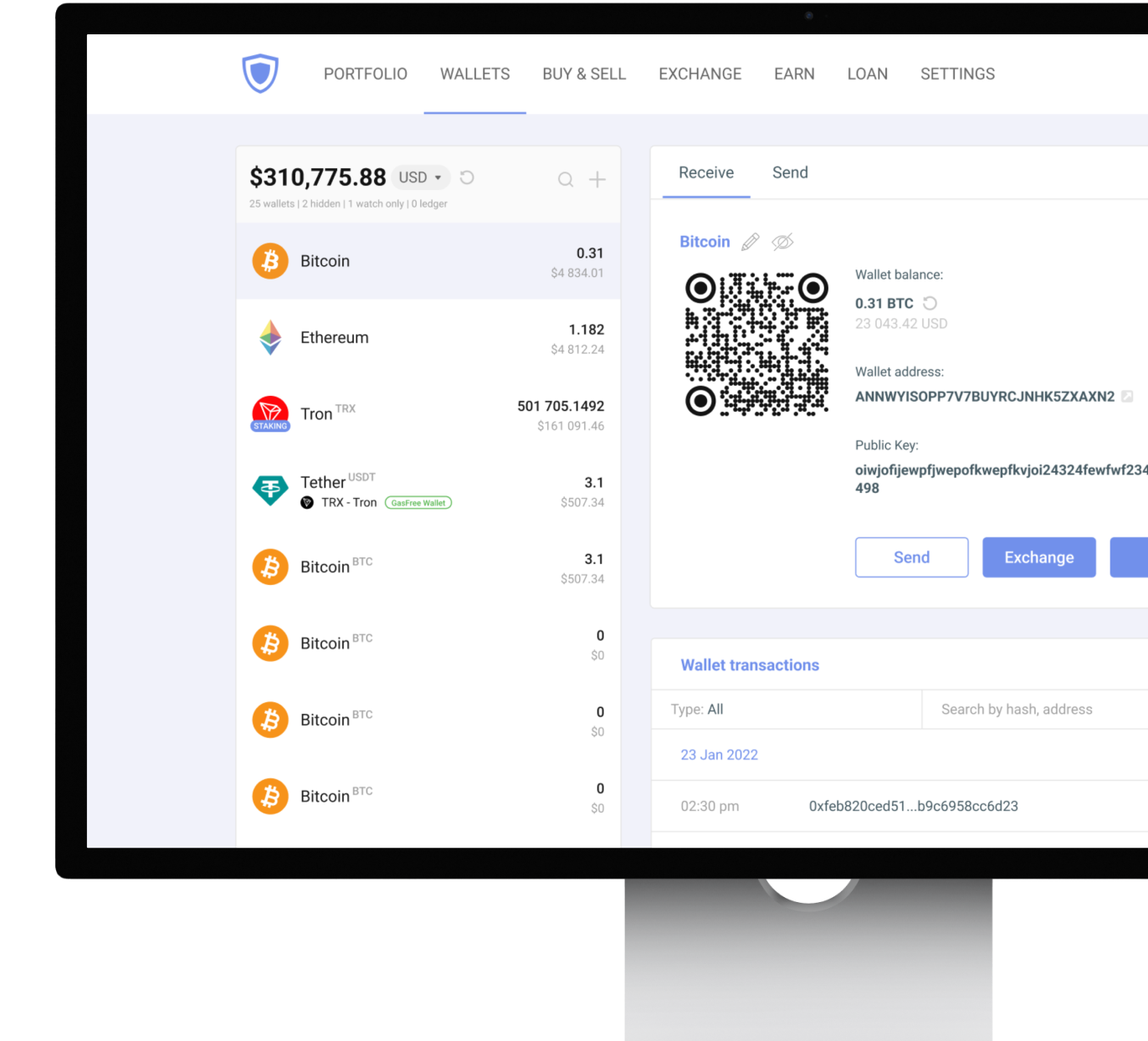
A desktop Stellar wallet is also a software one that gives users more room to review transactions, manage several assets, and work from a controlled device. This format fits well when you prefer a larger interface and manage XLM as part of a broader portfolio.
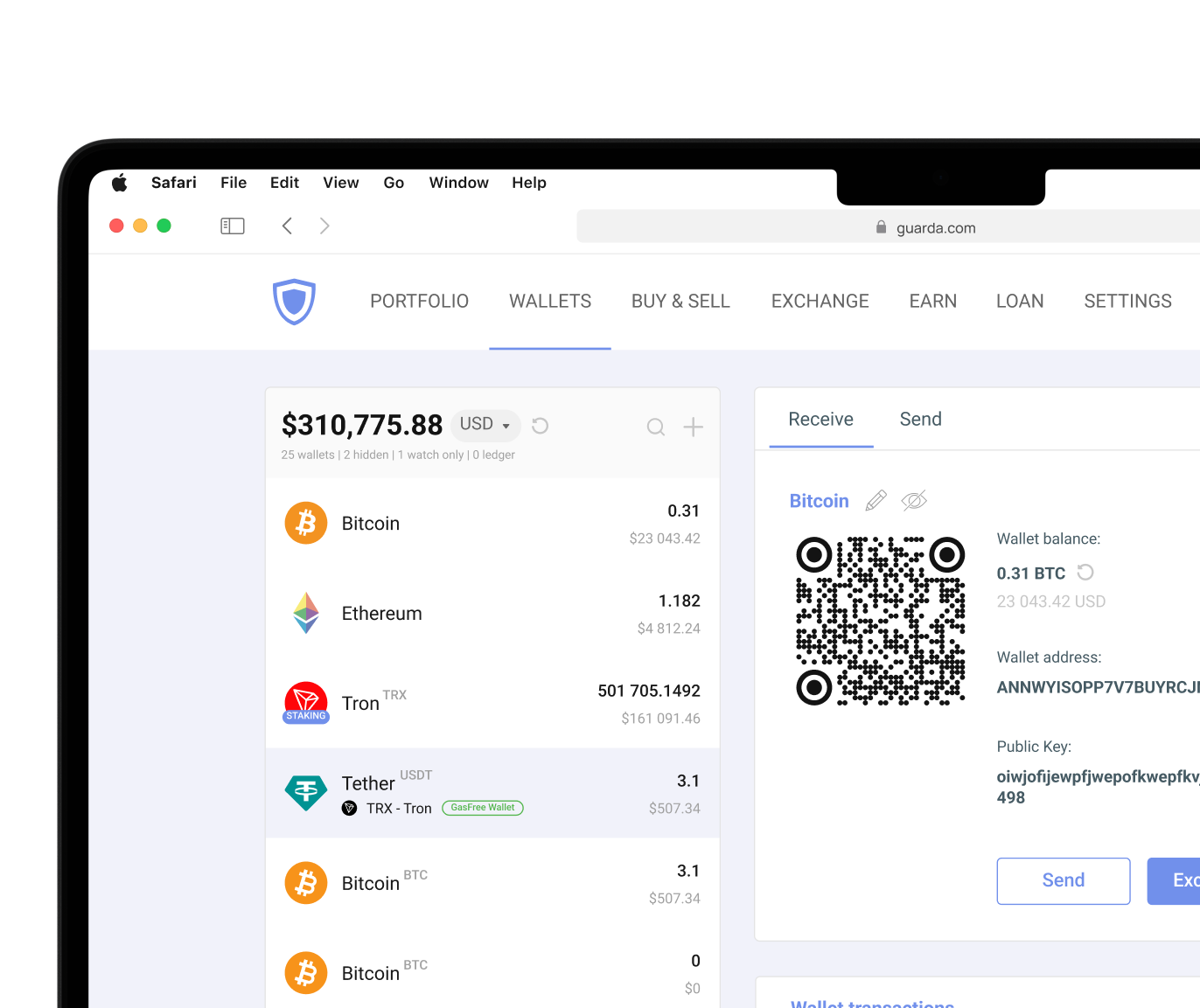
Web wallets focus on access. They can be convenient when users need to open a wallet quickly from a browser, but they also require stronger caution. Some web wallets are custodial, which means the provider controls the private keys. So security measures vary by wallet type.
A desktop wallet will be safer if the computer is protected and software comes from an official source. A web wallet can be useful for small amounts or quick access, but it is not the best place for long-term storage unless the setup gives users full private key control, like Guarda does. Guarda Wallet also has desktop and browser extension versions to access all the dApps and blockchains you need while staying in self-custody.
Security tips for web wallets:
- Check the URL before logging in
- Avoid public Wi-Fi for wallet access
- Never enter private keys on unknown pages
- Use strong passwords
- Enable available security features
- Keep only small active balances online
Cryptocurrency involves risk. This article is for informational purposes only and does not constitute financial advice. Always conduct your own research before using any wallet or investing in digital assets.




 Google
Chrome
Google
Chrome Brave
Brave