Dash Wallet Introduction
Dash is a cryptocurrency created for fast digital payments. Since its launch in 2014, the network has introduced features such as InstantSend, PrivateSend, and a treasury-funded governance model that helps support ongoing ecosystem development. To access those features, you need a Dash wallet.
A Dash wallet stores the private keys connected to your cryptocurrency assets and serves as the main tool for interacting with the network. Unlike keeping funds on an exchange, a self-custody wallet gives you direct control over your Dash cryptocurrency and transaction history.
For new users, Dash can be understood as a form of digital currency designed for sending and receiving value online. The wallet is what makes that possible. It manages private keys, supports transactions, and provides access to network features that are unique to Dash.
What is Dash?
Dash is a digital currency focused on fast and practical payments. While many cryptocurrencies concentrate on investment value, Dash has traditionally emphasized usability and payment efficiency.
PrivateSend was one of the features that helped Dash stand out from the crowd of other cryptocurrencies. An optional privacy mechanism makes transaction history more difficult to track using coin mixing. Wallet selection matters, partly because not all Dash wallets support PrivateSend.
The network is also known for InstantSend, a feature that allows transactions to receive confirmation much faster than traditional blockchain transfers. Together, InstantSend and PrivateSend form the feature set that many users associate with Dash. As a result, a Dash wallet does more than store cryptocurrency. Dash wallet gives access to Dash-specific functionality that is unavailable in generic crypto wallets.
Securing Your Dash Wallet
Wallet security is not one button that you put on during setup and then guarantees the outcome. It's a disciplined process that protects assets over time. All Dash wallets depend on private key management. The assets are associated with the wallet. Whoever holds the private keys holds Dash. That means backups, passwords, and device security are just as important as the wallet features themself.
Hardware wallets enhance existing Dash wallet security and your cautious habits. They keep private keys isolated from internet-connected devices. They help prevent many forms of remote hacking attacks and malware. Many users combine a non-custodial Dash wallet with a hardware wallet for an additional security layer.
Security best practices for every wallet:
- Store your recovery phrase offline.
- Never share private keys with anyone.
- Use strong passwords and never reuse them again.
- Enable two-factor authentication whenever available.
- Keep wallet software updated.
- Verify wallet downloads before installation.
- Double-check recipient addresses before sending funds.
- Stay alert to phishing attempts and malware sources.
Dash Wallet Security Checklist:
- Recovery phrase securely backed up
- Password protection enabled
- Two-factor authentication activated
- Software updated regularly
- Device protected from malware
- Backup copies stored safely
- Hardware wallet considered for long-term storage
About Dash's Self-Funding and Governance Model
One of Dash's most unusual characteristics is its governance system. Dash doesn't rely on donations or external organizations. Instead, Dash uses a treasury model funded by the network itself. A portion of block rewards supports ecosystem development, marketing initiatives, infrastructure improvements, and community proposals.
This system is run by a masternode network. Masternode operators also have a say in governance and vote on proposals that will impact the future of Dash. This governance structure has some practical benefits for users. The continuing funding will go towards the development of the network, infrastructure upgrades and wallet innovations over time.
Types of Dash Wallets: Finding Your Perfect Match
There is no single best Dash wallet for every user. Someone making daily payments has different requirements than someone storing funds for the long term.
| Wallet Type |
Security |
Convenience |
Cost |
Best For |
| Hardware Wallet |
Very High |
Medium |
Paid |
Long-term storage |
| Desktop Wallet |
High |
High |
Free |
Asset management |
| Mobile Wallet |
High |
Very High |
Free |
Daily transactions |
| Web Wallet |
Medium |
High |
Free |
Quick access |
| Browser Extension |
Medium-High |
High |
Free |
Fast access and Web3 use |
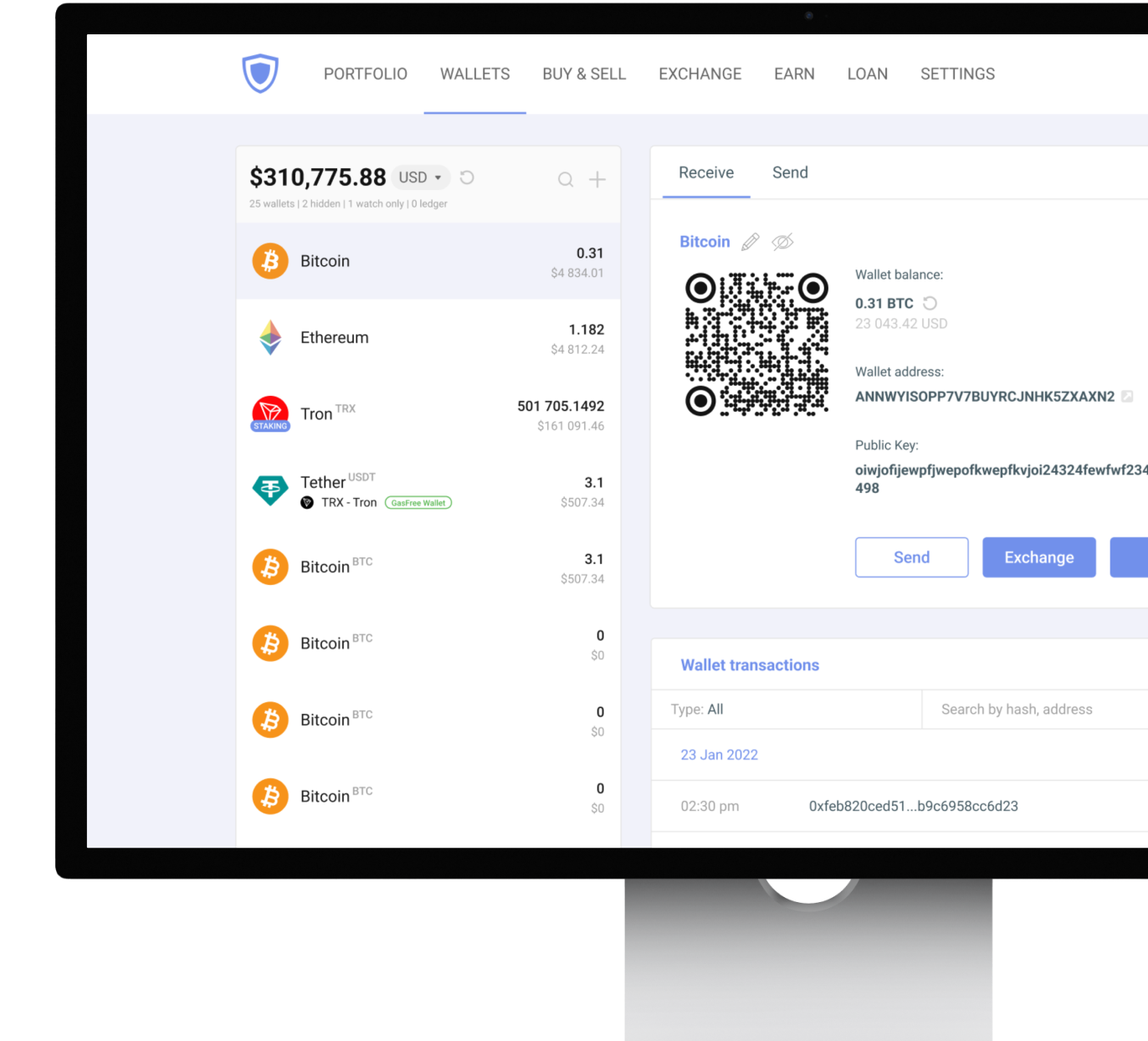
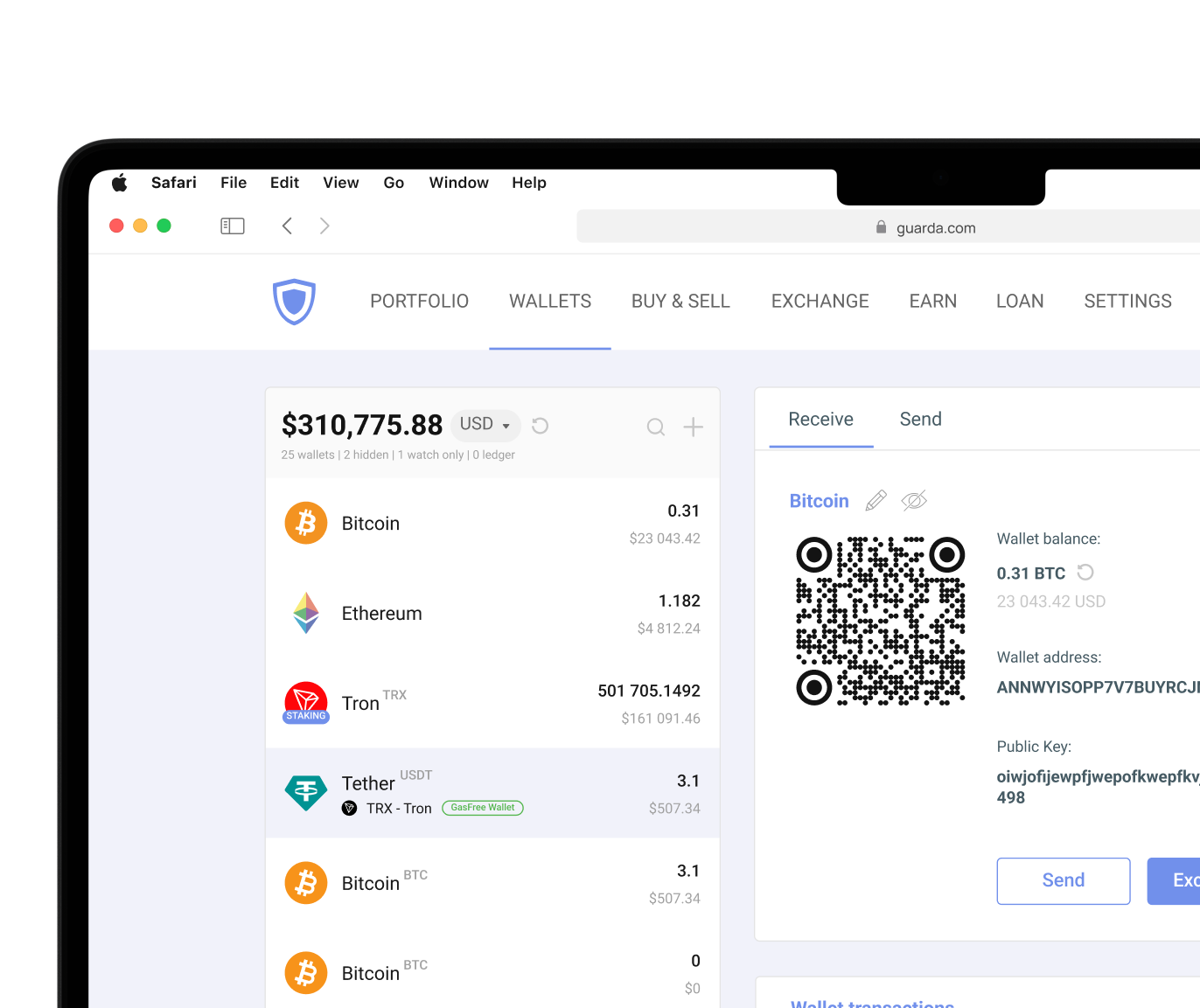
Dash wallets support a variety of platforms and use cases. Hardware wallets focus on security via cold storage. Software wallets prioritize accessibility. Mobile wallets make transactions available anywhere. Desktop wallets provide a larger workspace for managing assets. Guarda supports Dash through desktop and mobile apps, as well as a browser extension, allowing users to access the same wallet ecosystem from multiple devices.
Hardware vs. Software: Security Tradeoffs for Your Dash Assets
Hardware wallets and software wallets approach security differently. Hardware wallets keep private keys offline via cold storage and require physical possession of the device to approve transactions. This significantly reduces exposure to malware and remote hacking attempts.
Advantages of hardware wallets:
- Private keys remain offline
- Strong protection against remote attacks
- Suitable for long-term storage
- Physical confirmation required for transactions
Considerations:
- Additional purchase cost
- Slower access to funds
- Requires device availability
Non-custodial software wallets, such as Guarda, take a different strategy when it comes to security. Instead of isolating private keys on a separate physical device, they store them in an encrypted environment on a computer, smartphone, or browser extension. This makes transactions faster and day-to-day management more convenient, but it also means security depends heavily on the device itself. Malware, phishing attacks, compromised websites, and weak passwords can all create additional risks.
Advantages of software wallets:
- Fast access to funds
- Support for daily transactions
- Easier portfolio management
- Access to Dash-specific features
Considerations:
- Internet-connected environment
- Greater dependence on device security
For many users, a non-custodial software wallet still offers a practical balance between accessibility and protection, especially when combined with strong passwords, secure backups, and good security habits. Hardware wallets strengthen protection for holdings that you want to leave untouched, like if they were in a safe. Devices such as Ledger are often used as an additional security layer alongside software wallets. Guarda supports Ledger integration for you to get the best of both worlds.
Mobile, Desktop, and Web Wallets for Managing Dash
Mobile wallets are designed for everyday use. They make it easy to send Dash, check balances, and receive payments through QR code scanning. Android and iOS applications are often the primary way users interact with cryptocurrency.
Desktop wallets provide a broader management environment. Larger screens, expanded controls, and support for advanced features make them attractive for users who spend more time managing assets. But users interested in InstantSend or PrivateSend should verify that their chosen wallet supports those Dash-specific features before setting it up.
Web wallets focus on accessibility but require greater attention to security. Some web wallets operate through custodial services, meaning the provider controls the private keys on behalf of users. Non-custodial browser wallets offer a different approach. Browser extensions like Guarda keep users in control of their own private keys while providing fast access to wallet functionality directly from the browser.
Cryptocurrency involves risk. This article is for informational purposes only and does not constitute financial advice. Always conduct your own research before using any wallet or investing in digital assets.




 Google
Chrome
Google
Chrome Brave
Brave